1. Folasaga
This manual provides essential information for the safe and effective use of your Urbanista Mini Sleep Earbuds Porto. Please read it thoroughly before using the product and retain it for future reference.

Image 1: Urbanista Mini Sleep Earbuds Porto in their charging case.
2. O a mea oi totonu o le Pusa
- Urbanista Mini Sleep Earbuds Porto (Left and Right)
- Totogi Fua
- USB-C Uaea Fa'atau
- Silicone Ear Tips (Sizes S, M, L)
- Tusi Taiala
3. Seti
3.1 Totogi Muamua
Before first use, place the earbuds in the charging case and connect the case to a power source using the provided USB-C cable. Ensure the case and earbuds are fully charged. The charging indicator lights on the case will provide status.
3.2 Fa'atasiga Bluetooth
- Tatala le pusa o lo'o molia. E otometi lava ona ulufale le taliga i le faiga fa'apa'i.
- I luga o lau masini (smartphone, tablet, etc.), fa'aaga le Bluetooth.
- Select 'Urbanista Porto' from the list of available devices.
- O le taimi lava e feso'ota'i ai, o le a fa'amaonia ai le fa'agasologa o le leo ua manuia le fa'atasi.
For Bluetooth Multipoint, connect the earbuds to the first device, then disconnect. Connect to the second device. Reconnect to the first device. The earbuds will now be connected to both devices simultaneously, allowing seamless switching between audio sources.
4. Fa'atonuga o Galuega
4.1 Pulea Pa'i
The Urbanista Porto earbuds feature intuitive touch controls for managing audio playback, calls, and settings. Refer to the quick start guide for specific tap functions (e.g., single tap for play/pause, double tap for next track).
4.2 Faiga EQ
Customize your listening experience with three Equalizer (EQ) presets: Bass Boost, Treble Boost, and Natural Sound. These can be selected via the touch controls or the Urbanista companion app (if available).
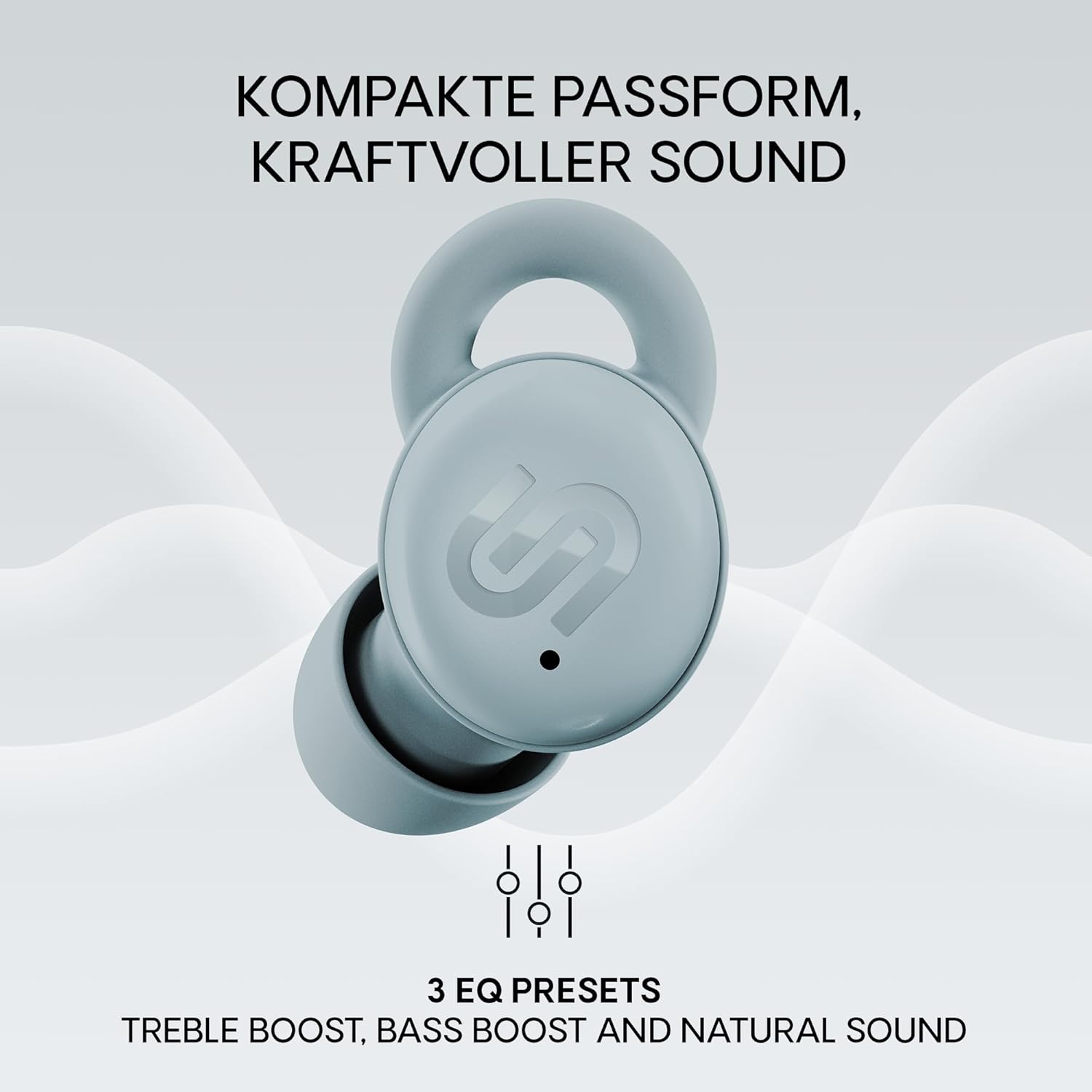
Image 2: Earbud highlighting the three EQ presets for personalized sound.
4.3 Taimi moe
The adjustable sleep timer allows you to set automatic shutdown after 30, 60, or 90 minutes. This feature is designed for a seamless transition to restful sleep without draining the battery, whether you're listening to white noise or an audiobook.

Image 3: User wearing earbuds with a graphic indicating the sleep timer function.
5. Noise Blocking Features
The Porto earbuds are designed to create a peaceful environment through impressive passive noise reduction. They reduce low to mid-frequency noise by up to 20 dB, minimizing common disturbances like distant chatter, air conditioner hum, or rustling curtains.

Image 4: Visual representation of the passive noise reduction capability of the earbuds.
6. Fa'amafanafanaga ma le Talafeagai
The Sleep Porto earbuds are ideal for side sleepers, combining the benefits of Air Wings and a 3D ergonomic design. The soft material ensures pressure-free comfort, even when sleeping on your side. Custom-fit silicone inserts, available in S, M, and L sizes, ensure a secure seal and enhance acoustic isolation for undisturbed sleep in any position.

Image 5: Close-up of an earbud comfortably fitted in an ear.
7. Ola maa ma Totogi
The earbuds offer up to 6 hours of playtime on a single charge, with an additional 21 hours provided by the charging case, totaling 27 hours of playback. The charging case is included for convenient recharging.

Image 6: Earbuds and case illustrating the total battery life.
8. Fa'amatalaga
| Fa'aaliga | Fa'amatalaga |
|---|---|
| Tekonolosi Feso'ota'iga uaealesi | Bluetooth 5.4 |
| Igoa Fa'ata'ita'iga | Porto |
| Tulaga taliga | I-taliga |
| Fa'ailoga Fa'ailoga | I-taliga |
| Pulea Pisa | Le faʻaleaogaina ole pisapisa |
| Tali Faatele | 20 - 20,000 Hz |
| Fa'alavelave | 32 Ohm |
| Ituaiga Pulea | Pulea Pa'i |
| Malosi o le maa (Earbuds) | 6 Itula |
| Aofa'i Malosi o le Ma'a (ma le Pusa) | 27 Itula |
| mamafa | 43 kalama |
| Suavai Tetee Level | Suavai |
| Mea | palasitika |
9. Faʻafitauli
- Leai se leo: Ensure earbuds are charged, paired correctly, and volume is up on both earbuds and device.
- Fa'afitauli Fa'atasi: Place earbuds back in the case, close and reopen. Ensure no other devices are trying to connect. Try forgetting the device on your phone and re-pairing.
- Le fetaui lelei: Experiment with different sizes of silicone ear tips to find the best seal and comfort.
- Fa'afitauli Fa'atonu: Check the USB-C cable and power adapter. Ensure the charging contacts on the earbuds and case are clean and dry.
10. Tausiga
- Fa'amamaina: Regularly clean the earbuds and charging case with a soft, dry cloth. Remove ear tips and clean them with mild soap and water, ensuring they are completely dry before reattaching.
- Teuina: Teu fa'alogo taliga i totonu o le pusa o lo'o molia pe a le fa'aogaina e puipui ai ma fa'aola pea.
- Aloese mai Tulaga Tulaga: Do not expose the earbuds to extreme temperatures, humidity, or liquids.
11. Fa'amaonia ma Lagolago
Your Urbanista Mini Sleep Earbuds Porto are covered by a manufacturer's warranty. For detailed warranty information, product support, or service inquiries, please visit the official Urbanista webnofoaga po'o fa'afeso'ota'i sa'o a latou lagolago fa'atau. Taofi lau fa'amaoniga o le fa'atau mo tagi fa'amaonia.


