Folasaga
Thank you for choosing the Urbanista Valencia Wireless Headphones. This manual provides comprehensive instructions to help you set up, operate, and maintain your headphones, ensuring optimal performance and longevity. Please read this manual carefully before using your device.
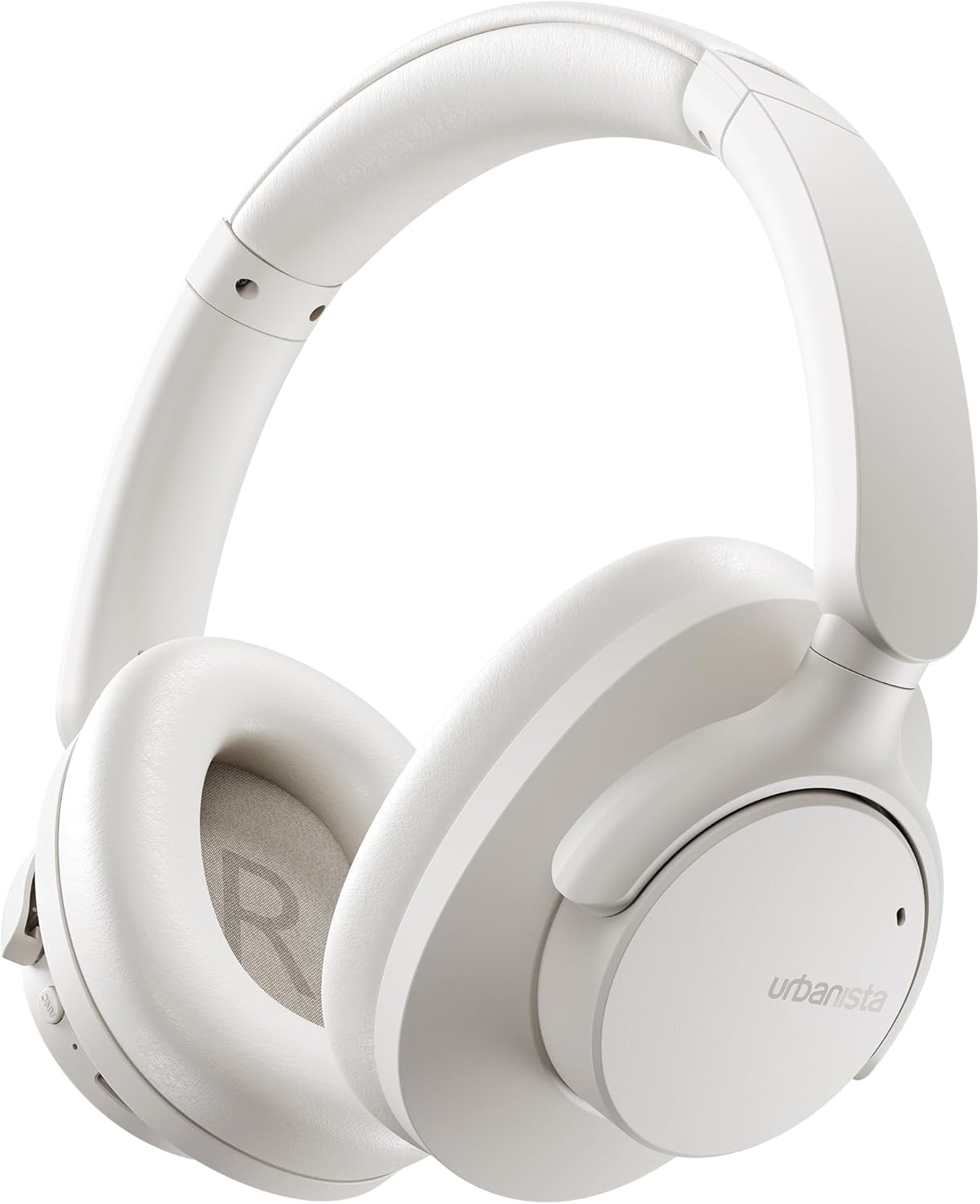
Image: The Urbanista Valencia Wireless Headphones in white, showcasing their sleek over-ear design.
O a mea i totonu o le Pusa
Ia mautinoa o lo'o iai mea uma pe a tatala le pusa:
- Urbanista Valencia Wireless Headphones
- Totogi Fua
- USB-C Charging Cable (not explicitly listed but implied for USB-C charging)
- Tusi Lesona a le Tagata (lenei pepa)
Ua Umaview
Familiarize yourself with the key features and components of your Urbanista Valencia headphones.

Image: A person wearing the Urbanista Valencia headphones, highlighting the Active Noise Cancellation feature. This feature is designed to reduce up to 95% of low-frequency urban noise, such as traffic, engines, and crowds.
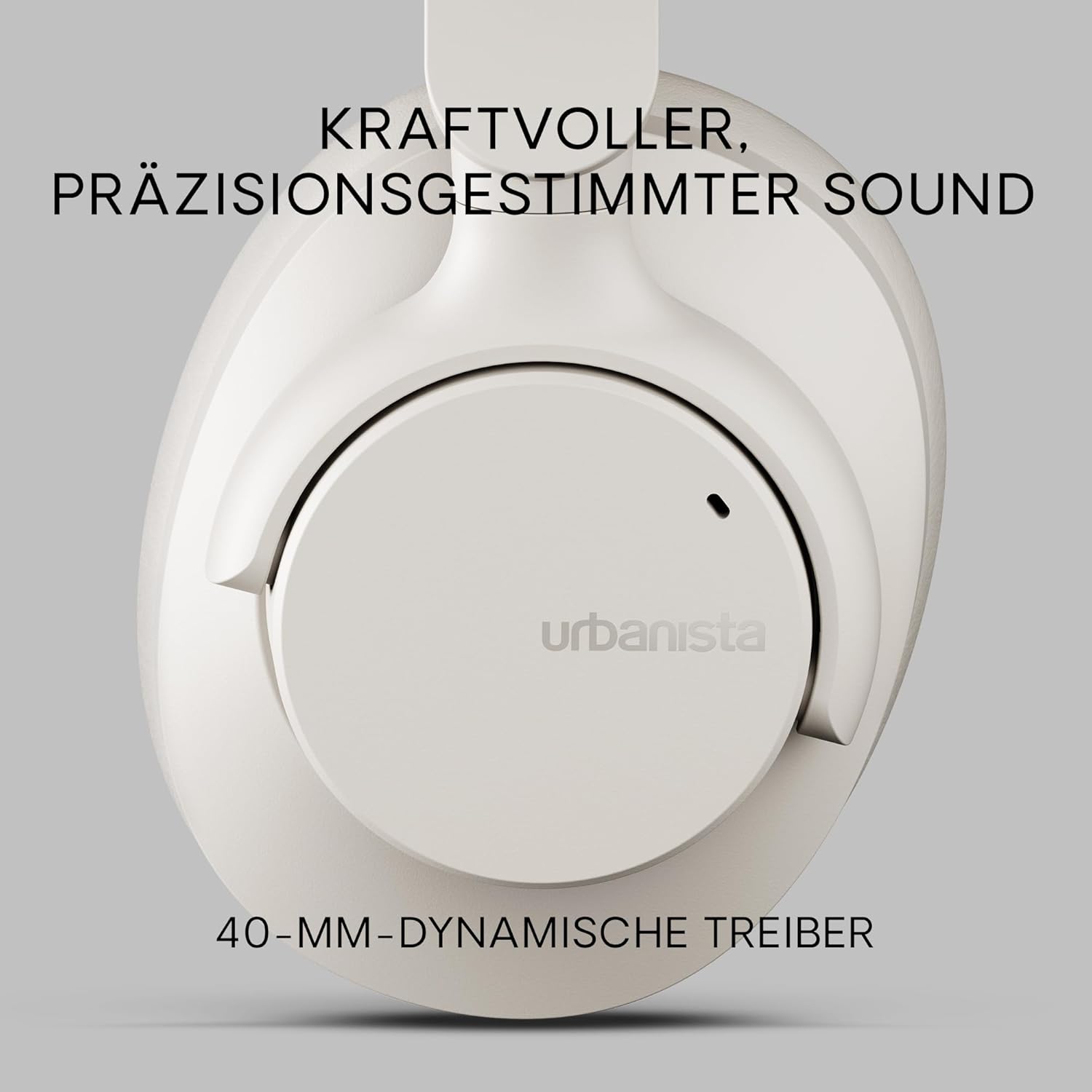
Ata: Se va'aiga view of an Urbanista Valencia earcup, emphasizing the powerful, precision-tuned sound delivered by its 40mm dynamic drivers.

Image: A user wearing the headphones, with icons illustrating key features: noise-cancelling microphones, Bluetooth multipoint connectivity, and crystal-clear call quality.
Seti
1. Totogiina le Headphones
Before first use, fully charge your Urbanista Valencia headphones.
- Fa'afeso'ota'i le uaea fa'atumu USB-C i le uafu fa'atumu i luga o le headphone.
- Connect the other end of the cable to a USB power source (e.g., wall adapter, computer USB port).
- O le faailo o le LED i luga o headphone o le a faʻaalia ai le tulaga o le tauina. E masani ona tape pe suia le lanu pe a uma.
- O le fa'atumuina atoa o le maa e maua ai le tusa ma le 50 itula o le taimi e ta'alo ai.

Image: The Urbanista Valencia headphones, illustrating their impressive 50 hours of playtime and convenient USB-Type-C charging capability.
2. Paʻaga Bluetooth
Pair your headphones with your Bluetooth-enabled device.
- Ia mautinoa o lo'o fa'amuina ma tape le taliga.
- Oomi ma uu le faamau o le mana i luga o le headphone seia emo mai le faailoilo LED, e faailoa mai ai le pairing mode.
- I lau masini (telefonipoto, laupapa, komepiuta), alu i faʻatulagaga Bluetooth ma faʻagaoioia le Bluetooth.
- Select "Urbanista Valencia" from the list of available devices.
- Once connected, the LED indicator will stop flashing or show a solid light.
- The headphones support Bluetooth Multipoint, allowing connection to two devices simultaneously.
Fa'agaioiga
Pulea
The Urbanista Valencia headphones feature intuitive controls for managing audio and calls.
- Ki Malosi: Oomi ma uu mau e ki/tape ai le eletise. Oomi puupuu e ta/taofi ai.
- Volume Up / Leisi Ala: Oomi puupuu mo le leo i luga. Oomi umi mo le isi ala.
- Volume Lalo / Ala Talu: Oomi puupuu mo le leo i lalo. Oomi umi mo le ala muamua.
- ANC faamau: Toggle Active Noise Cancellation on/off.
- Ki Fesoasoani Leo: Activate your device's voice assistant (e.g., Google Assistant).
Faʻamamaina Pisa gaioiga (ANC)
The ANC feature reduces ambient noise, providing a more immersive listening experience. Press the dedicated ANC button to activate or deactivate this function.
Fesoasoani leo
Your Urbanista Valencia headphones are compatible with voice assistants like Google Assistant. Press the Voice Assistant button to activate and issue commands to your connected device.
Tausiga
Proper care ensures the longevity and performance of your headphones.
- Fa'amamaina: Use a soft, dry cloth to clean the headphones. Do not use harsh chemicals or abrasive materials.
- Teuina: When not in use, store the headphones in their charging case or a protective pouch to prevent damage. The foldable design allows for compact storage.
- Suavai Tetee: The headphones are water resistant. Avoid submerging them in water or exposing them to heavy rain. Dry thoroughly if they get wet.
- Tausiga maa: For optimal battery life, avoid fully discharging the headphones frequently. Charge them regularly.

Image: The Urbanista Valencia headphones folded, emphasizing their 240-gram lightweight construction and foldable design, which contribute to all-day comfort and portability.
Fa'afitauli
Afai e te feagai ma faʻafitauli, faʻafeiloaʻi i fofo masani nei:
| Fa'afitauli | Fofo |
|---|---|
| E le ola taligalu | Ia mautinoa ua tumu atoa le headphone. Oomi ma uu le faamau o le paoa mo ni nai sekone. |
| E le mafai ona fetaui ma le masini | Ensure headphones are in pairing mode (flashing LED). Turn off and on Bluetooth on your device. Move closer to the device. |
| Leai se leo | Check volume levels on both headphones and connected device. Ensure headphones are correctly paired. Try re-pairing. |
| E le o galue lelei le ANC | Ensure ANC is activated. Check that the earcups form a good seal around your ears. |
Fa'amatalaga
Detailed technical specifications for the Urbanista Valencia Wireless Headphones:
- Igoa Fa'ata'ita'i: Valencia
- Numera Fa'ata'ita'iga: 1040242
- Fa'ailoga: Urbanista
- Lanu: Lanu pa'epa'e
- Fa'ailoga Fa'ailoga: I luga o le taliga
- Tekinolosi Feso'ota'i: Uaealesi (Bluetooth)
- Fa'atekonolosi Feso'ota'iga uaealesi: Bluetooth
- Vaega e aofia ai: Totogi Fua
- Mea: palasitika
- Fa'aoga Fa'apitoa mo Oloa: Entertainment, Fitness, Travel
- Meafaigaluega talafeagai: Meafaigaluega Bluetooth
- Vaega uaea: A leai se Uaea
- Mea mamafa: 246 kalama (8.7 aunese)
- Suavai Tetee Level: Tetee Vai
- Numera o mea: 1
- Pule Ituaiga: Google Fesoasoani
- Mea Fa'apitoa: Lightweight, Microphone Included, Voice Assistant Compatible, Water Resistant, Wireless
- Fua o Mea: 7.28 x 7.28 x 3.15 inisi
- Ma'a: 3 Lithium Ion maa manaʻomia (aofia ai)
Fa'amatalaga Saogalemu
Faamolemole ia matau taiala nei mo le saogalemu:
- Do not expose the headphones to extreme temperatures or direct sunlight for extended periods.
- Avoid listening at high volume levels for prolonged durations to prevent hearing damage.
- Aua ne'i taumafai e fa'a'ese'ese pe sui fa'alogo. O lenei mea o le a fa'aleaogaina ai le saisai ma e ono fa'aleagaina.
- Taofi ese mai tamaiti ma fagafao.
Fa'amaonia ma Lagolago
For warranty information or technical support, please visit the official Urbanista web'upega tafaʻilagi pe faʻafesoʻotaʻi la latou tautua faʻatau. Taofi lau faʻamaoniga o le faʻatau mo soʻo se tagi mo le tusi saisai.

Image: Two individuals wearing Urbanista headphones (black and white models), with a 'Certified Plastic Neutral Product' badge visible, highlighting the brand's commitment to sustainability.


