Folasaga
The Sharp GX-BT290 Crystal Clear Series Portable Bluetooth Speaker is designed to deliver high-quality audio with enhanced bass, offering a robust and portable listening experience. Featuring IP67 waterproof and dustproof capabilities, a long-lasting 14-hour battery, and versatile connectivity options including True Wireless Stereo (TWS) pairing, this speaker is suitable for various environments. It also includes a built-in microphone for hands-free calling and two distinct LED light modes to enhance your audio experience.
O mea o lo'o i totonu
- Sipika Bluetooth a le Sharp GX-BT290
- USB Charging Cable (not explicitly listed but implied for battery charging)
- Tusi Lesona a le Tagata (lenei pepa)
Seti
1. Totogiina o le Fofoga Fetalai
Before first use, fully charge the speaker. Connect the provided USB charging cable to the speaker's charging port and the other end to a compatible USB power adapter (not included) or a computer's USB port. The charging indicator light will illuminate during charging and turn off once fully charged. A full charge provides approximately 14 hours of playtime.
2. Malosi i luga/Pepe
Oomi ma uu le Fa'amau mana located on the control panel until you hear an audible prompt or see the indicator lights activate. To power off, press and hold the Fa'amau mana toe.

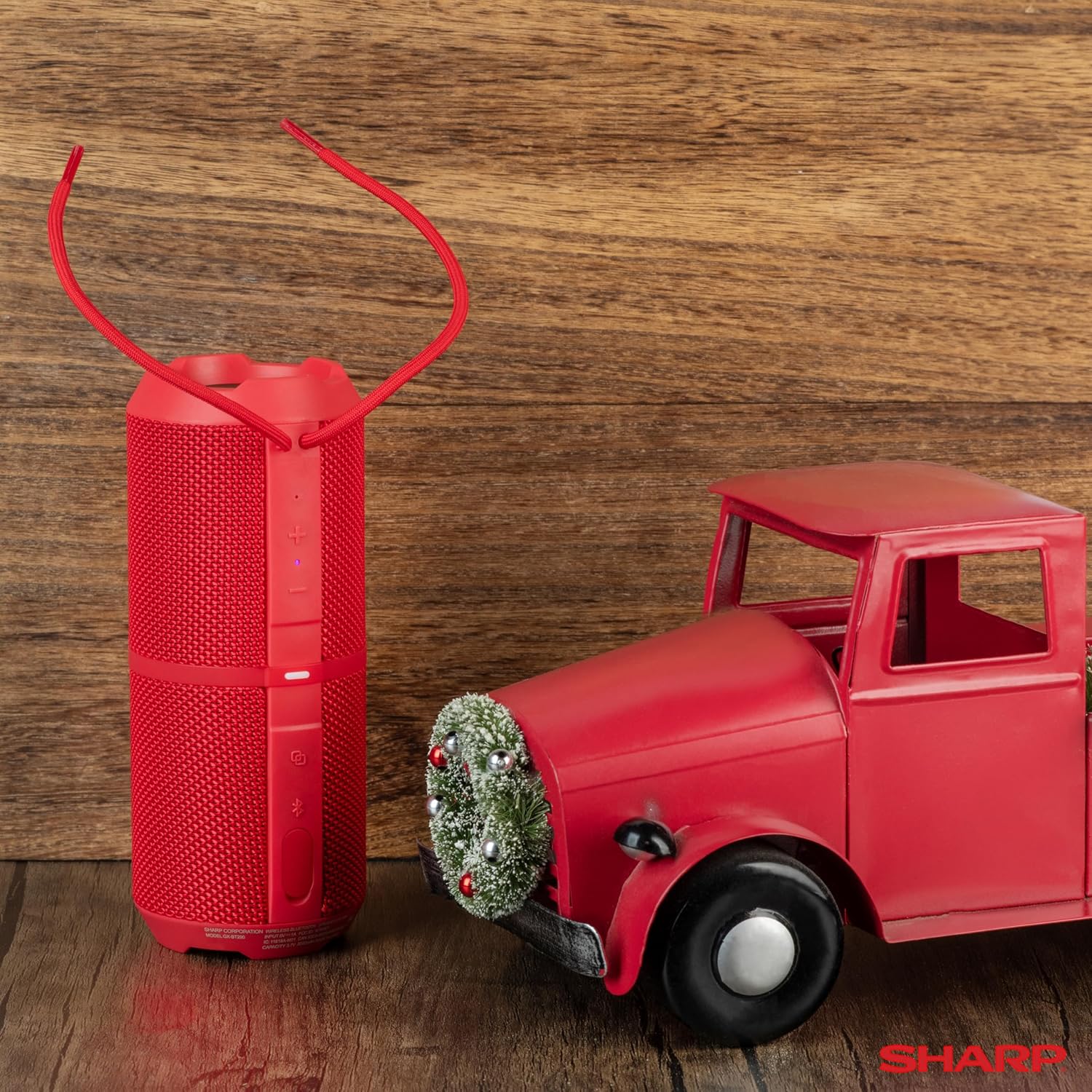
Image: The Sharp GX-BT290 speaker in red, displaying its vertical control panel with power, volume, light mode, and Bluetooth buttons. This view highlights the speaker's cylindrical design and integrated strap.
Fa'atonuga o Galuega
1. Paʻaga Bluetooth
- Ensure the speaker is powered on and in Bluetooth pairing mode (indicated by a flashing blue LED). If not, briefly press the faamau Bluetooth.
- I luga o lau masini (smartphone, tablet, laptop), fa'agaoioi le Bluetooth ma saili mo masini avanoa.
- Select "GX-BT290" from the list of found devices.
- Once connected, the speaker will provide an audible confirmation, and the Bluetooth LED will become solid blue.
2. Fa'aigoa Moni Uaealesi (TWS).
To achieve a stereo sound experience, you can pair two GX-BT290 speakers together:
- Ensure both GX-BT290 speakers are powered on and not connected to any other Bluetooth device.
- I luga o le tasi failauga (o le a avea ma failauga muamua), oomi ma uu le TWS faamau (often integrated with the Bluetooth button or a dedicated button).
- The primary speaker will search for the secondary speaker. Once connected, both speakers will provide an audible confirmation.
- Ia, faʻafesoʻotaʻi lau masini i le failauga muamua e ala i le Bluetooth e pei ona faʻamatalaina i le vaega "Bluetooth Pairing". Ole leo ole a tā ile leo e ala i sipika uma e lua.
3. Audio Playback and Volume Control
- Fa'aaoga le I luga le Volume (+) ma Tu'u le Volume (-) buttons on the speaker to adjust the playback volume.
- Oomi le Ta'alo/Taofi faamau (often integrated with the Power button or a dedicated button) to play or pause audio.
- For track navigation, refer to your connected device's controls.
4. Valaauga Sa'oloto
When connected to a smartphone, the speaker's built-in microphone allows for hands-free calls:
- To answer an incoming call, briefly press the Fa'amau valaau (often integrated with the Play/Pause button).
- To end a call, briefly press the Fa'amau valaau toe.
- Ina ia teena se valaʻau sau, fetaomi ma uu le Fa'amau valaau.
5. Fa'ata'ita'iga moli ta'ita'i
The speaker features two LED light modes. Briefly press the Fa'amau Fa'ailoga Malamalama (often indicated by a lightbulb icon) to cycle through the available light effects or to turn them off.
Ata: Se pa view of the Sharp GX-BT290 speaker, illustrating its unique cylinder design, DSP technology, and the precision dual drivers responsible for exceptional depth and clarity in sound.
Tausiga
Fa'amamaina
Wipe the speaker with a soft, dry, or slightly damp ie. Aua le fa'aaogaina ni mea fa'amama fa'amama, 'ava malosi, po'o ni vaila'au fa'amama, aua e ono fa'aleagaina ai le fogā'ele'ele.
Suvai ma le pefu (IP67)
The GX-BT290 is rated IP67, meaning it is protected from dust ingress and can withstand immersion in water up to 1 meter for 30 minutes. Ensure the charging port cover is securely closed before exposing the speaker to water or dust. After exposure to water, dry the speaker thoroughly before charging.

Image: The Sharp GX-BT290 speaker being splashed with water, visually demonstrating its IP67 water and dustproof capabilities. This image emphasizes the speaker's durability for outdoor use.
Teuga
Store the speaker in a cool, dry place away from direct sunlight and extreme temperatures when not in use for extended periods. Avoid storing in environments with high humidity.
Fa'afitauli
| Fa'afitauli | Mafuaaga e ono tupu | Fofo |
|---|---|---|
| E le ola le Fofoga Fetalai | Ma'a maualalo; Ua le oomi sa'o le ki o le Malosi | Totogi le failauga; Oomi ma uu le faamau Malosi mo ni nai sekone |
| Leai se leo | Volume too low; Not paired; Device volume low | Increase speaker volume; Ensure successful Bluetooth pairing; Increase volume on connected device |
| E le mafai ona fetaui ma le masini | E le o iai le sipika i le pairing mode; Ua tape le Bluetooth o le masini; Ua mamao tele mai le sipika | Ensure speaker is flashing blue LED; Turn on device Bluetooth; Move device closer to speaker (within 33 feet) |
| Ua le manuia le paʻaga a le TWS | Speakers already paired to other devices; Too far apart | Disconnect speakers from other devices; Ensure speakers are close to each other during TWS pairing |
| Le lelei leo | Interference; Device too far; Low battery | Move away from other wireless devices; Move device closer; Charge the speaker |
Fa'amatalaga
| Fa'aaliga | Fa'amatalaga |
|---|---|
| Igoa Fa'ata'ita'iga | GX-BT290(R) |
| Ituaiga Fofoga Fetalai | I fafo |
| Fa'apitoa Fa'apitoa | Fa'amalosi le leo o le Bass, Maikolofoni ua fausia i totonu, Tete'e i le pefu, Moli LED, Mama |
| Tekinolosi Feso'ota'i | Bluetooth |
| Uaealesi tulaga | Up to 33 Feet (10 meters) |
| Malosiaga | 32W Max Power (16W RMS) |
| Suavai Tetee Level | IP67 (Suavai ma le pefu) |
| Ola ma'a | E oʻo i le 14 Itula |
| Punavai Malosi | Malosi le maa (1 maa Lithium Ion e aofia ai) |
| Fua o Mea | 3"D x 7.5"W x 3"H (pe. 7.6cm D x 19cm W x 7.6cm H) |
| Mea mamafa | 16 Ounces (approx. 0.45 kg) |
| Fa'aaofia Vaega | Bluetooth failauga |
| Lanu | Lanu mumu |

Image: A hand holding the Sharp GX-BT290 speaker, demonstrating its compact size and portability. This image provides a sense of scale for the device.
Fa'amaonia ma Lagolago
For warranty information, technical support, or customer service inquiries, please refer to the documentation included with your purchase or visit the official Sharp webnofoaga. Taofi lau fa'amaoniga o le fa'atau mo tagi fa'amaonia.
For further assistance, you may also contact the retailer from whom you purchased the product.


