Folasaga
This manual provides detailed instructions for the setup, operation, and maintenance of your VTech CS2000 DECT Cordless Home Phone. Please read this manual thoroughly before using your new phone to ensure proper functionality and to take full advantage o ona foliga.
The VTech CS2000 is designed for home use, offering reliable long-range communication, essential call management features, and user-friendly design.

Figure 1: VTech CS2000 DECT Cordless Home Phone, showing the handset docked in its base unit.
Seti
O mea o lo'o i totonu
Ia mautinoa o lo'o iai mea uma i lau afifi:
- VTech CS2000 Handset
- VTech CS2000 Base Unit
- Mea Fa'apipi'i Malosiaga mo le Iunite Autu
- Uaea laina telefoni
- Rechargeable NiMH Battery (1 included)
Masini Faʻapipiʻiina ma Totogiina
The VTech CS2000 uses a rechargeable NiMH battery. Proper installation and initial charging are crucial for optimal performance.
- Su'e le vaega o le maa i tua o le telefoni.
- Insert the supplied NiMH battery, ensuring the polarity matches the diagram inside the compartment.
- Tapuni lelei le ufiufi o le vaega o maa.
- Place the handset on the base unit. The charging indicator on the handset should illuminate.
- Allow the handset to charge for at least 16 hours before initial use, even if the display indicates a full charge sooner. This ensures maximum battery capacity.
Fa'afeso'ota'i le Vaega Fa'avae
- Fa'afeso'ota'i le tasi pito o le uaea telefoni i le so'oga TEL LINE i tua o le iunite fa'avae.
- Fa'afeso'ota'i le isi pito o le uaea telefoni i le so'oga telefoni i luga o le puipui.
- Connect the small end of the power adapter to the POWER jack on the back of the base unit.
- Fa'afeso'ota'i le pito lapo'a o le mea fa'apipi'i eletise i totonu o le so'o eletise masani.
- Ia mautinoa o lo'o saogalemu so'oga uma.
Fa'agaoioi lau Telefoni
Faia ma Mauaina Valaau
Fai se Valaau:
- Oomi le TALANOAGA button (green receiver icon) or lift the handset from the base.
- vili le numera telefoni e mana'omia.
- Oomi le I'UGA button (red receiver icon) or place the handset back on the base to end the call.
Mauaina o se Valaau:
A tatagi le telefoni, oomi le TALANOAGA button or lift the handset from the base to answer.
Hands-Free Speakerphone
The VTech CS2000 features a hands-free speakerphone function, allowing you to talk without holding the handset.
- I le taimi o se valaau, fetaomi le FOFOGA FETALAI button (speaker icon).
- Ina ia toe sui i le telefoni, oomi le TALANOAGA toe faamau.
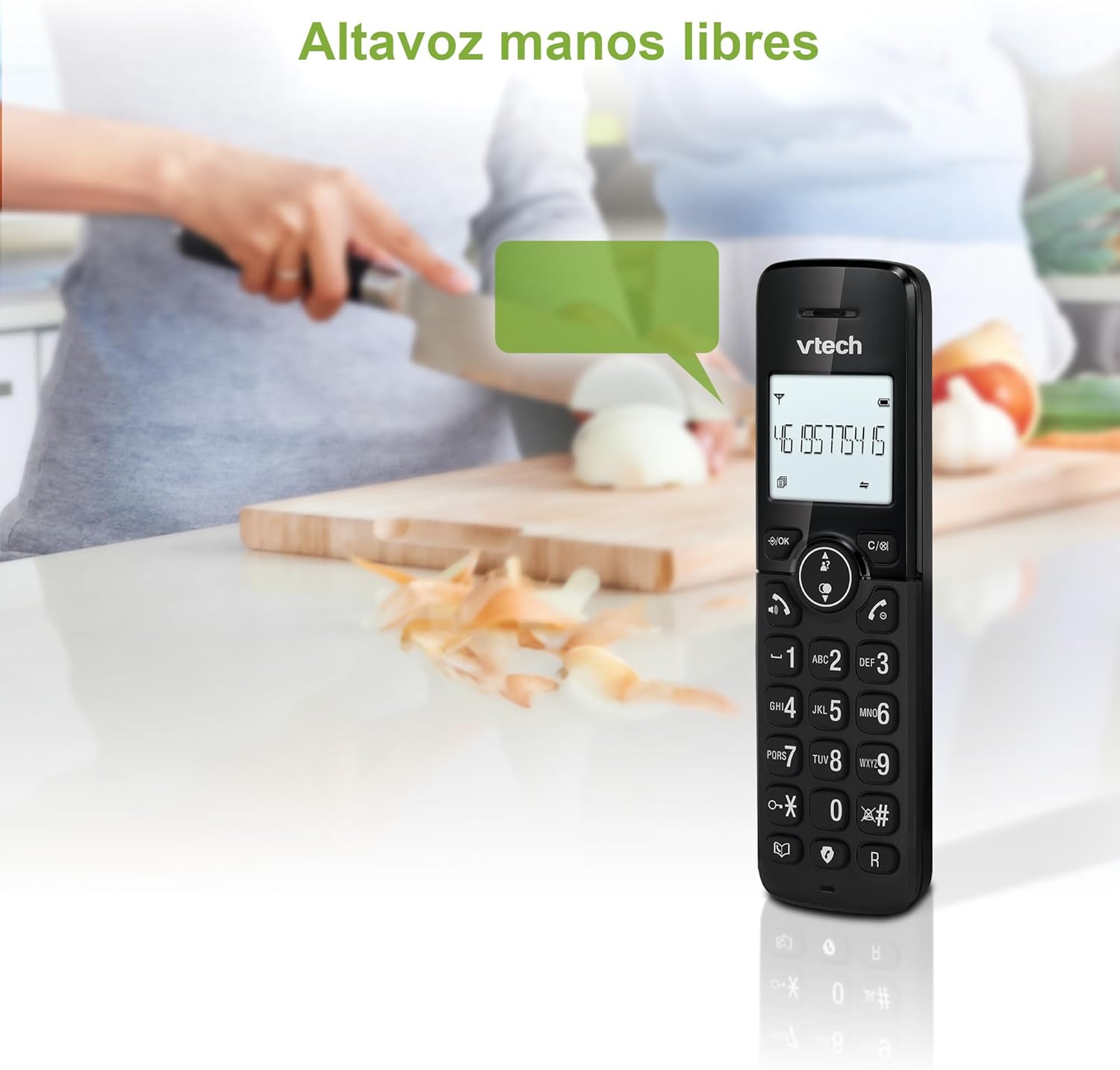
Figure 2: Using the hands-free speakerphone function.
Valaʻauina le poloka
The call blocking feature allows you to prevent unwanted calls. You can block up to 30 numbers.
- To block a number during a call, press the Valaau poloka faamau.
- To add a number to the block list manually, navigate to the Call Block menu in the phone settings.
- Follow the on-screen prompts to add or remove numbers from the block list.
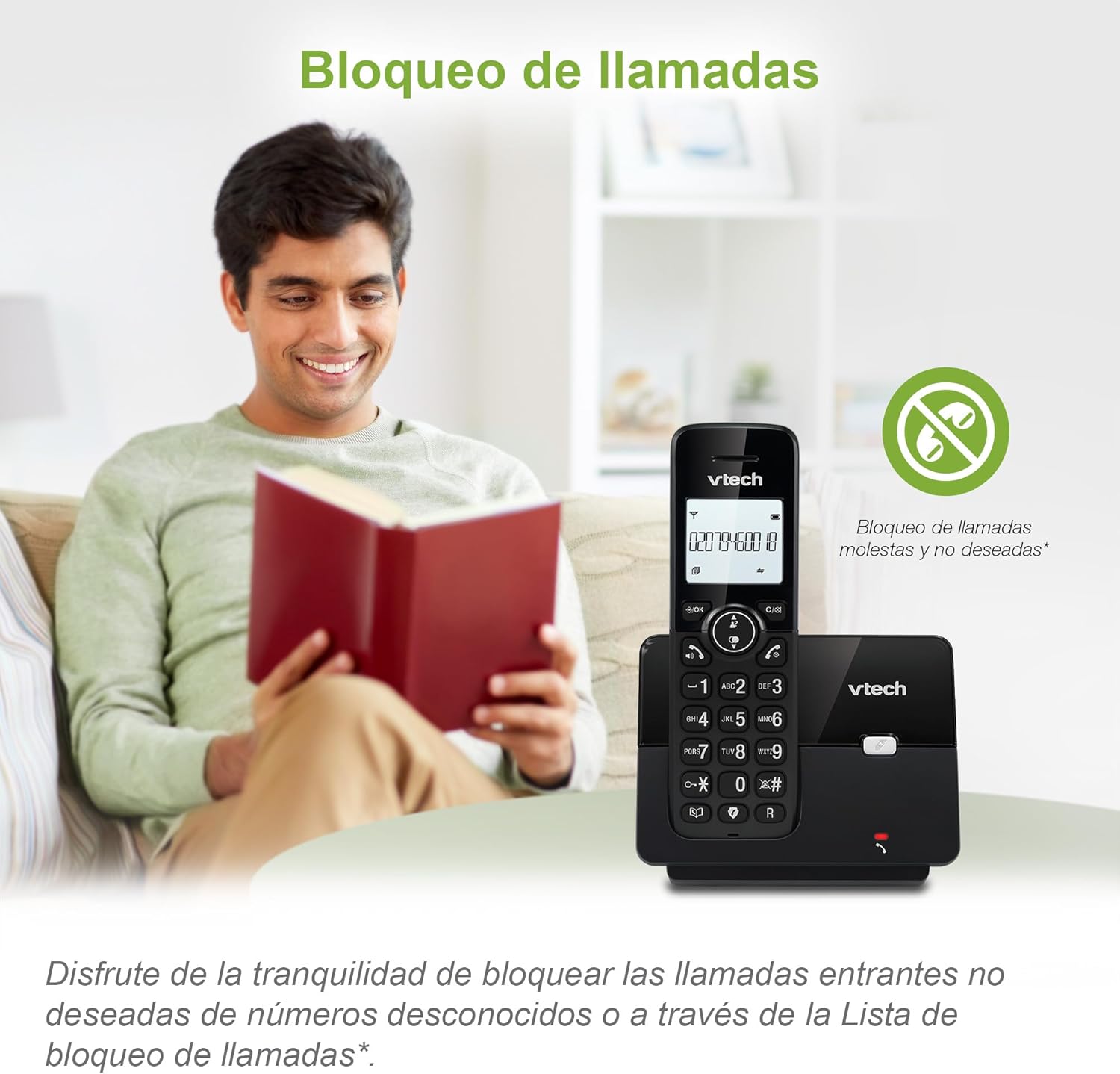
Figure 3: The call blocking feature helps manage unwanted calls.
Phonebook (Directory)
Store up to 30 names and numbers in the phonebook for quick dialing.
- Oomi le MENU / LELEI faamau.
- Navigate to the "Phonebook" or "Directory" option.
- Select "Add New Entry" and follow the prompts to enter the name and number.
- To dial from the phonebook, press the Fa'atonu button and scroll to the desired entry, then press TALANOAGA.

Figure 4: Managing contacts in the phonebook.
Caller ID ma Valaʻau Faʻatali
The phone stores up to 20 caller ID records with name and number (service subscription may be required).
When a new call comes in while you are on another call, the call waiting feature alerts you (service subscription may be required).
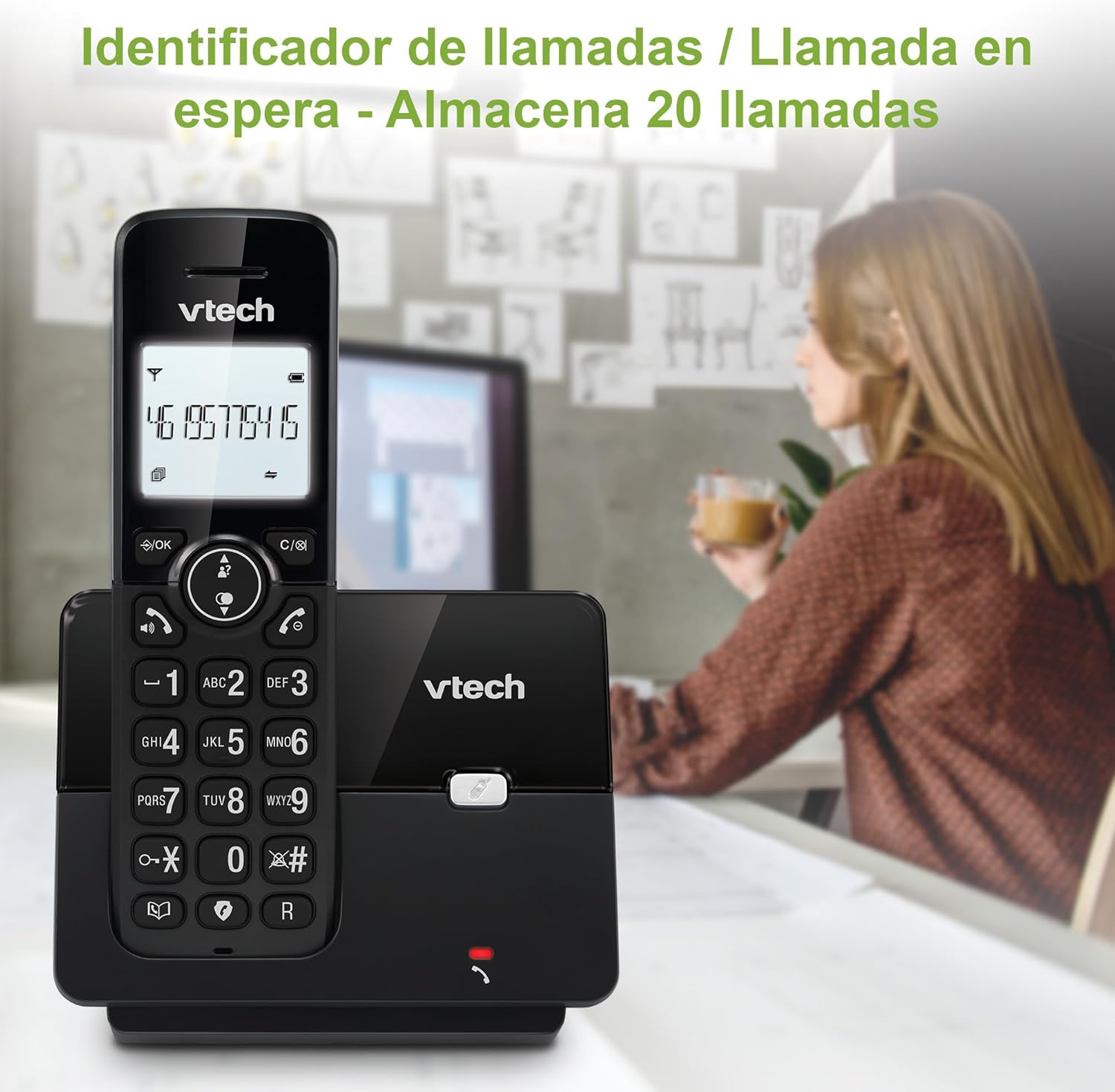
Figure 5: Caller ID display on the handset.
Toe vili Lisi
The phone stores the last 10 dialed numbers for quick redialing.
- Oomi le FAʻAVAE faamau.
- Scroll through the list using the navigation keys.
- Tusitala TALANOAGA to redial the selected number.

Figure 6: Accessing the redial list.
Faʻasao ECO
The ECO mode automatically adjusts the radio frequency power based on the distance between the handset and the base unit, helping to conserve energy.
Adjusting Ring Volume and Melody
You can customize the ring volume and melody of your handset.
- Oomi le MENU / LELEI faamau.
- Navigate to "Settings" or "Ring Settings".
- Select "Ring Volume" or "Ring Melody" and choose your preference.
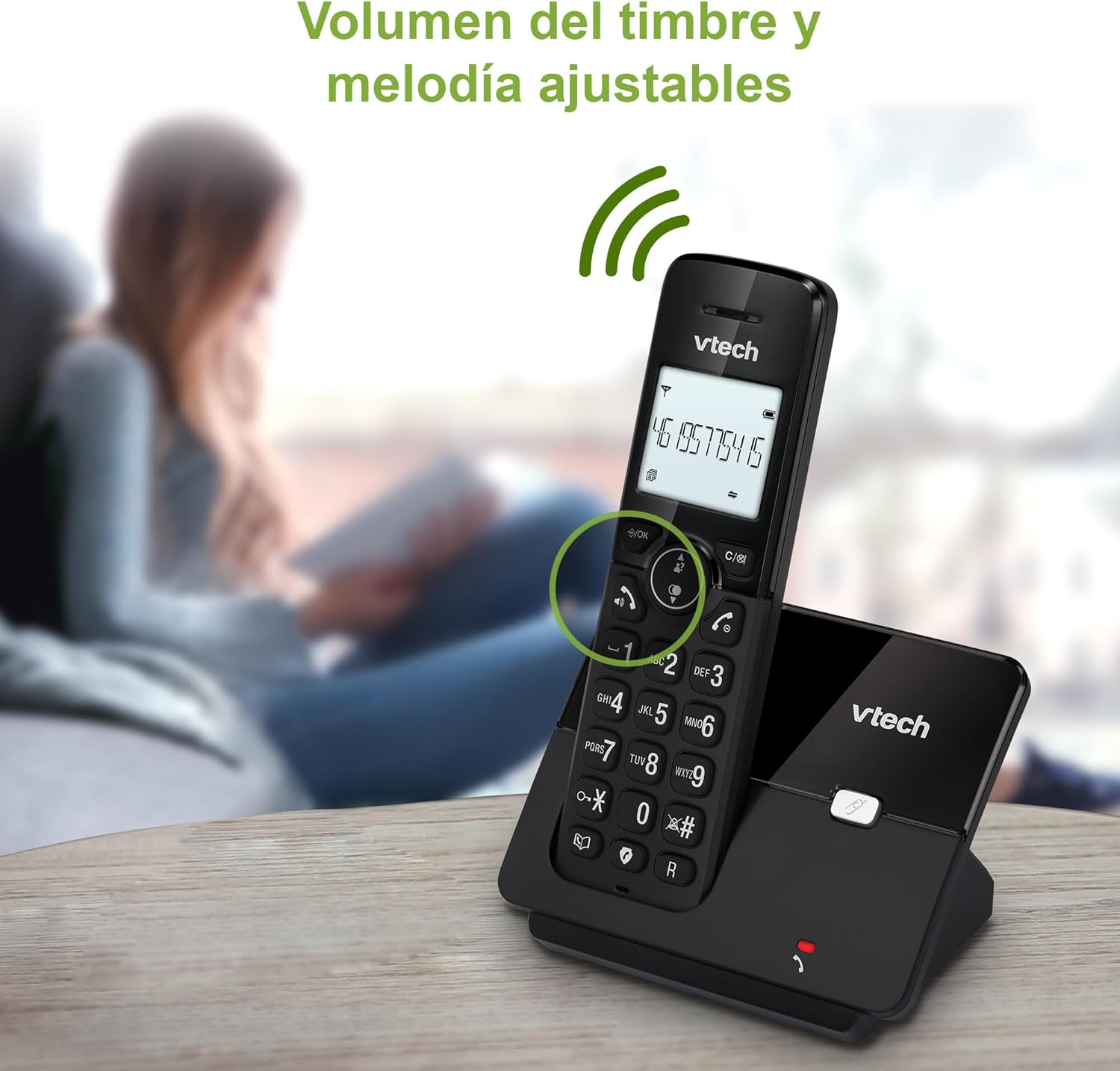
Figure 7: Adjusting ring volume and melody.
Alarm and Silence Function
The phone includes an alarm function and a silence mode for convenience.
- To set an alarm, navigate to the "Alarm" option in the menu and follow the prompts.
- To activate silence mode, typically press and hold the FILEMU button or access the "Silence" option in the settings.

Figure 8: Alarm and silence functions.
Faʻaaliga Backlit
The 1.8-inch backlit display provides clear visibility, especially in low-light conditions.

Figure 9: The 1.8-inch backlit display for clear viewing.
Long Range Capability
The VTech CS2000 utilizes DECT technology to provide a stable operating range of up to 300 meters outdoors, ensuring clear communication throughout your home and property.

Figure 10: The phone offers reliable long-range coverage.
Tausiga
Fa'amamaina
Fa'amamā le telefoni ma le iunite fa'avae i se vai vaivai.amp cloth. Do not use cleaning sprays or abrasive cleaners, as they can damage the finish or electrical components.
Tausiga maa
- Only use the supplied rechargeable NiMH battery or an approved replacement.
- Afai o le a le fa'aogaina le telefoni mo se vaitaimi umi, aveese le maa e puipuia ai le tafe.
- Lafoa'i lelei maa e tusa ai ma tulafono a le lotoifale.
Fa'afitauli
If you experience issues with your VTech CS2000 phone, try the following solutions:
| Fa'afitauli | Fofo |
|---|---|
| Leai se leo vili. | Ensure the telephone line cord is securely connected to both the base unit and the wall jack. Check if the power adapter is properly connected and plugged into a working outlet. |
| E le totogia le telefoni. | Ensure the handset is correctly placed on the base unit. Clean the charging contacts on both the handset and base unit with a dry cloth. Verify the power adapter is connected. |
| Le lelei le leo po'o le tumau. | Move closer to the base unit. Ensure there are no large metal objects or other electronic devices interfering with the signal. Check for loose telephone line connections. |
| E le mafai ona fai pe talia ni telefoni. | Check if the phone line is active. Ensure the handset is registered to the base unit (refer to the full manual for registration steps if needed). Temporarily unplug the base unit's power adapter, wait a few seconds, then plug it back in. |
| E le o fa'aalia le Caller ID. | Ia mautinoa ua e lesitala i le tautua a le Caller ID mai lau kamupani tautua telefoni. |
Fa'amatalaga
| Fa'ailoga | VTech |
| Numera Fa'ata'ita'i | CS2000 |
| Lanu | Lanu uliuli |
| Ituaiga Telefoni | Telefoni DECT leai se uaea |
| Tele lau | 1.8 Inisi |
| Fa'atulagaina o le ma'a | NiMH |
| Numera o maa | 1 (Product Specific - Included) |
| Mea | palasitika |
| Punavai Malosi | Malosi maa |
| Ituaiga vili | Keypad Tasi |
| Tulaga Faiga o Tali | E leai se uaea |
| Mea mamafa | 300 kalama |
| Fa'agaoioi laina tele | Fa'agaioiga Laina Tasi |
| Fa'apitoa Fa'apitoa | Cordless, Call Blocking, Hands-Free Speakerphone, Backlit Display, ECO Mode, Caller ID, Phonebook, Redial |
Fa'amaonia ma Lagolago
For warranty information and technical support, please refer to the documentation included with your purchase or visit the official VTech webnofoaga. Taofi lau lisiti fa'atau e fai ma fa'amaoniga o le fa'atau.
Tufuga: VTECH TELECOMMUNICATIONS LTD
Atunuu na afua mai ai: Saina


