1. Folasaga
This manual provides detailed instructions for the installation, operation, and maintenance of your Bewinner 1080p Car Dash Cam. Please read this manual thoroughly before using the device to ensure proper functionality and safety. This dash cam features a 10-inch IPS touchscreen and dual front and rear cameras for comprehensive vehicle recording.
2. Fa'amatalaga Saogalemu
- Ensure the dash cam is securely mounted and does not obstruct the driver's view pe fa'alavelave i fa'atonuga o ta'avale.
- Do not operate the device while driving. Adjust settings only when the vehicle is safely parked.
- Use only the provided power adapter to prevent damage to the device and vehicle.
- Avoid exposing the device to extreme temperatures, direct sunlight for prolonged periods, or excessive moisture.
- Keep the lens clean for optimal recording quality.
- Regularly back up important video files to prevent loss.
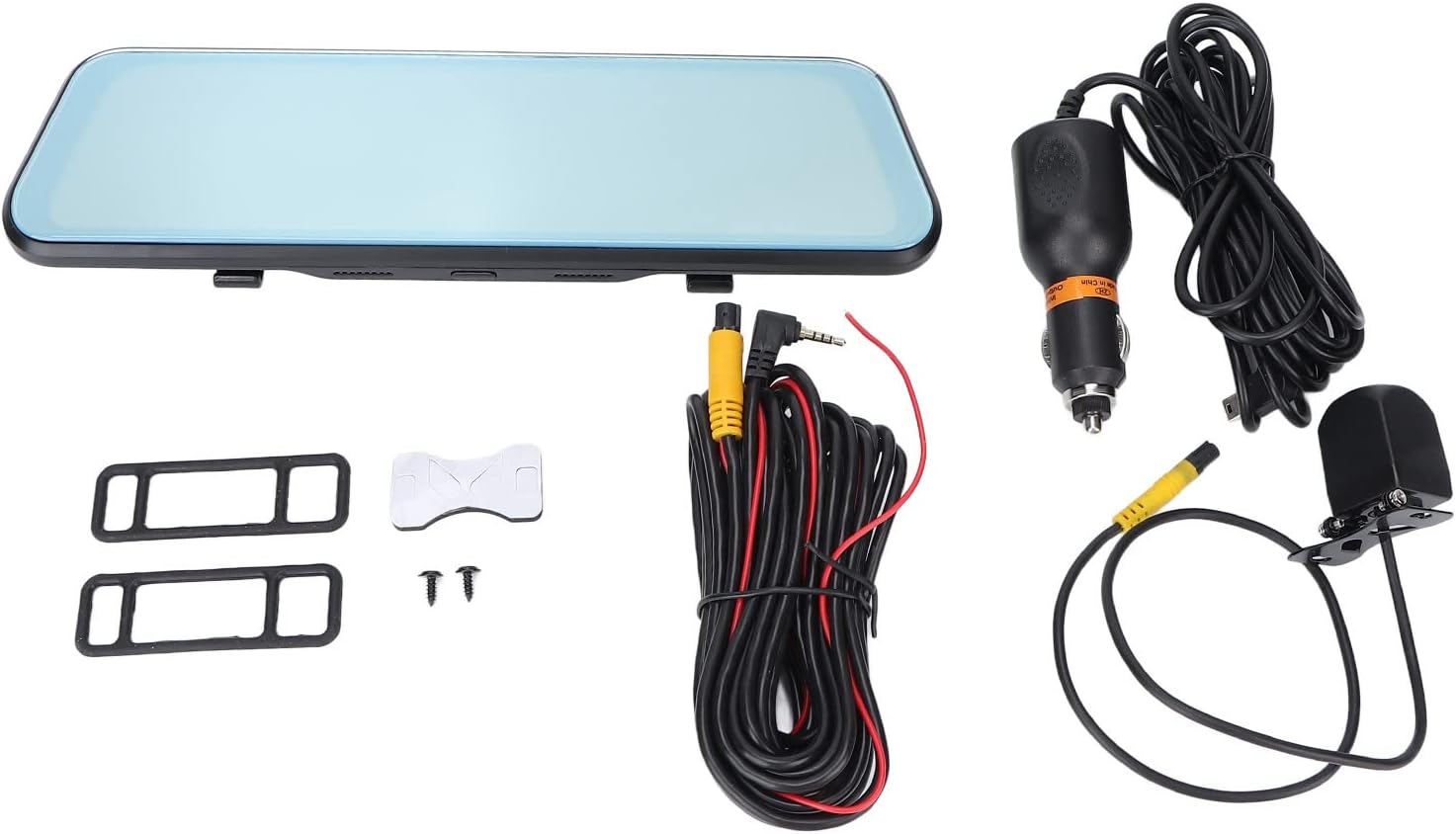
3. Mea i totonu o le afifi
Fa'amaonia o mea uma o lo'o lisiina i lalo o lo'o aofia i lau afifi:
- Bewinner 1080p Car Dash Cam (Main Unit)
- Meapueata Tua
- 2 x Power Cords (Car Charger)
- Tusi Taiala
- Lipine Pipi'i Itulua
- 2 x Siu
- 2 x Mounting Accessories (Rubber Straps)
4. Oloa Ua Ovaview
The Bewinner Dash Cam is designed to provide reliable video recording for your vehicle. It features a large touchscreen display and dual cameras for comprehensive coverage.
4.1 Iunite Autu o le Dash Cam

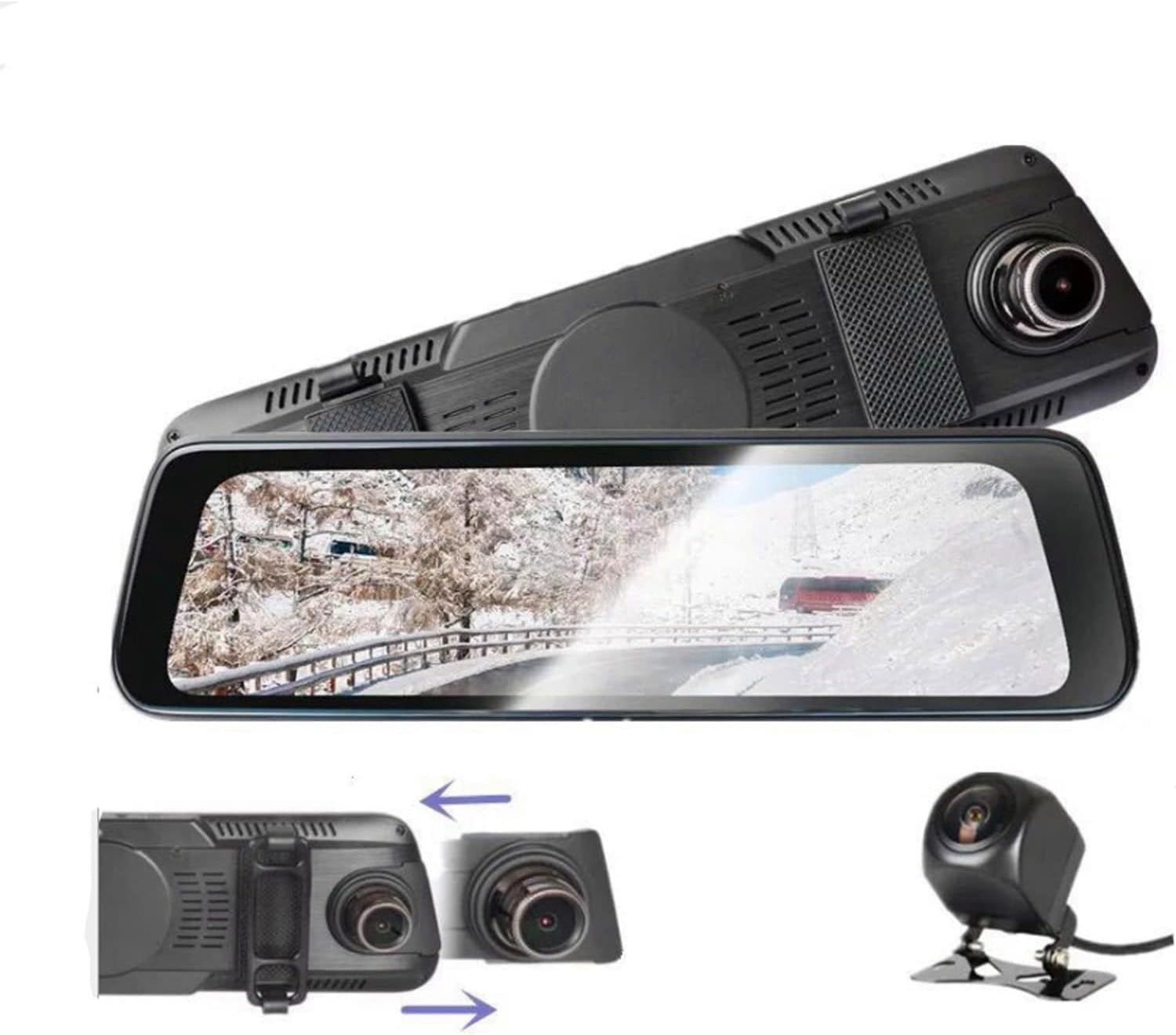
The main unit integrates a 10-inch IPS touchscreen display and the front camera. It is designed to be mounted over your existing rearview fa'ata.

4.2 Meapueata Tua

The rear camera provides a wide-angle view of the area behind your vehicle, enhancing safety and recording capabilities.
5. Seti ma Fa'apipi'i
5.1 Fa'aofiina o se Micro SD Card
Before installation, insert a Class 10 or higher Micro SD card (up to 32GB, not included) into the dash cam's card slot. Ensure the card is inserted correctly until it clicks into place.
5.2 Mounting the Main Dash Cam Unit
- Attach the two rubber straps (mounting accessories) to the back of the main dash cam unit.
- Securely fasten the dash cam over your vehicle's existing rearview mirror using the rubber straps. Ensure it is stable and does not vibrate.
- Adjust the front camera lens angle to capture the desired view o le auala i luma atu.
5.3 Fa'apipi'i le Meapueata Tua
- Choose a suitable location at the rear of your vehicle, typically above the license plate, for the rear camera.
- Use the provided double-sided adhesive tape and screws to securely mount the rear camera.
- Route the rear camera cable to the main dash cam unit. Connect the cable to the designated rear camera input port on the main unit.
- If applicable, connect the red wire of the rear camera cable to your vehicle's reverse light power source for automatic reverse display functionality.
5.4 So'oga Malosi
- Connect one end of the car charger (power cord) to the dash cam's power input port.
- Fa'apipi'i le isi pito o le charger o le ta'avale i le soketi o le mama sikaleti o lau ta'avale.
- The dash cam will automatically power on and begin recording when the vehicle engine starts, and power off when the engine is turned off.

6. Fa'atonuga o Galuega
6.1 Malosi / Malosi
- Otometi: The device powers on and off automatically with the vehicle's ignition.
- Tusi lesona: Press and hold the power button (if available) to manually turn the device on or off.
6.2 Fa'agaoioi le Touchscreen
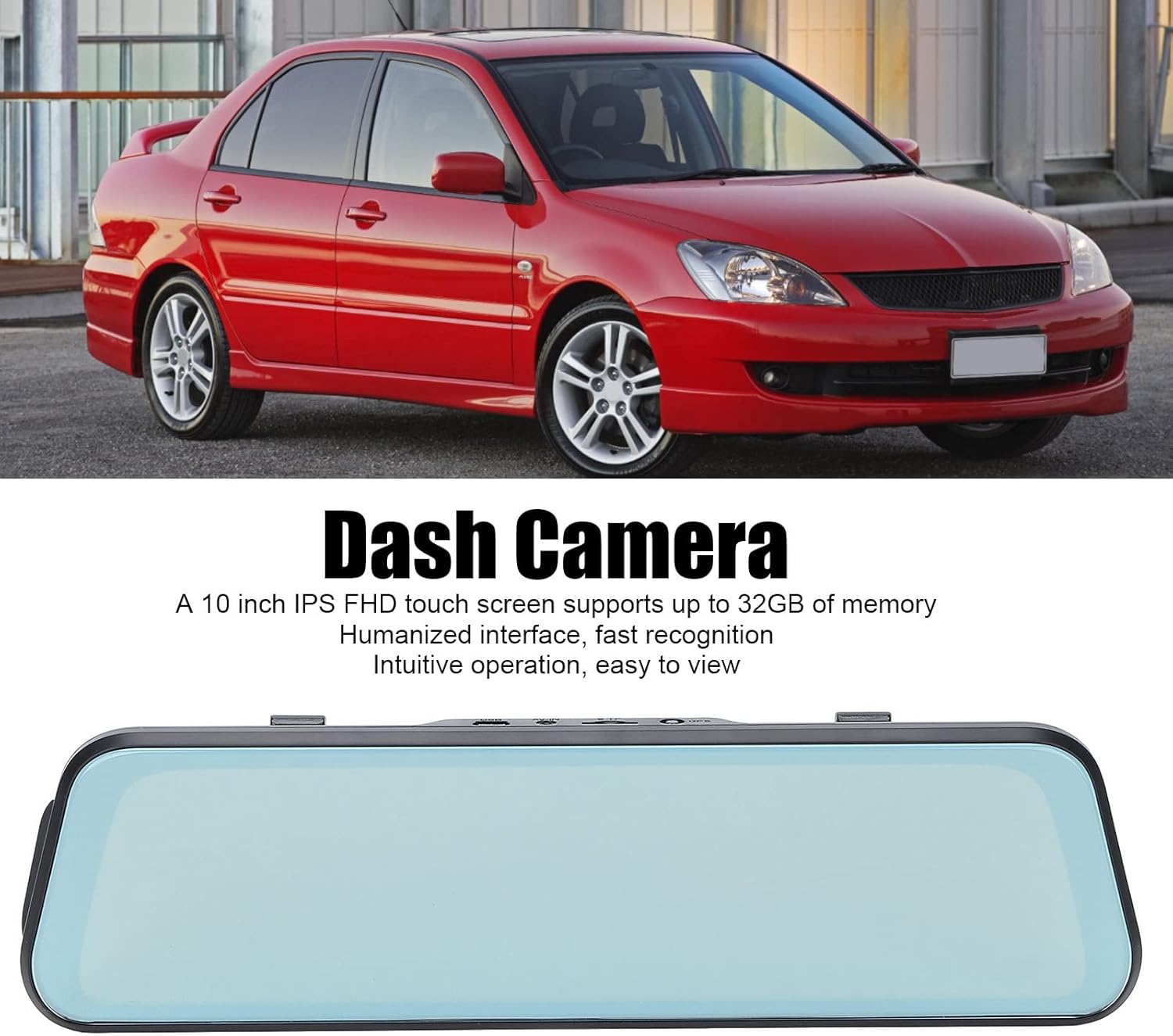
The 10-inch IPS touchscreen allows for intuitive navigation and control. Tap icons to select functions, swipe to navigate menus or switch camera views.
6.3 Faiga Fa'amau
- Fa'amau Fa'amau: Videos are recorded in segments (e.g., 1, 3, or 5 minutes). When the memory card is full, the oldest unlocked files ua toe tusi.
- Faamaumauga Faafuasei (G-Sensor): The built-in G-sensor detects sudden impacts or collisions and automatically locks the current video file ina ia taofia mai le toe tusi.
- Fale Mataitu: When enabled, the dash cam will automatically start recording if it detects a collision or vibration while the vehicle is parked. This feature typically requires a hardwire kit (not included) for continuous power.
6.4 Suia Meapueata Views
On the touchscreen, you can typically swipe left or right, or tap a specific icon, to switch between front camera view, meapueata tua view, or a picture-in-picture display showing both simultaneously.

6.5 Fa'atonu Fa'atonu
Access the settings menu via the touchscreen to configure various options:
- I'uga Vitio: Set recording resolution (e.g., 1080p for both front and rear).
- Ta'amilosaga Ta'amilosaga Umia Fa'amau: Adjust segment length (e.g., 1/3/5 minutes).
- G-Sensor Lagona: Adjust the sensitivity of impact detection.
- Fale Mataitu: Fa'amalo pe tape le vaega lea.
- Aso/Taimi: Seti le aso ma le taimi sa'o mo taimi sa'oamps i luga o lipine.
- Gagana: Select your preferred language (supports Chinese, English, French, Italian, Korean, Russian, Spanish, German, Japanese, etc.).
- Faatulaga SD Card: Format the Micro SD card to ensure optimal performance and clear old data.
7. Tausiga
- Fa'amamaina: Use a soft, dry cloth to clean the dash cam screen and lens. Do not use abrasive cleaners or solvents.
- Tausiga o le Kata SD: Format the Micro SD card regularly (e.g., once a month) to prevent data corruption and ensure smooth recording. Back up any important files a'o le'i fa'atulagaina.
- Teuina: If storing the device for an extended period, remove it from the vehicle and store it in a cool, dry place.
8. Faʻafitauli
| Fa'afitauli | Fofo e ono mafai |
|---|---|
| E le ki le dashboard camera. |
|
| Tu'u pe malolo le pu'eina. |
|
| Le lelei ata vitio. |
|
| Rear camera not displaying. |
|
9. Fa'amatalaga
| Fa'aaliga | Fa'amatalaga |
|---|---|
| Numera Fa'ata'ita'i | Dpofirs37z42emfyt9349 |
| Fa'aaliga Mata | 10-inisi IPS Pi'i Mata |
| I'uga o Meapueata Luma | 1920 x 1080p @ 30fps |
| I'uga o meapueata i tua | 1920 x 1080p @ 30fps (or 1920 x 720p @ 30fps) |
| Front Lens Angle | 170° Matamata Lautele |
| Rear Lens Angle | 140° Matamata Lautele |
| Lagolago Teuteu | Micro SD Card up to 32GB (Class 10 or higher recommended) |
| Malosiaga ma'a | 450 mAh Lithium Battery (built-in) |
| Fa'apitoa Fa'apitoa | Night Vision, Touch Screen, Loop Recording, G-Sensor, Parking Monitor, Time-lapse Recording |
| Gagana Lagolago | Chinese, English, French, Italian, Korean, Russian, Spanish, German, Japanese, etc. |
10. Fa'amaonia ma Lagolago
Bewinner products are designed for reliability and performance. For specific warranty details, please refer to the warranty card included with your purchase or contact Bewinner customer support. If you encounter any issues not covered in this manual, please reach out to our customer service team for assistance.
For further support, visit the official Bewinner webnofoaga pe fa'afeso'ota'i lau fa'atau.
