Folasaga
The VTech Kidizoom Duo Camera 5.0 is a durable and feature-rich digital camera designed specifically for children aged 3 and up. It allows young users to capture photos and videos, apply fun effects, and even record their voices. With its dual-lens design, it makes taking selfies and group photos effortless. This manual provides detailed instructions for setting up, operating, maintaining, and troubleshooting your Kidizoom Duo Camera.
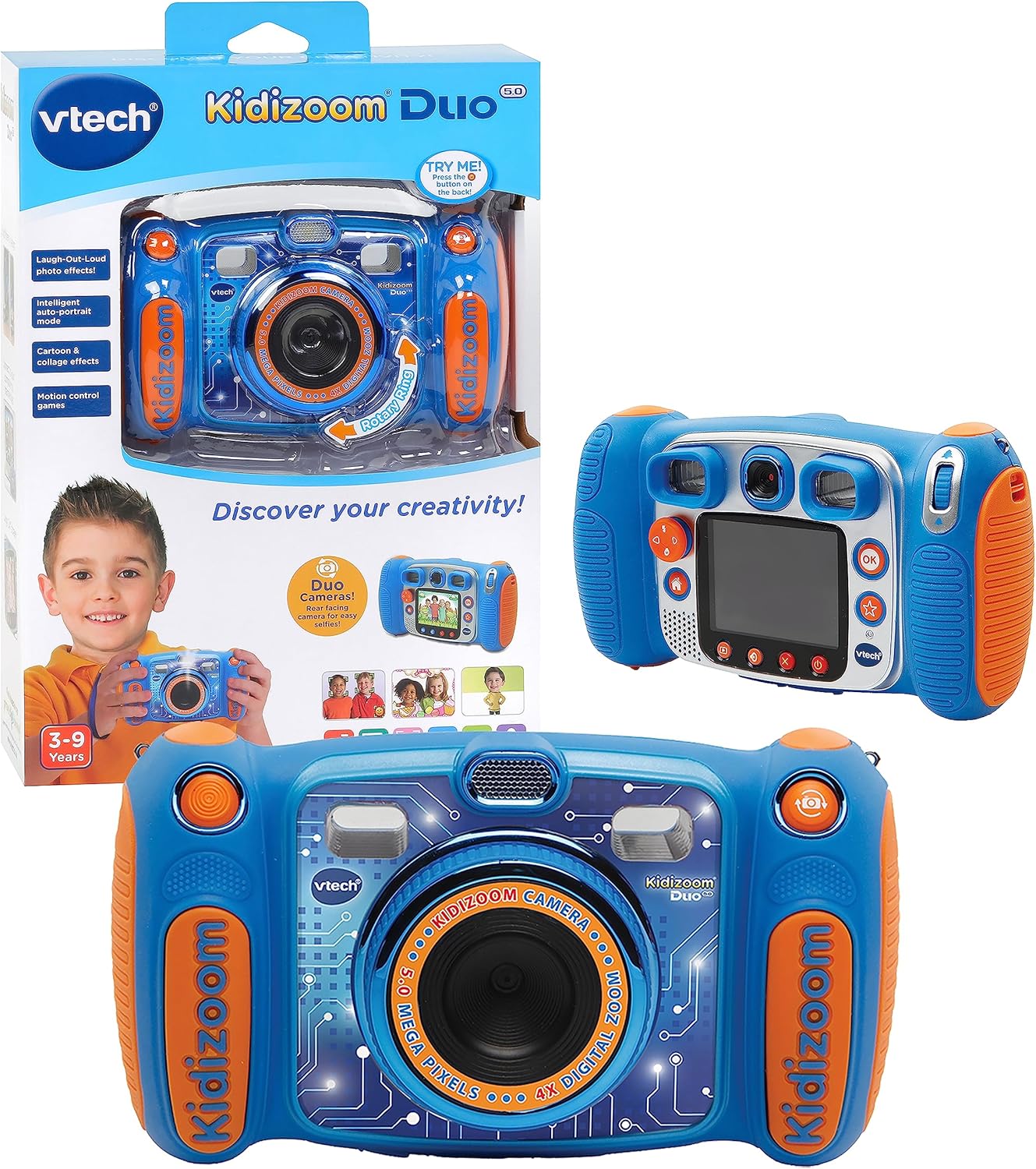
Image: The VTech Kidizoom Duo Camera 5.0, shown both in its retail packaging and as the standalone blue and orange camera unit, highlighting its design and presentation.
Vaega Autu:
- Matamata Lua: Easily switch between front and rear lenses for photos and videos.
- 5-Megapixel Camera: Capture high-quality photos and videos.
- Aafiaga faufau: Add fun effects, stamps, and frames to photos and videos.
- Fa'amaumauga leo: Record voices and apply funny effects.
- Fuafuaga Tumau: Built to withstand drops and rough handling.
- Lau LCD Lanu 2.4-Inisi: Large screen for easy viewtau ma folauga.
- Learning Games: Includes fun, educational games.
- 4X Fa'atekinolosi Zoom: Zoom in on subjects for closer shots.
Seti
1. Unboxing ma Anotusi
Carefully remove all contents from the packaging. Ensure all components are present. The package should contain the VTech Kidizoom Duo Camera 5.0 and 4 AA batteries (included).
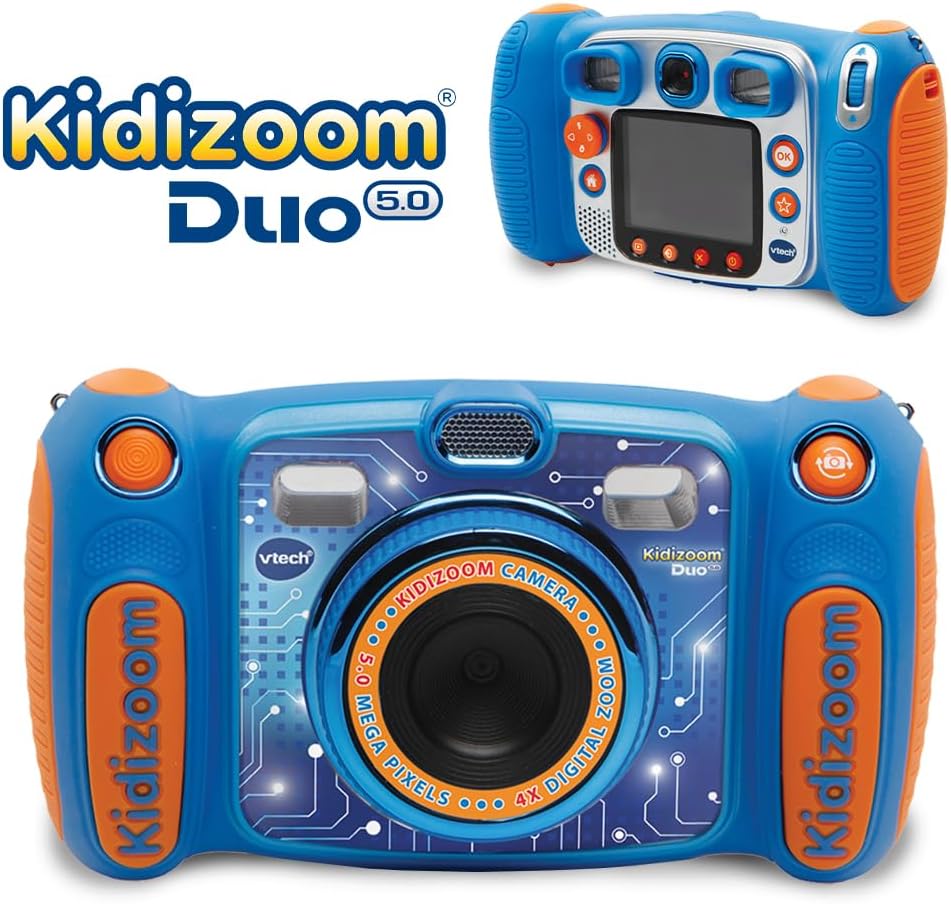
Image: The VTech Kidizoom Duo Camera 5.0 displayed within its retail packaging, ready for unboxing.
2. Fa'apipi'i ma'a
- Su'e le vaega o le maa i le meapueata.
- Using a small Phillips head screwdriver, loosen the screw on the battery compartment cover.
- Aveese le ufiufi.
- Fa'aofi maa fou AA se 4, ia fa'amautinoa le sa'o polarity (+/-) e pei ona fa'ailoa mai i totonu o le vaega.
- Sui le ufiufi ma faʻamau le faovilivili.
Fa'aaliga: For optimal performance and to save on replacement costs, rechargeable AA batteries are recommended.
3. Fa'aofiina o se kata e manatua (filifiliga)
The Kidizoom Duo Camera has internal memory, but for extended storage of photos and videos, a microSD card (not included) can be inserted. Locate the microSD card slot, typically near the battery compartment, and gently insert the card until it clicks into place.
Fa'agaoioi le Meapueata
1. Malosi / Malosi
Press and hold the Power button (usually marked with a circle and a line) to turn the camera on or off. The 2.4-inch color LCD screen will illuminate.

Ata: O se tua auiliili view of the VTech Kidizoom Duo Camera 5.0, highlighting its LCD screen and the various control buttons for navigation and operation.
2. Navigating the Menus
Use the directional pad (D-pad) and the OK button to navigate through the camera's menus and select options displayed on the LCD screen.
3. Pu'eina o Ata
- Switching Lenses: The Kidizoom Duo features two lenses. Use the dedicated lens switch button (often a rotating ring or a button near the lens) to toggle between the front-facing lens and the rear-facing lens. This is ideal for selfies or taking photos of others.
- Framing Your Shot: Vaavaai i le viewfinder or use the LCD screen to compose your picture.
- Capturing the Photo: Press the Shutter button (usually a large, prominent button) to take a picture.

Ata: Se va'aiga view of the VTech Kidizoom Duo Camera 5.0, illustrating the large 2.4-inch color LCD screen, the 5-megapixel lens with 4X digital zoom, and the mechanism for switching between the two lenses.
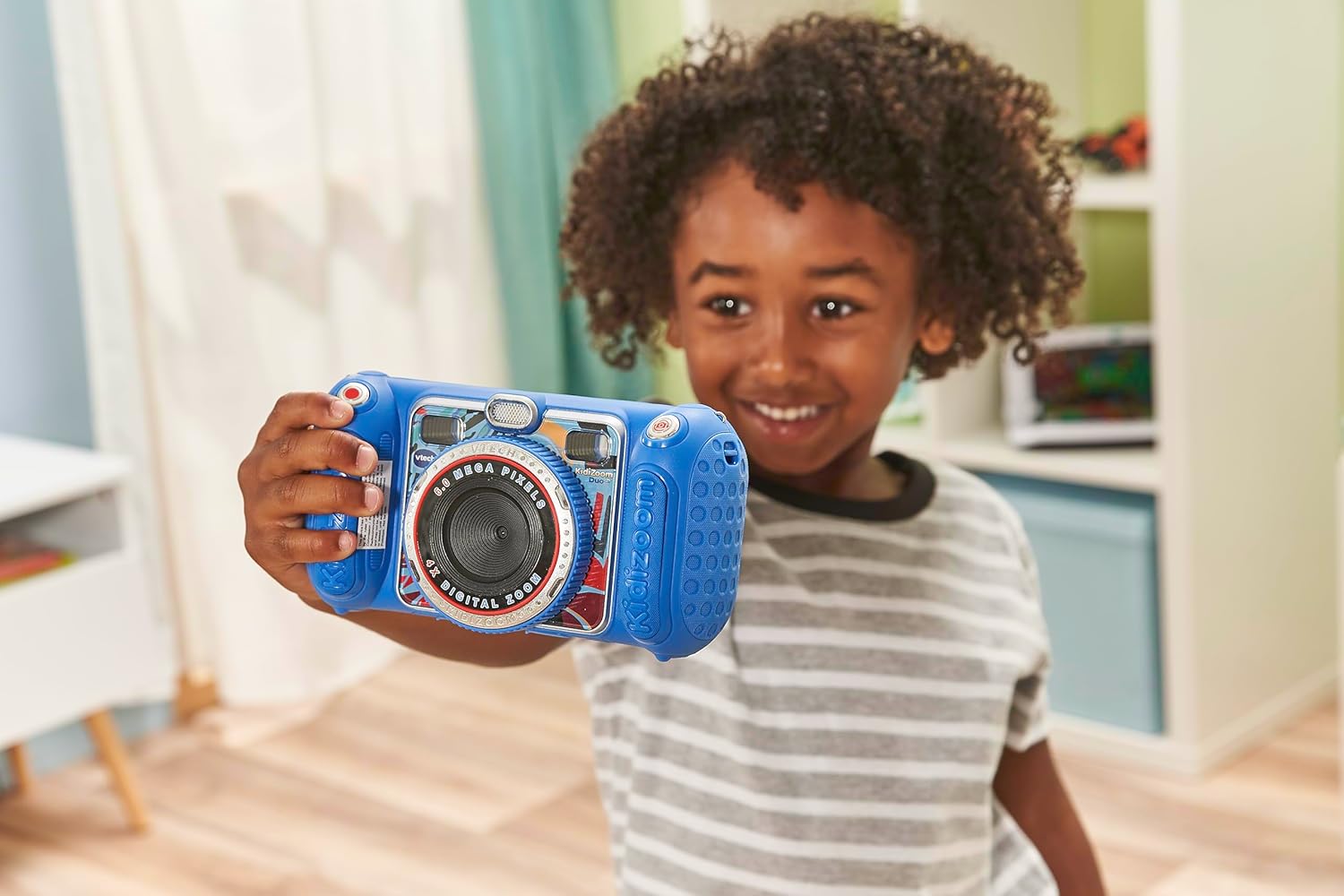
Image: A child holding the VTech Kidizoom Duo Camera 5.0, demonstrating its use for taking a selfie with the front-facing lens.
4. Pueina Vitio
Select the video recording mode from the main menu. Press the Record button to start and stop recording. The camera will capture both video and audio.
5. Applying Effects and Editing
The camera offers various built-in effects, stamps, and frames to personalize your photos and videos. Access these features through the editing menu. You can also use the auto-portrait feature for automatic photo capture.

Ata: O se fa'aaliga fa'apipi'icasing various fun effects, stamps, and frames that can be added to photos using the VTech Kidizoom Duo Camera 5.0, demonstrating creative possibilities.
6. Pu'eina leo
Navigate to the voice recorder function to record your voice. You can then apply funny effects to the recorded audio.
7. Ta'alo Ta'aloga
The Kidizoom Duo Camera includes several pre-loaded learning games. Select the Games icon from the main menu to access and play them.
Tausiga
1. Fa'amamaina o le Meapueata
- Fa'aaogā se ie mālū ma mago e fa'amama ai le tino meapueata.
- For the screen and lenses, use a microfiber cloth specifically designed for electronics. Do not use abrasive cleaners or solvents.
- Aloese mai le susū i totonu o so'o se avanoa.
2. Tausiga maa
- Aveese maa pe afai e le fa'aogaina le meapueata mo se vaitaimi umi e puipuia ai le tafe.
- Always use fresh, high-quality batteries.
- If using rechargeable batteries, ensure they are fully charged before use.
3. Teuina
Store the camera in a cool, dry place away from direct sunlight and extreme temperatures. Consider using a protective case to prevent scratches and damage.
Fa'afitauli
| Fa'afitauli | Mafuaaga e ono tupu | Fofo |
|---|---|---|
| E le kilia le meapueata. | E maualalo pe le sa'o le fa'apipi'iina o maa. | Replace with fresh batteries or ensure correct polarity. |
| Pictures/Videos are blurry. | Lens is dirty; insufficient lighting; subject too close/far. | Clean the lens; ensure adequate lighting; adjust distance to subject. |
| Cannot save more photos/videos. | Internal memory is full; no microSD card inserted or card is full. | Aveese tuai files; insert a microSD card; transfer files i se komepiuta. |
| E pipii pe lē tali mai le meapueata. | Fa'aletonu polokalame. | Remove and reinsert batteries to perform a hard reset. |
Fa'amatalaga
| Fa'aaliga | Fa'amatalaga |
|---|---|
| Fua o Mea | 1.57 x 4.49 x 3.35 inisi |
| Mea mamafa | 7.1 aunese |
| Numera Fa'ata'ita'i Mea | 80-507103 |
| Fautuaina Tausaga Faufautua | 3 tausaga ma luga |
| Ma'a | 4 AA maa manaʻomia (aofia ai) |
| Aso Fa'asalalau | Oketopa 31, 2019 |
| Tufuga | Vtech Electronics |
| Photo Sensor Technology | MOS |
| Lagolagoina File Fa'asologa | JPEG, RAW |
| Fa'amautu Ata | Faafuainumera |
| Fa'asa'o mata | 4X |
Fa'amaonia ma Lagolago
VTech products are manufactured to high standards and are designed to provide a fun and enriching experience. For information regarding warranty coverage, please refer to the warranty card included with your product or visit the official VTech webnofoaga.
For technical support, frequently asked questions, or to purchase accessories, please visit the VTech support section on their official website or contact their customer service department. Keep your model number (80-507103) handy when contacting support.
Punaoa i luga ole laiga:
- VTech Official Webnofoaga: www.vtechkids.com
- Product Support Page: (Check VTech website for specific product support page)


