1. Folasaga
This manual provides essential information for the safe and efficient operation of your TCL L32E3005/G 32-inch LED HD-Ready Television. Please read this manual thoroughly before using the television and retain it for future reference. It covers setup, operation, maintenance, and troubleshooting to ensure you get the best experience from your device.
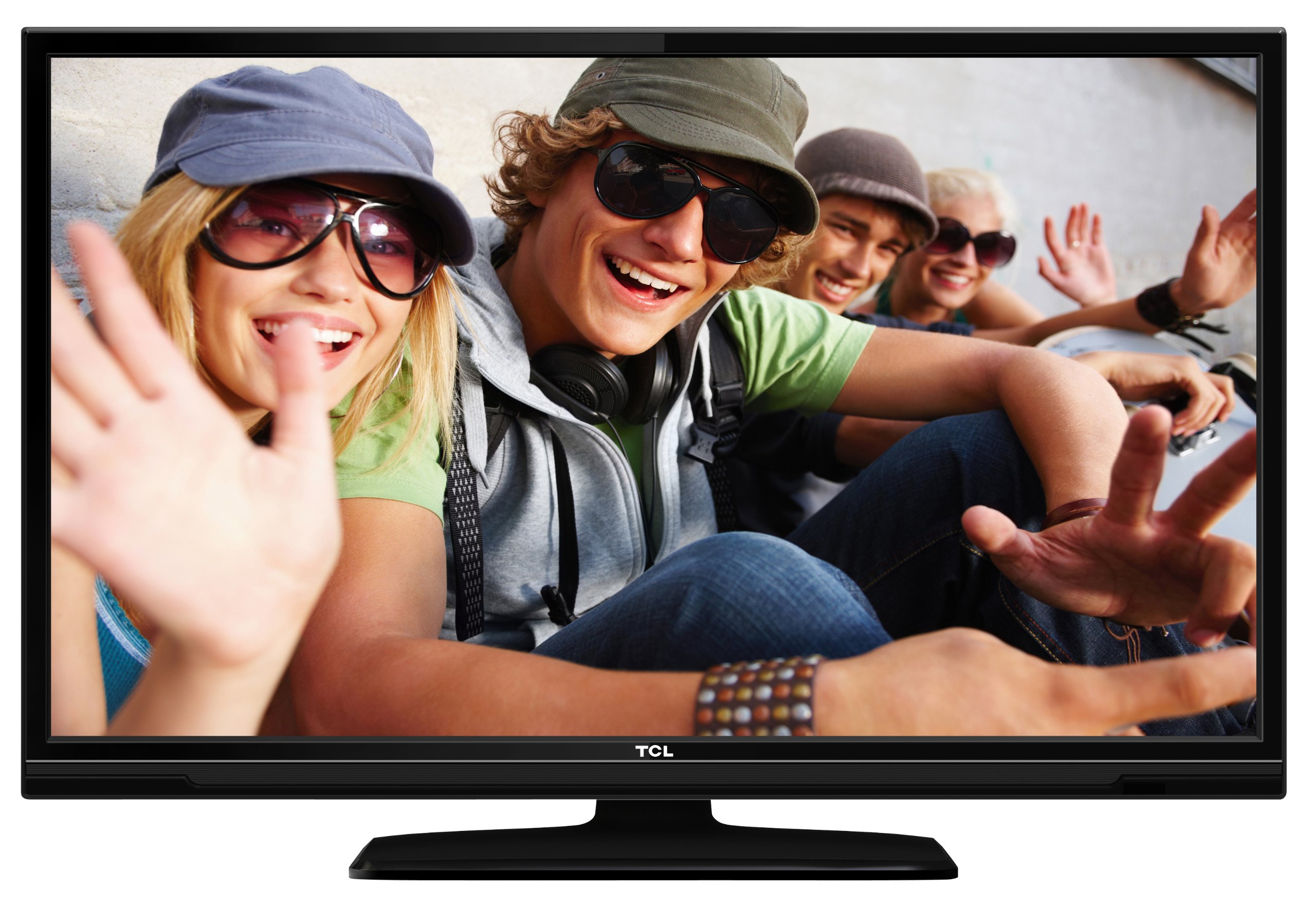
This image shows the TCL L32E3005/G television from a slight angle, highlighting its slim black bezel and the stand. The screen displays a colorful image of people, demonstrating its visual capabilities.
2. Fa'amatalaga Saogalemu
Always observe the following safety precautions to prevent electric shock, fire, or damage to the television:
- Aua le tu'uina atu le televise i le timu po'o le susu.
- Aua le tatalaina le kapeneta; ia faasino atu auaunaga uma i tagata agavaa.
- Ia fa'amautinoa le sa'o o le ea fa'ata'amilo i le televise.
- Avoid placing the television near heat sources or in direct sunlight.
- Use only the power adapter supplied with the television.
- Taofi ma'a ia aua ne'i maua e tamaiti.
3. Mea i totonu o le afifi
Fa'amautinoa o lo'o iai mea uma i totonu o le afifi:
- TCL L32E3005/G LED-backlight Television
- Fetuunaiga Malosi
- Tutu Luga
- Pulea Mamao (manaomia 2 maa AAA, aofia ai)
- Tusi Lesona a le Tagata (lenei pepa)
4. Seti
4.1 Tatalaina
Aveese ma le faaeteete le televise ma mea uma mai le afifiina. Taofi mea fa'apipi'i mo felauaiga po'o le teuina i le lumana'i.
4.2 Stand Installation (Table Mounting)
Ina ia fa'apipi'i le tulaga fa'avae:
- Place the television face down on a soft, flat surface to prevent screen damage.
- Align the stand base with the mounting holes on the bottom of the television.
- Secure the stand base using the provided screws. Ensure it is firmly attached.
- Carefully lift the television and place it on a stable, level surface suitable for table mounting.
4.3 Feso'ota'i masini
Connect your external devices to the television using the appropriate ports:
- HDMI: For high-definition video and audio from devices like Blu-ray players, game consoles, or set-top boxes. Your TV has 2 HDMI ports.
- USB: Mo le fa'afeso'ota'i masini e teu ai USB e ta'alo ai ala fa'asalalau files. Your TV has 1 USB 2.0 port.
- Antenna/Cable (DVB-C/-S2/-T): Connect an antenna or cable for digital terrestrial (DVB-T), cable (DVB-C), or satellite (DVB-S2) broadcasts.
- VGA: Mo le faʻafesoʻotaʻiina o se komepiuta.
- CI+: For conditional access modules (CAM) to decrypt encrypted channels.
4.4 So'oga Malosi
After all connections are made, plug the power adapter into the television's power input, then plug the power adapter into a wall outlet.
5. Faʻagaioiga
5.1 Malosi / Malosi
Oomi le MANA button on the remote control or on the television to turn the TV on or off.
5.2 Seti Muamua
The first time you turn on the television, an initial setup wizard will guide you through basic settings such as language, country, and channel scanning.
5.3 Channel Tuning
After connecting your antenna or cable, perform an automatic channel scan through the TV's menu to find available DVB-C, DVB-S2, or DVB-T channels.
5.4 Taiala Polokalama Fa'aeletonika (EPG)
Avanoa i le Electronic Program Guide (EPG) i view program schedules and information for digital channels. This feature helps you plan your viewing.
5.5 Filifiliga o mea e fai
Fa'aaoga le PUNA or INPUT button on your remote control to switch between connected devices (e.g., HDMI 1, HDMI 2, USB, DVB-T).
5.6 Ta'aloina o Ala o Faasalalauga USB
Insert a USB storage device into the USB port. The TV will typically prompt you to access the media browser, allowing you to play photos, music, or videos stored on the device.
5.7 Faiga Faletalimalo
This television includes a Hotel Mode feature, which allows for customization of settings suitable for hotel environments, such as limiting volume, setting a default channel, or disabling certain functions. Consult the advanced settings menu for Hotel Mode configuration.
6. Tausiga
6.1 Fa'amama le Mata
Solo lemu le lau i se ie vaivai e leai se liu. Mo fa'ailoga ma'a'a, fai sina oampi le ie i le vai po'o se fa'amama lau fa'apitoa. Aua le sasaa sa'o le vai ile lau.
6.2 Fa'amamaina o le Kapeneta
Use a soft, dry cloth to wipe the television cabinet. Avoid using abrasive cleaners or solvents.
6.3 Maa Fa'atonutonu Mamao
Replace the remote control batteries (2x AAA) when the remote's range decreases or it stops responding. Ensure correct polarity when inserting new batteries.
7. Faʻafitauli
Afai e te feagai ma faʻafitauli i lau televise, vaʻai i faʻafitauli masani nei ma fofo:
- Leai se Malosi: Check if the power adapter is securely connected to both the TV and the wall outlet. Ensure the outlet is functional.
- Leai se Ata, ae na'o le Leo: Verify the input source is correctly selected. Check cable connections to external devices.
- Leai se Leo, Na'o le Ata: Check the volume level and mute status. Ensure audio cables are correctly connected for external devices.
- Le lelei o Ata: Check antenna/cable connections. If using an external device, try a different HDMI cable or port. Adjust picture settings in the TV menu.
- Pulea mamao e le o galue: Ensure there are no obstructions between the remote and the TV. Replace batteries if necessary.
A fa'aauau pea le fa'afitauli, fa'afeso'ota'i le lagolago a tagata fa'atau.
8. Fa'amatalaga
| Fa'ata'ita'iga | L32E3005/G |
| Tele lau | 80 cm (32 inisi) |
| Fa'aaliga Tekonolosi | LED |
| I'ugafono | 720p (1366 x 768 Pixels) |
| Fua Fa'afouina | 50 Hz |
| Tekinolosi Tuner | DVB-C, DVB-S2, DVB-T |
| Feso'ota'i | 2x HDMI, 1x USB 2.0, VGA, CI+ |
| Fa'alogo leo | 8 Watt (2.0 Channel) |
| Fa'apitoa Fa'apitoa | Electronic Program Guide (EPG), Hotel Mode |
| Fua (W x H x D) | 74 x 49.4 x 18.9 cm (faatasi ai ma tulaga) |
| mamafa | 7.22 kilokalama |
| Punavai Malosi | Fetuuna'i |
| Ma'a Mamao | 2x AAA (ua aofia ai) |
9. Fa'amaonia ma Lagolago
For warranty information and technical support, please refer to the warranty card included with your product or visit the official TCL webnofoaga. Taofi lau lisiti fa'atau e fai ma fa'amaoniga o le fa'atauga mo tagi fa'amaonia.


