
Folasaga
The Roujune X20 Pro Bone Conduction Headphones are designed for active lifestyles, featuring an open-ear design, IPX8 waterproofing, and dual Bluetooth and MP3 modes. These headphones transmit sound through your cheekbones, allowing you to remain aware of your surroundings while enjoying audio. With 32GB of built-in memory, you can store thousands of songs for use in MP3 mode, especially beneficial for underwater activities where Bluetooth connectivity is limited.
The headphones are equipped with Bluetooth 5.4 for stable wireless connections and offer up to 8 hours of playtime on a single charge. Their lightweight design and flexible titanium memory neckband ensure a secure and comfortable fit for various activities, including swimming, running, and cycling.
O a mea i totonu o le Pusa
Fa'amolemole siaki mea o lo'o i totonu o le afifi pe a tatala le pusa:
- Swimming Headphones (1 unit)
- Waterproof earplugs (1 pair)
- Adjustment Strap (1 unit)
- Magnetic charging cable (1 unit)
- Waterproof bag (1 unit)
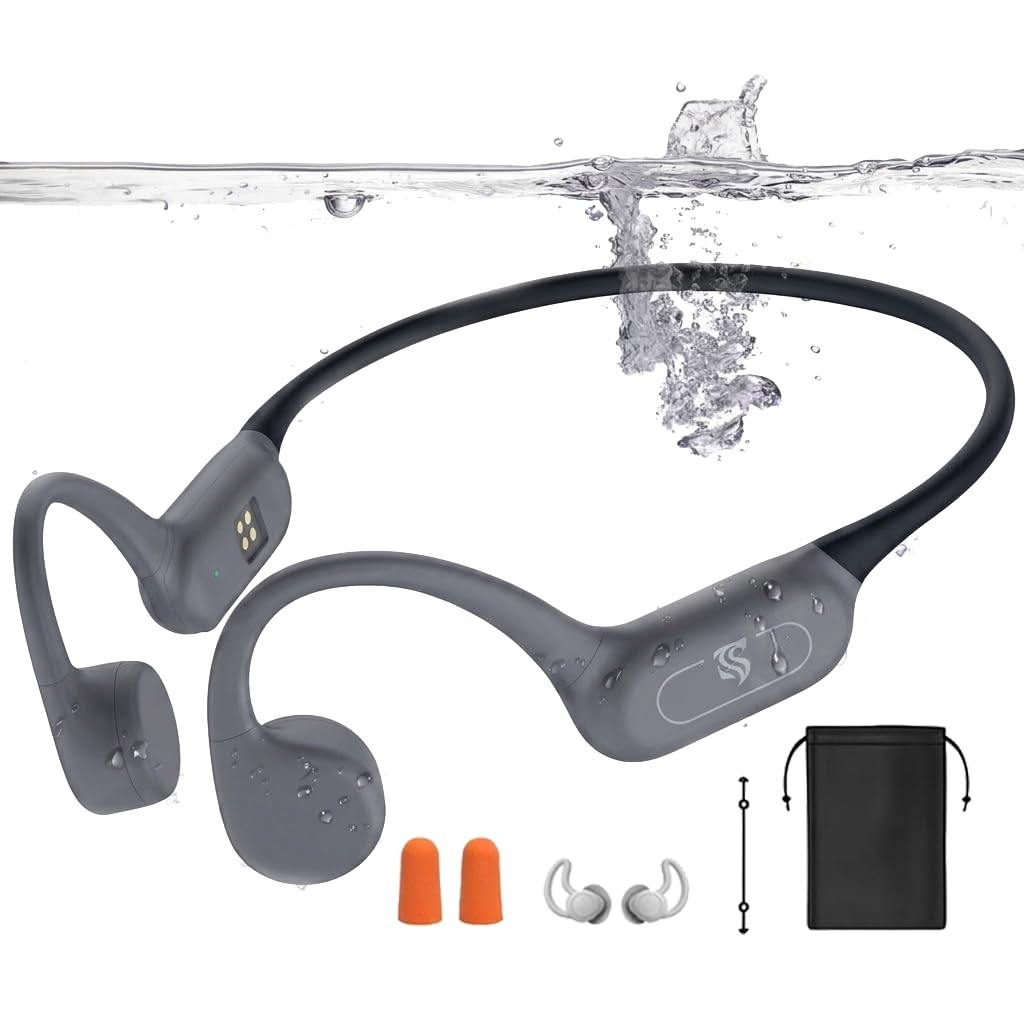
Image: Roujune X20 Pro Bone Conduction Headphones in Gray, shown with included accessories like the magnetic charging cable and earplugs.
Seti
1. Totogiina le Headphones
Before first use, fully charge the headphones. Connect the magnetic charging cable to the charging port on the headphones and plug the other end into a USB power source (e.g., computer, wall adapter). The charging indicator light will show the charging status.
2. Malosi i luga/Pepe
- Malosiaga: Taofi le faamau mana mo le 3 sekone.
- Tapē le eletise: Taofi le faamau mana mo le 3 sekone.
3. Paʻaga Bluetooth
E fetaui ma se masini fou:
- Ia mautinoa ua tapē le taliga.
- Press and hold the power button until the indicator light flashes red and blue, indicating pairing mode.
- On your device (smartphone, tablet, laptop), enable Bluetooth and search for 'X20 Pro'.
- Select 'X20 Pro' from the list of available devices to connect. A voice prompt will confirm successful pairing.
4. Multi-point Connection
The X20 Pro headphones support connecting to two Bluetooth devices simultaneously. Follow these steps:
- Pair the headphones with Device A (e.g., your laptop).
- Tape le Bluetooth i le masini A.
- Pair the headphones with Device B (e.g., your smartphone).
- Turn Bluetooth back on for Device A. The headphones will automatically connect to both devices, allowing seamless switching.

Image: Illustration demonstrating the steps for connecting the Roujune X20 Pro headphones to two devices simultaneously via Bluetooth.
5. MP3 Mode and Audio File La'u mai
The headphones feature 32GB of internal storage for MP3 mode. To add audio files:
- Connect the headphones to your computer using the magnetic charging cable.
- Your computer will recognize the headphones' internal storage as a USB drive.
- Open the drive and copy MP3, FLAC, WAV, WMA, APE, or M4A audio files into the storage folder.
- Before unplugging, safely eject the device from your computer.

Image: Visual guide on how to connect the headphones to a computer and transfer audio files mo le faiga MP3.
Important Note for Swimming: Bluetooth signals do not transmit effectively underwater. Always switch to MP3 mode for uninterrupted audio playback when swimming or diving.

Image: A person swimming underwater while wearing the Roujune X20 Pro headphones, highlighting their IPX8 waterproof rating. Remember to use MP3 mode for underwater listening.
Fa'atonuga o Galuega
Galuega Fa'amau

Image: Detailed illustration of the headphone controls, showing the power, volume, and multi-function buttons.
| Galuega | Gaioiga |
|---|---|
| Malosi / Pepe | Taofi le faamau mana mo le 3 sekone. |
| Ta'alo/Taofi | Kiliki tasi le ki o le mana. |
| I luga le Volume | Click the '+' button once. |
| Volume i lalo | Click the '-' button once. |
| Sosoo Pese | Hold the '+' button for 2 seconds. |
| Pese Muamua | Hold the '-' button for 2 seconds. |
| Tali/Ta'u le Valaau | Kiliki tasi le ki o le mana. |
| Refuse to Answer Call | Taofi le faamau mana mo le 2 sekone. |
| Switch Bluetooth/MP3 Mode | Kiliki faalua le faamau mana. |
| Playback/Shuffle Switch (MP3 Mode) | Triple-click the power button in MP3 mode to toggle between sequential and shuffle playback. |
| Toe fa'afo'i Fa'atonuga Falegaosimea | Taofi le faamau mana mo le 10 sekone. |
Using in Different Modes
The X20 Pro headphones offer both Bluetooth and MP3 modes for versatile listening.
- Faiga Bluetooth: Connect wirelessly to your smartphone, tablet, or other Bluetooth-enabled devices for streaming audio and calls. Ideal for land-based activities like running, cycling, or gym workouts.
- Faiga MP3: Utilize the built-in 32GB storage to play pre-loaded music directly from the headphones. This mode is essential for swimming and other underwater activities where Bluetooth signals cannot penetrate water effectively.
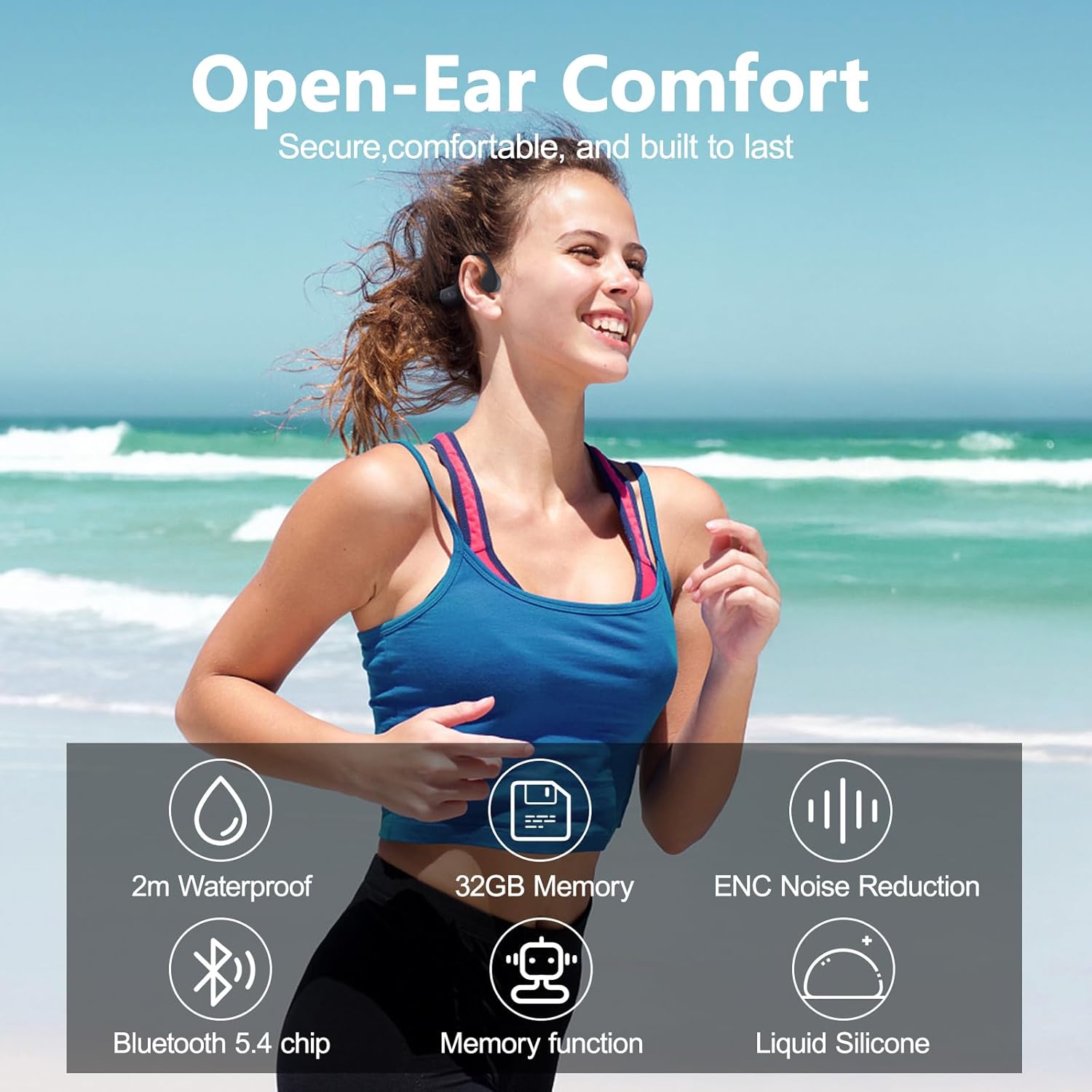
Image: Visual representation of the dual Bluetooth and MP3 modes available on the Roujune X20 Pro headphones.
Tausiga
Proper care ensures the longevity and performance of your Roujune X20 Pro headphones:
- Fa'amamaina: After use, especially after swimming or intense workouts, rinse the headphones with fresh water and wipe them dry with a soft cloth. Do not use harsh chemicals or abrasive materials.
- Teuina: Store the headphones in a cool, dry place, away from direct sunlight and extreme temperatures. Use the provided waterproof bag for protection during transport.
- Taulaga e Totogi: Ensure the magnetic charging contacts are clean and dry before charging to prevent corrosion.
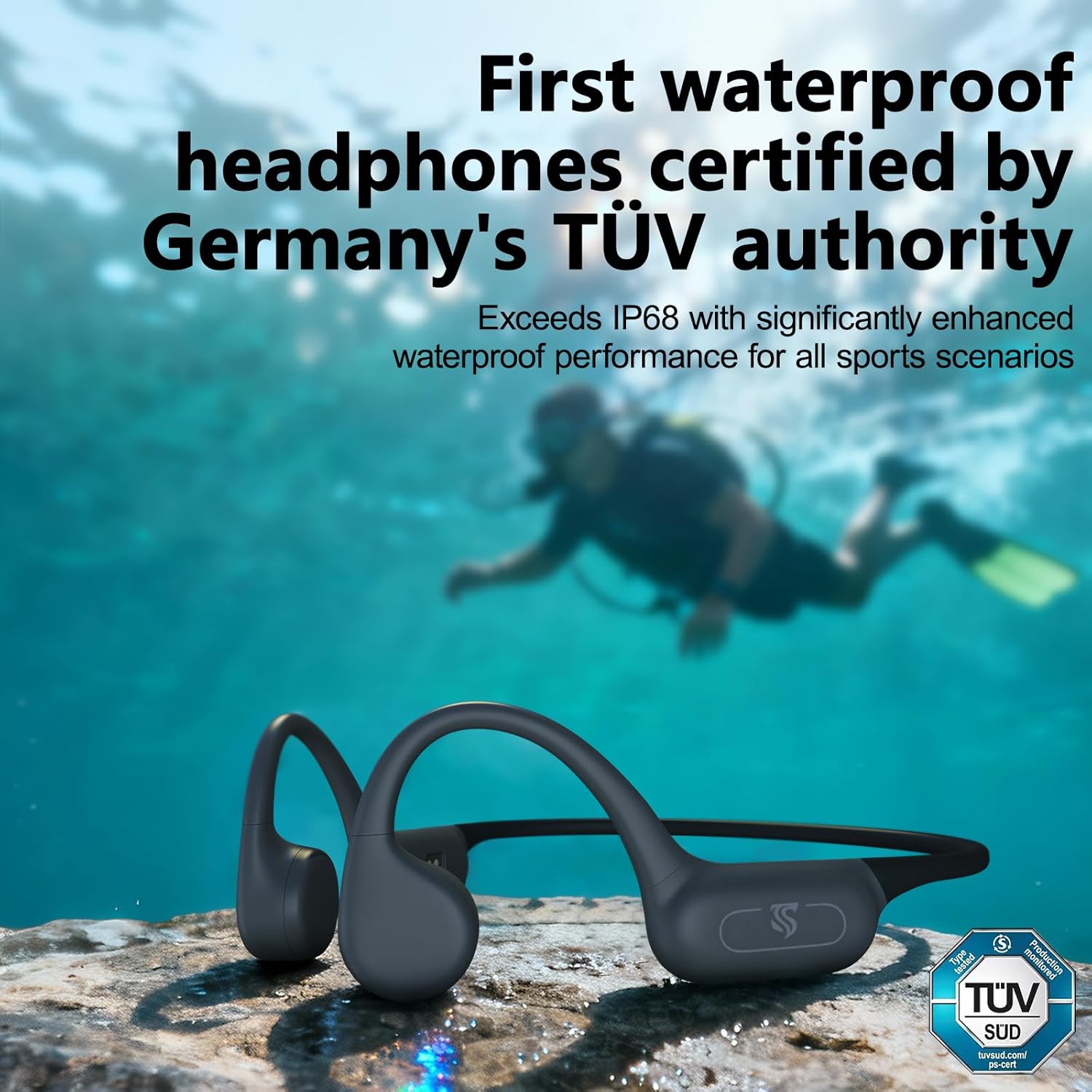
- Suavai Fa'aaliga: While IPX8 waterproof, avoid prolonged submersion beyond recommended depths (up to 2 meters) and ensure the charging port is completely dry before charging.
Fa'afitauli
| Fa'afitauli | Mafuaaga e ono tupu | Fofo |
|---|---|---|
| E le kilia le taliga. | Ma'a maualalo. | Fa'atumu le headphone mo le itiiti ifo i le 2 itula. |
| E le mafai ona fa'afeso'ota'i e ala ile Bluetooth. | Headphones not in pairing mode; Bluetooth off on device; too far from device. | Ensure headphones are in pairing mode (flashing red/blue). Turn on device Bluetooth. Move closer to device (within 10 meters). Forget previous pairings on device and try again. |
| Leai se leo pe maualalo le leo. | Volume too low; incorrect mode; improper fit. | Increase headphone and device volume. Ensure correct mode (Bluetooth/MP3). Adjust headphones for optimal bone conduction contact on cheekbones. |
| E masani ona motusia le Bluetooth. | Interference; distance; low battery. | Move away from sources of interference. Stay within 10 meters of the connected device. Charge headphones. |
| No sound underwater. | Attempting to use Bluetooth underwater. | Switch to MP3 mode before entering water. Bluetooth does not function underwater. |
| Le mafai ona fesiitai files to MP3 mode. | Improper connection; file mataupu fa'atulagaina. | Ensure headphones are correctly connected to computer. Verify audio files are supported formats (MP3, FLAC, WAV, WMA, APE, M4A). Safely eject device after transfer. |
Fa'amatalaga
Ata: Se pa view illustrating the internal driver technology and the advanced Bluetooth 5.4 chip within the headphones.
| Fa'aaliga | Fa'amatalaga |
|---|---|
| Igoa Fa'ata'ita'iga | X20 Pro |
| Fa'ailoga | Roujune |
| Tulaga taliga | Tatala taliga |
| Suavai Tetee Level | IPX8 Waterproof (TÜV-Certified, up to 2 meters depth) |
| Manatu i Totonu | 32GB (stores up to 8,000 songs/audiobooks) |
| Fa'aliliuga Bluetooth | 5.4 |
| Lau'ele'ele Bluetooth | E oo atu ile 10 mita (33 futu) |
| Ola ma'a | E oʻo atu ile 8 itula |
| Taimi Totogi | Approximately 2 hours (Quick Charge: 3 hours playtime in 10 minutes) |
| mamafa | 27g |
| Mea | Soft Liquid Silicone, Flexible Titanium Memory Neckband |
| Pulea Pisa | Passive Noise Cancellation (ENC Environmental Noise Cancellation Technology) |
| Ituaiga Avetaavale leo | Aveta'avale Fa'aola Ivi |
| Va'aiga Fa'atele | 20Hz - 20,000Hz |
| Masini Fegalegaleai | Cellphones, Desktops, Laptops, Tablets (iOS & Android) |

Image: A summary of key features including 2m waterproof rating, 32GB memory, ENC noise reduction, Bluetooth 5.4 chip, memory function, and liquid silicone construction.
Fa'amaonia ma Lagolago
Fa'amatalaga Fa'amaonia
The Roujune X20 Pro Bone Conduction Headphones come with a 2-tausaga le fa'amaoniaga a le gaosiga. O lenei tusi saisai e aofia ai fa'aletonu i meafaitino ma galuega i lalo ole fa'aoga masani.
Lagolago Tagata Fa'atau
For any questions, technical assistance, or warranty claims, please contact the Dnniakm service team. Refer to your purchase documentation for specific contact details or visit the official Roujune webnofoaga mo faamatalaga lagolago.