
1. Folasaga
Thank you for choosing the Baseus Mini Power Bank E0028P. This compact and powerful portable charger is designed to provide fast and efficient charging for a wide range of devices, including smartphones, tablets, and even laptops. With its 10000mAh capacity, 67W fast charging capability, built-in dual USB-C cables, and digital display, it is an ideal companion for travel and daily use.
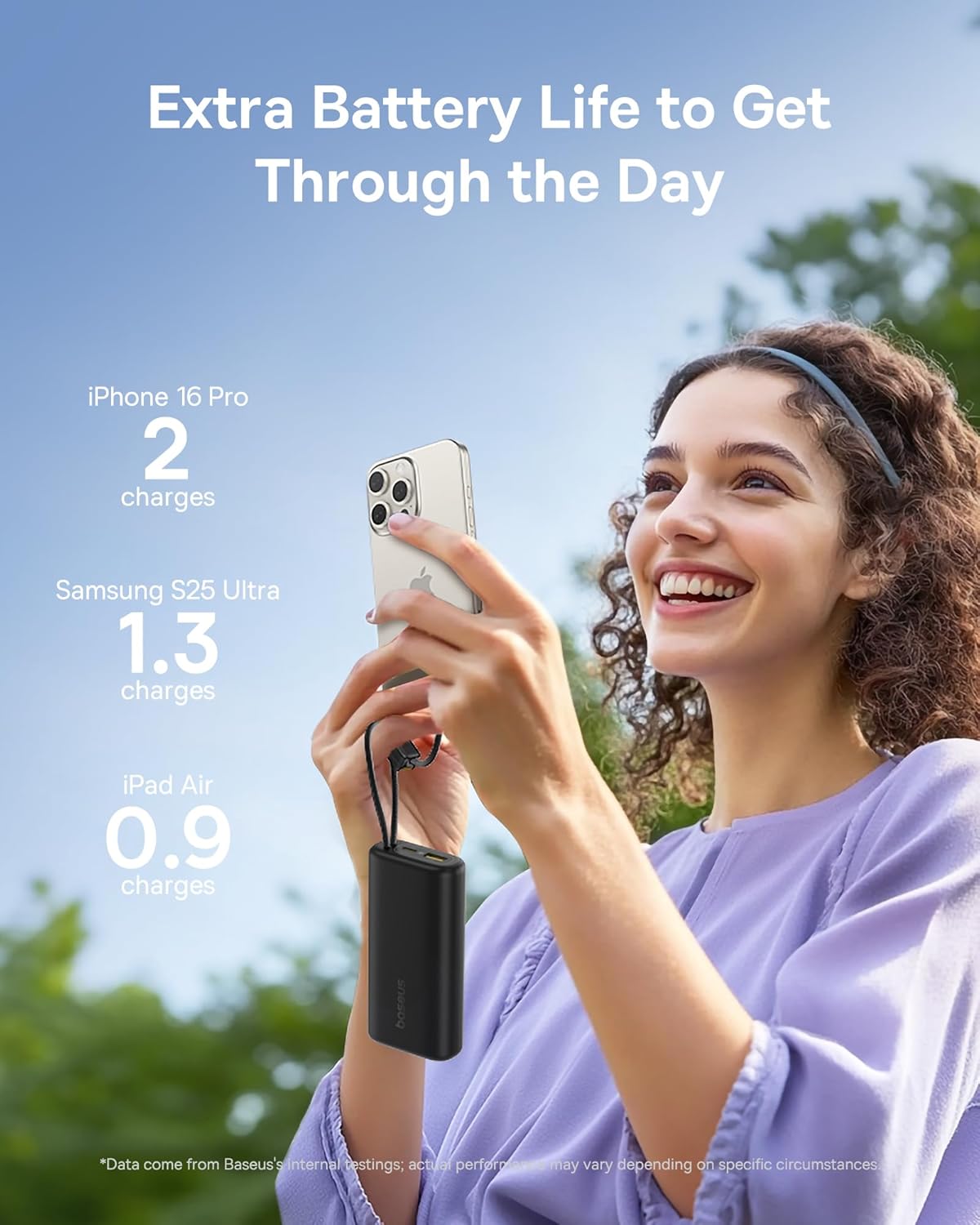
Image 1: The Baseus Mini Power Bank E0028P, a compact and portable charging solution.
2. Vaega o Oloa
- 67W Totogi vave: Delivers up to 67W power output, capable of fast charging compatible smartphones and laptops.
- 10000mAh Maualuga Maualuga: Provides sufficient power for multiple charges of most smartphones and partial charges for tablets or small laptops.
- Built-in Dual USB-C Cables: Features two integrated USB-C braided cables for convenient charging without needing to carry extra cables. These cables also serve as a carrying strap.
- Faʻamatalaga Faʻaaliaina: An intelligent digital display provides real-time battery level information, allowing you to monitor the power bank's status at a glance.
- Totogiina o masini e tele: Equipped with two built-in USB-C cables, one additional USB-C port, and one USB-A port, allowing simultaneous charging of up to four devices.
- Fuafuaga ma'oti ma feavea'i: Designed to be small and lightweight, easily fitting into pockets or small bags, making it ideal for travel.
- Totogi pasi: Supports charging devices while the power bank itself is being recharged.
- Faamaonia le Vaalele: Complies with airline regulations for portable power banks, suitable for carry-on luggage.

Image 2: The power bank's 10000mAh capacity can provide multiple charges for your devices.

Image 3: Experience 67W rapid charging for quick power delivery to your devices.
3. Seti
3.1 Uluai Totogiina o le Faletupe Malosiaga
Before first use, it is recommended to fully charge your Baseus Mini Power Bank. This ensures optimal performance and battery longevity.
- Connect one of the built-in USB-C cables or an external USB-C cable to the power bank's input port.
- Fa'afeso'ota'i le isi pito o le uaea i se pusa puipui USB talafeagai (e le'o aofia ai).
- The digital display will show the charging progress. The power bank is fully charged when the display shows 100%.
3.2 Connecting Devices for Charging
The power bank offers multiple ways to connect your devices:
- Using Built-in USB-C Cables: Extend the built-in USB-C cables from their storage slots. Plug one end into your device's USB-C port.
- Using External Cables: For devices requiring USB-A or an additional USB-C connection, plug your own charging cable into the available USB-A or USB-C output ports on the power bank.
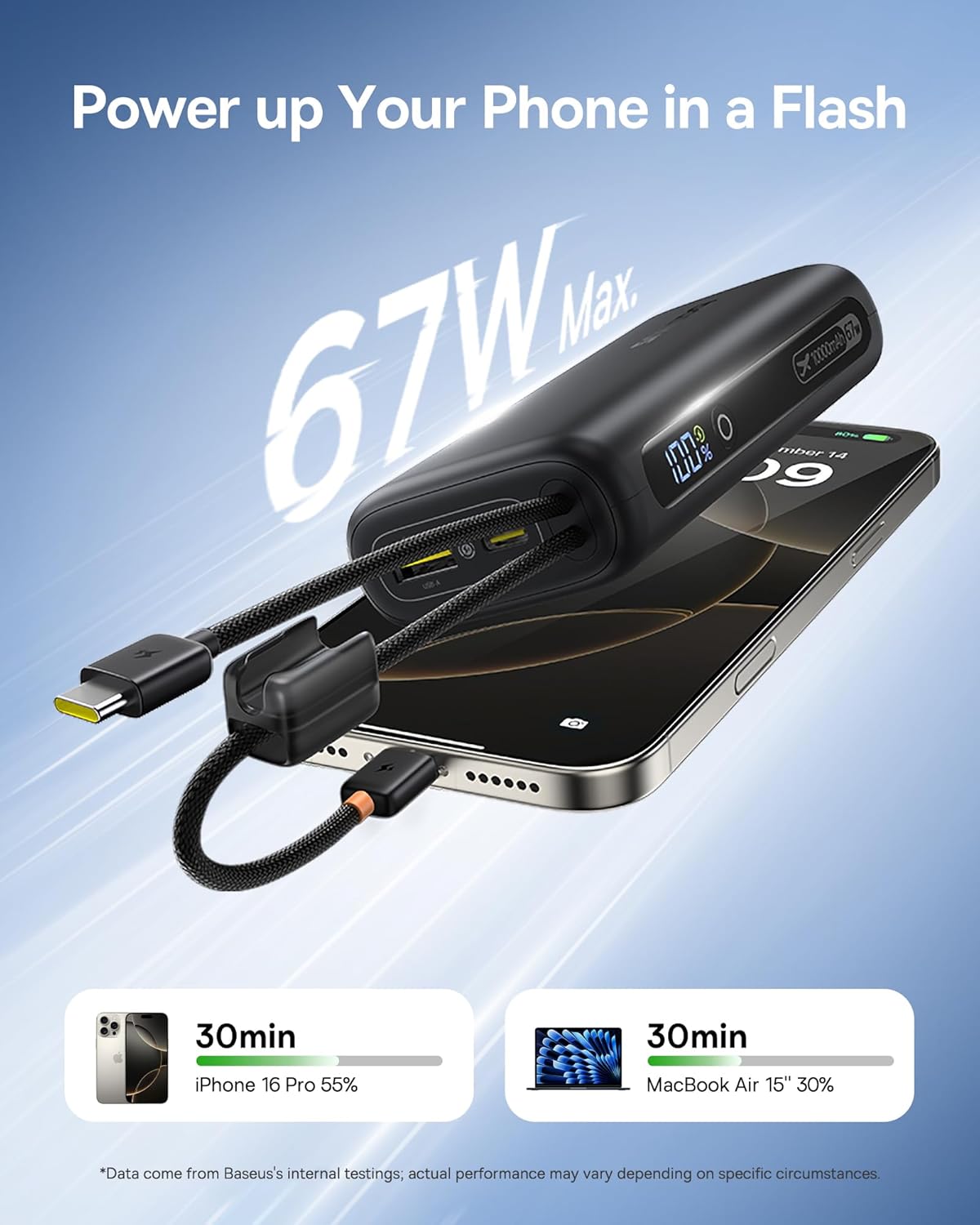
Image 4: The power bank features two convenient built-in USB-C cables.
4. Fa'atonuga o Galuega
4.1 Totogiina o Au Masini
- Connect your device(s) to the power bank using either the built-in USB-C cables or external cables plugged into the USB-A/USB-C output ports.
- Press the power button on the side of the power bank to initiate charging. The digital display will illuminate, showing the remaining battery percentage.
- O lau masini e tatau ona amata otometi ona totogi.
4.2 Siakiina le Tulaga o le Maa
The integrated digital display provides an accurate percentage of the power bank's remaining charge. Simply press the power button once to activate the display.

Image 5: The digital display provides real-time battery status.
4.3 Toe fa'atumuina o le Power Bank
When the power bank's battery level is low, recharge it using a USB wall adapter and a USB-C cable (either built-in or external). The digital display will indicate charging status.
4.4 Totogi Fa'asa'o
The Baseus Mini Power Bank supports pass-through charging, meaning you can charge your devices while the power bank itself is connected to a power source and recharging. This allows for continuous power delivery.

Image 6: Illustrates the pass-through charging capability, allowing simultaneous charging of the power bank and connected devices.
4.5 Charging Multiple Devices
Utilize the built-in USB-C cables, the additional USB-C port, and the USB-A port to charge up to four devices simultaneously. The power bank intelligently distributes power to connected devices.

Image 7: The power bank can charge up to four devices concurrently.
5. Tausiga
5.1 Fa'amamāina
To clean the power bank, gently wipe its surface with a soft, dry cloth. Avoid using harsh chemicals, abrasive cleaners, or getting moisture into the ports.
5.2 Teuina
Store the power bank in a cool, dry place away from direct sunlight, extreme temperatures, and humidity. For long-term storage, ensure the power bank is charged to approximately 50-75% to preserve battery health.
5.3 Tausiga maa
To maximize the lifespan of your power bank's battery:
- Aloese mai le fa'a'a'a'a uma o le ma'a i taimi uma.
- 'Aua ne'i tu'u atu le faletupe i le vevela tele po'o le malulu.
- Recharge the power bank at least once every three months if not in regular use.
6. Faʻafitauli
| Fa'afitauli | Mafuaaga e ono tupu | Fofo |
|---|---|---|
| E le o totogi le masini | Power bank battery is empty; Cable is faulty or not properly connected; Device is incompatible. | Recharge the power bank; Check cable connections and try a different cable; Verify device compatibility. |
| Totogi lemu | Device not supporting fast charging; Multiple devices connected; Cable quality. | Ensure your device supports 67W fast charging; Disconnect other devices; Use high-quality cables. |
| Le fa'aaliga fa'atekinolosi e le o galue | Power bank is off; Malfunction. | Press the power button to activate the display; If issue persists, contact customer support. |
| E le toe fa'atumuina le power bank | Charging adapter is faulty; Cable is faulty; Power bank is already full. | Try a different wall adapter; Check cable connections and try a different cable; Check digital display for 100%. |
7. Fa'amatalaga
| Numera Fa'ata'ita'i | E0028P |
| Malosiaga ma'a | 10000mAh |
| Mata'utia Fa'aaogāga Malosi | 67W |
| Fua o Mea | 4.33 x 0.98 x 2.16 inisi |
| Mea mamafa | 7.4 aunese |
| Ituaiga Feso'ota'i | 2x Built-in USB-C, 1x USB-C Port, 1x USB-A Port |
| Fa'apitoa Fa'apitoa | Mini Design, 67W Laptop-Grade Fast Charging, Built-in Dual USB-C Cables, Digital Display, Pass-through Charging |
| Tufuga | Shenzhen Baseus Technology Co., Ltd. |
8. Fa'amatalaga Saogalemu
Please read and follow these safety guidelines to prevent damage to the product or injury to yourself:
- Aua le fa'apalapala, fesuia'i, pe toe fa'aleleia le masini.
- Do not expose to fire, water, or extreme temperatures.
- Aloese mai le pa'u pe tu'u le faletupe malosi i ni aafiaga malolosi.
- Taofi ese mai tamaiti.
- Fa'aaoga na'o uaea e fa'ameamea ma fetuutuuna'i.
- Afai e fulafula le power bank, soona vevela, pe a iai se manogi e le masani ai, taofi loa le faʻaaogaina.
9. Vitio o Oloa
Vitio 1: Fa'aaliga vitiō oloa aloa'iacasing the built-in cables and pocket-size power of the Baseus Mini Power Bank.
10. Fa'amaonia ma Lagolago
Baseus products are manufactured by Shenzhen Baseus Technology Co., Ltd. For warranty information, technical support, or customer service inquiries, please refer to the official Baseus website or contact their customer support channels. Keep your purchase receipt for warranty claims.