
1. Folasaga
Thank you for choosing the Baseus Bass BP1 NC Hybrid Active Noise Cancelling Wireless Earbuds. This manual provides essential information for setting up, operating, and maintaining your earbuds to ensure optimal performance and longevity. Please read it thoroughly before use.
2. O a mea oi totonu o le Pusa
Fa'amautinoa o lo'o iai mea uma i lau afifi:
- Baseus Bass BP1 NC Wireless Earbuds
- Pusa Uea Uisa
- Eartips (S/M/L sizes)
- Tusi Taiala

Image: Contents of the Baseus Bass BP1 NC Earbuds package.
3. Oloa Ua Ovaview
Familiarize yourself with the components of your Baseus Bass BP1 NC earbuds and charging case.
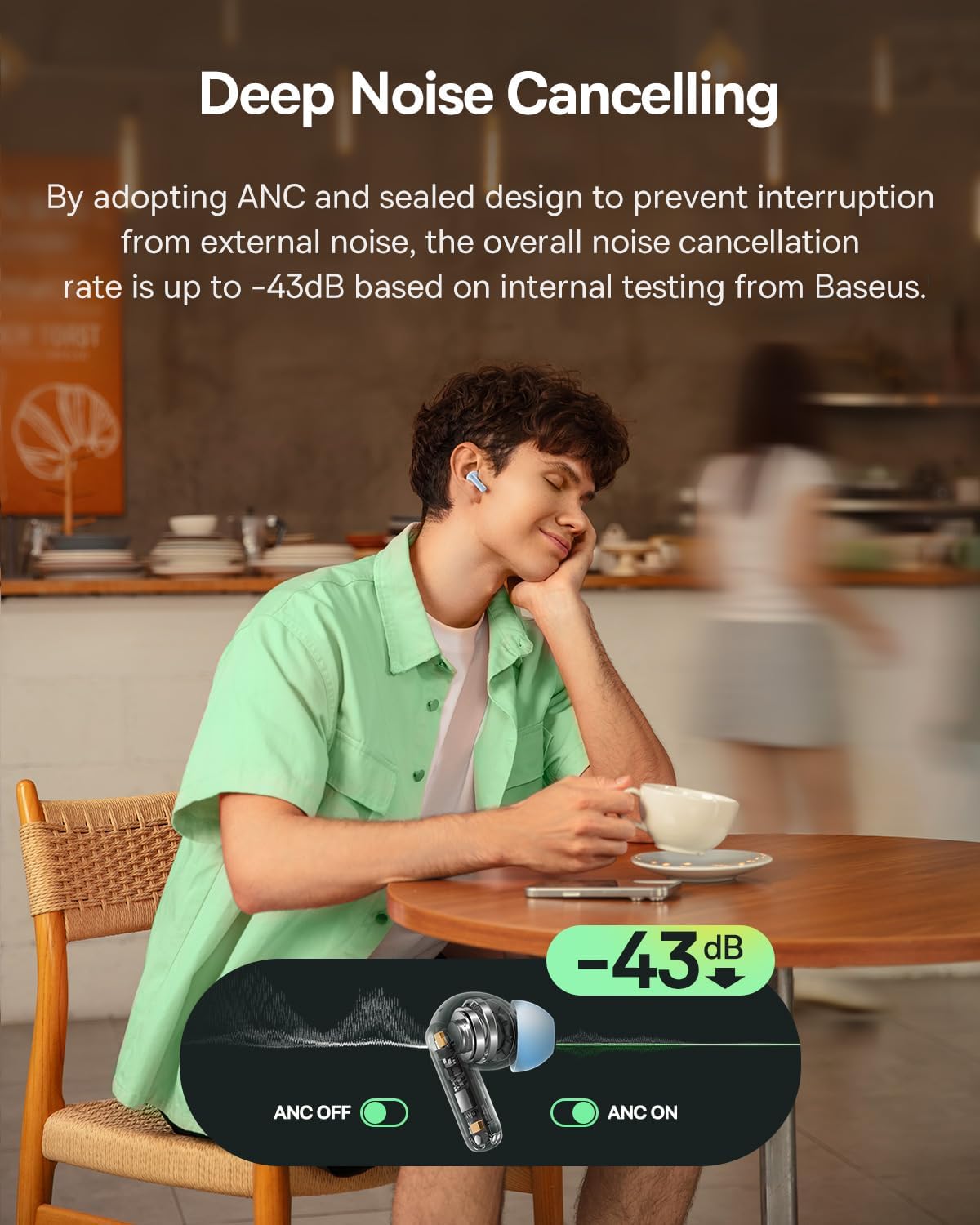
Image: Baseus Bass BP1 NC Earbuds and Charging Case.
Ata: Auiliili view of a single earbud.
4. Seti
4.1 Totogiina le taliga ma le pusa
Before first use, fully charge the earbuds and charging case. Place the earbuds into the charging case. Connect the charging case to a power source using a USB-C cable. The indicator lights on the case will show the charging status.
O le fa'atumuina i le 10 minute e maua ai le tusa ma le 2 itula o le taimi e ta'alo ai.

Image: Battery life and charging information.
4.2 Fa'atasiga Bluetooth
- Tatala le pusa e fa'atumu ai le earbuds. O le a otometi lava ona ulufale atu i le pairing mode, e fa'ailoa mai i se moli emo.
- I luga o lau masini (smartphone, tablet, etc.), fa'aaga le Bluetooth.
- Saili mo "Baseus Bass BP1 NC" in the list of available Bluetooth devices and select it to connect.
- Once connected, the indicator light on the earbuds will turn off or show a steady light, depending on the model.
The earbuds feature Bluetooth 6.0 for lower latency, more stable connectivity, and increased transmission range.

Image: Bluetooth 6.0 technology overview.
4.3 Fa'apipi'i Fa'alogo
For optimal sound quality and noise cancellation, ensure a proper fit. Choose the eartips that provide a snug seal in your ear canal. Insert the earbuds gently and twist them slightly until they feel secure and comfortable.

Image: Earbuds properly fitted in ear.
5. Fa'atonuga o Galuega
5.1 Malosi / Malosi
- Malosiaga: Tatala le pusa o lo'o molia, ma e otometi lava ona ola taliga.
- Tapē le eletise: Toe fa'afo'i taliga taliga i totonu o le atigipusa ma tapuni le tapuni. O le a otometi lava ona pepe ma amata ona fa'atumu.
5.2 Pulea Pa'i
The Baseus Bass BP1 NC earbuds feature intuitive touch controls on each earbud. The 'Pinch Area' on the stem of the earbud is where touch gestures are registered.

Image: Touch control functions.
| Gaioiga | Galuega |
|---|---|
| Tap Faalua (x2) | Ta'alo/Taofi musika; Tali/Fa'amuta telefoni |
| Tap Faatolu (x3) | Play Previous Track (Left earbud); Play Next Track (Right earbud) |
| Oomi ma Taofi (2s) | Reject calls; Switch Noise Reduction / Transparency Mode |
5.3 Fa'aleaogaina o le Pisa Malosi (ANC) ma le Transparency Mode
The earbuds feature Hybrid ANC technology, reducing external noise by up to -43dB. You can switch between ANC On, ANC Off, and Transparency modes by pressing and holding the touch area for 2 seconds.
- ANC i luga: Blocks out ambient noise for an immersive listening experience.
- Ta'e ANC: Standard audio mode without noise cancellation.
- Faiga manino: E mafai ai ona e fa'alogo i mea o lo'o siomia ai oe a'o e fiafia pea i lau leo, e aoga mo le nofouta i siosiomaga pisi.

Image: Deep Noise Cancelling feature in action.
5.4 Pulea Valaau
The 4-Mic AI ENC technology ensures clear calls by isolating your voice from background noise.

Image: 4-Mic AI ENC for clear calls.
5.5 Customizable Audio Performance (EQ)
Utilize the Baseus app to personalize your listening experience with 24 customizable EQ settings. This allows you to tailor the sound profile to your preferences for various music genres or content types.

Image: Baseus app EQ customization interface.
5.6 Low Latency Gaming
The earbuds offer a low latency of 58ms, providing a synchronized audio-visual experience ideal for gaming.
Video: Demonstrating the low latency feature for gaming.
6. Tausiga
6.1 Fa'amamāina
- Fa'amama i taimi uma taliga fa'apitoa, aemaise o mea fa'apipi'i taliga ma mea fa'afeso'ota'i, fa'atasi ai ma se ie mālū, mago, leai se lint.
- Aveese pito taliga ma fa'amamā i le fasimoli ma le vai mālū pe a mana'omia. Ia mautinoa ua mago atoa a'o le'i toe fa'apipi'i.
- Aua ne'i fa'aogaina ni mea e fa'amama fa'amama po'o ni so'o.
6.2 Teuina
When not in use, always store the earbuds in their charging case to protect them from dust, damage, and to keep them charged.
6.3 Suavai Tetee
The earbuds are IP55 water-resistant, protecting them from sweat, splashes, and light rain. Do not submerge them in water or expose them to strong jets of water.

Image: IP55 Water & Dust Resistant feature.
7. Faʻafitauli
Afai e te feagai ma faʻafitauli, faʻafesoʻotaʻi faʻafitauli masani nei ma fofo:
| Fa'afitauli | Fofo e ono mafai |
|---|---|
| E le fetaui taliga taliga | Ensure earbuds are charged. Turn off and on Bluetooth on your device. Place earbuds back in case, close, then reopen to re-enter pairing mode. |
| Leai se leo mai le tasi taliga | Check if both earbuds are charged. Try resetting the earbuds (refer to manufacturer's specific reset instructions if available). Re-pair with your device. |
| Poor sound quality / Weak bass | Ensure eartips provide a snug seal. Try different sized eartips. Check EQ settings in the Baseus app. |
| E le aoga le ANC | Ensure earbuds are properly seated in your ears. Verify ANC mode is active via touch control or the Baseus app. |
| O taliga taliga e le o totogia | Clean charging contacts on both earbuds and case. Ensure charging cable is securely connected and power source is active. |
8. Fa'amatalaga
Detailed technical specifications for the Baseus Bass BP1 NC Earbuds:
- Igoa Fa'ata'ita'i: Baseus Bass BP1 NC
- Pulea le pisa: Adaptive Noise Cancellation (Hybrid ANC up to -43dB)
- Ituaiga Avetaavale leo: Avetaavale malosi
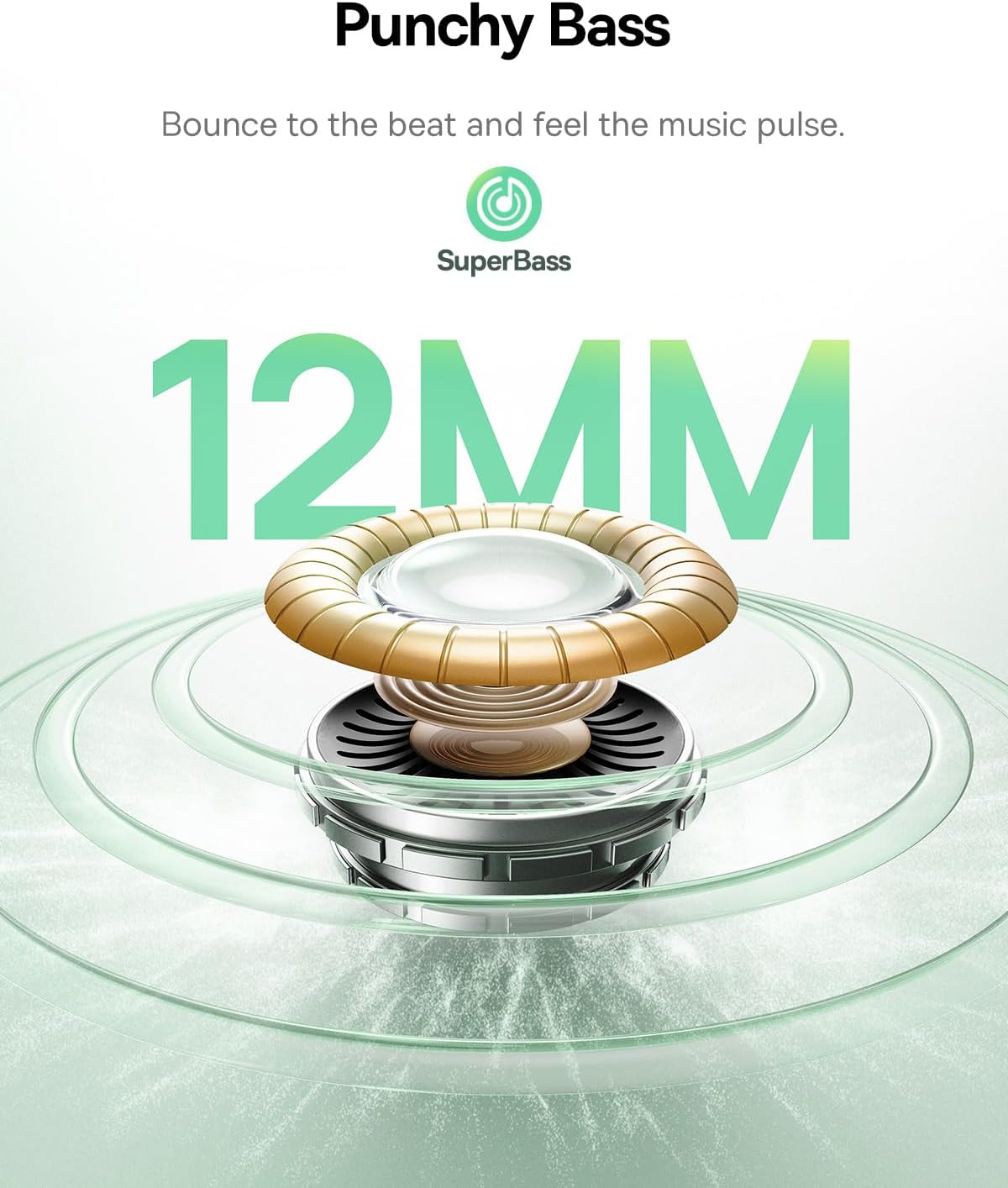
- Tele Aveta'avale leo: 12 mm
- Tali Faatele: 20 KHz
- Fa'alavelave: 16 Ohm
- Tekinolosi Feso'ota'i: Uaealesi
- Fa'atekonolosi Feso'ota'iga uaealesi: Bluetooth
- Bluetooth Version: 6.0
- Bluetooth ituaiga: 10 mita
- Taofi leo: 58 Miliseconds
- Malo o le maa (Earbuds): E oo atu ile 7 itula (ANC tape)
- Total Playtime (with Charging Case): E oo atu ile 41 itula (ANC tape)
- Charging Time (Rapid Charge): 10 minute mo le 2 itula taimi taʻaloga
- Suavai Tetee Level: IP55 (Tetee Suavai)
- Ituaiga Pulea: Pulea Pa'i
- Microphones: 4-Maikorofoni AI ENC
- EQ fa'apitoa: 24 fa'atulagaga e ala i le Baseus App
- Mea: Acrylonitrile Butadiene Styrene (ABS), Polycarbonate (PC)
- Item Weight (per earbud): 4.1 kalama (pe tusa 0.145 aunese)
- Fua o Mea: 1.2 x 0.8 x 0.9 inisi
- Fua Fa'atau: 5.7 x 4.9 x 2.8 Sinimita
- UPC: 810196183469
9. Fa'amatalaga Saogalemu
- Aua le talepe pe suia le oloa.
- Taofi ese mai le vevela tele, susulu o le la, ma afi mumu.
- Avoid exposing the product to water beyond its IP55 rating.
- Aua le fa'aogaina mea fa'alogo i le maualuga tele o le leo mo se taimi umi e puipuia ai le fa'aleagaina o le fa'alogo.
- Taofi ese mai tamaiti ma fagafao.
10. Fa'amaonia ma Lagolago
Baseus products are covered by a limited warranty. For specific warranty terms, registration, or technical support, please refer to the warranty card included in your package or visit the official Baseus webnofoaga. Fa'amolemole taofi lau fa'amaoniga o le fa'atau mo tagi fa'amaonia.