
1. Oloa Ua Ovaview
The AJAZZ AJ139 V2 MC is a versatile tri-mode gaming mouse designed for precision and responsiveness. It features a PAW3311 sensor for accurate tracking, a 1000Hz return rate for smooth performance, and a long-lasting 500mAh battery. Its compact and lightweight design makes it suitable for extended use and portability.
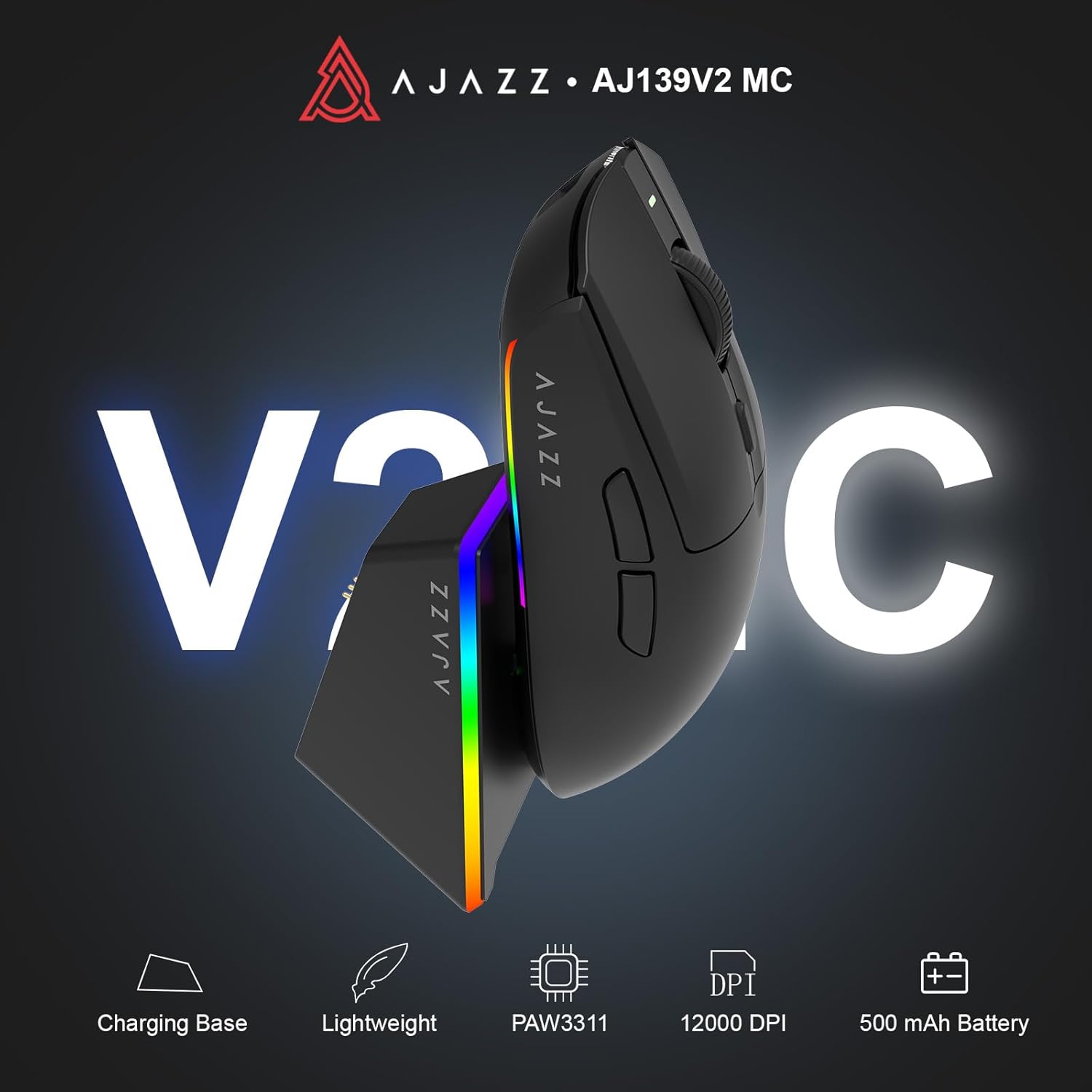
Figure 1.1: AJAZZ AJ139 V2 MC Gaming Mouse and Charging Dock.
Vitio 1.1: Ua umaview of the AJAZZ AJ139 V2 MC Gaming Mouse, highlighting its features and design.
2. Mea i totonu o le afifi
Ia mautinoa o lo'o iai mea uma i totonu o le afifi:
- AJAZZ AJ139 V2 MC Gaming Mouse
- Totogi Fa'atau
- USB-C Uaea Fa'atau
- 2.4G USB Receiver (Dongle)
- Tusi Taiala
3. Vaega Autu
- PAW3311 Sensor Technology: Equipped with the PAW3311 sensor, this mouse ensures precise tracking and accurate cursor control for optimal performance.
- High 1000Hz Return Rate: Experience smooth and responsive performance with a 1000Hz return rate, enhancing your gaming or work experience.
- Umi 500mAh ma'a: The integrated 500mAh battery provides extended power, ensuring uninterrupted use for prolonged periods.
- Tatolu Faiga Feso'ota'i: Supports versatile connectivity options including Wired, 2.4G Wireless, and Bluetooth, adapting to various devices and setups.
- Fuafuaga la'ititi ma mama: Weighing approximately 66 grams, the mouse features a compact design for easy portability and comfortable use during long sessions.
- Malamalama RGB fa'apitoa: Features integrated RGB lighting for personalized aesthetics.
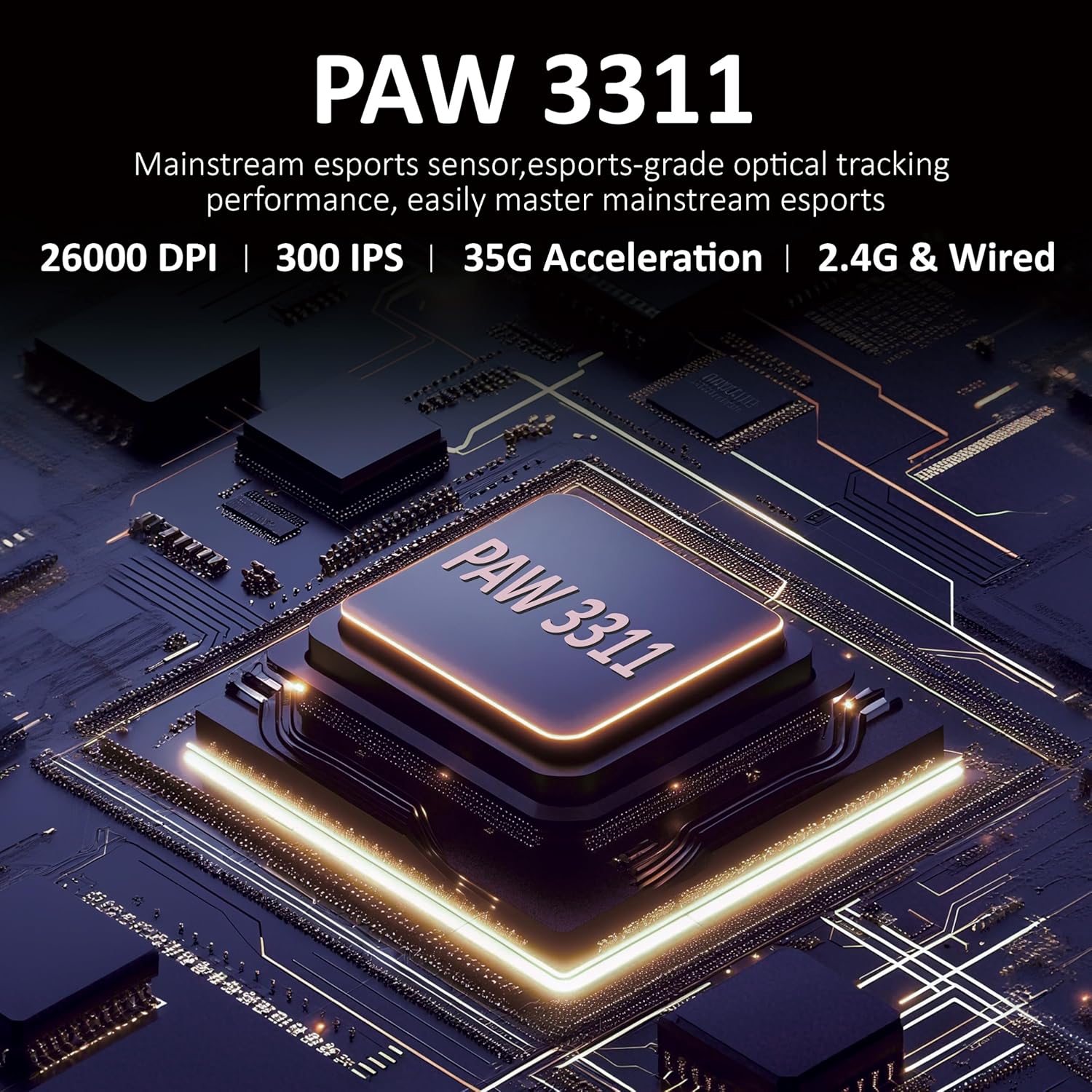
Ata 3.1: Auiliiliga view of the PAW3311 sensor technology.
Video 3.1: Demonstration of the mouse's 500mAh battery life.
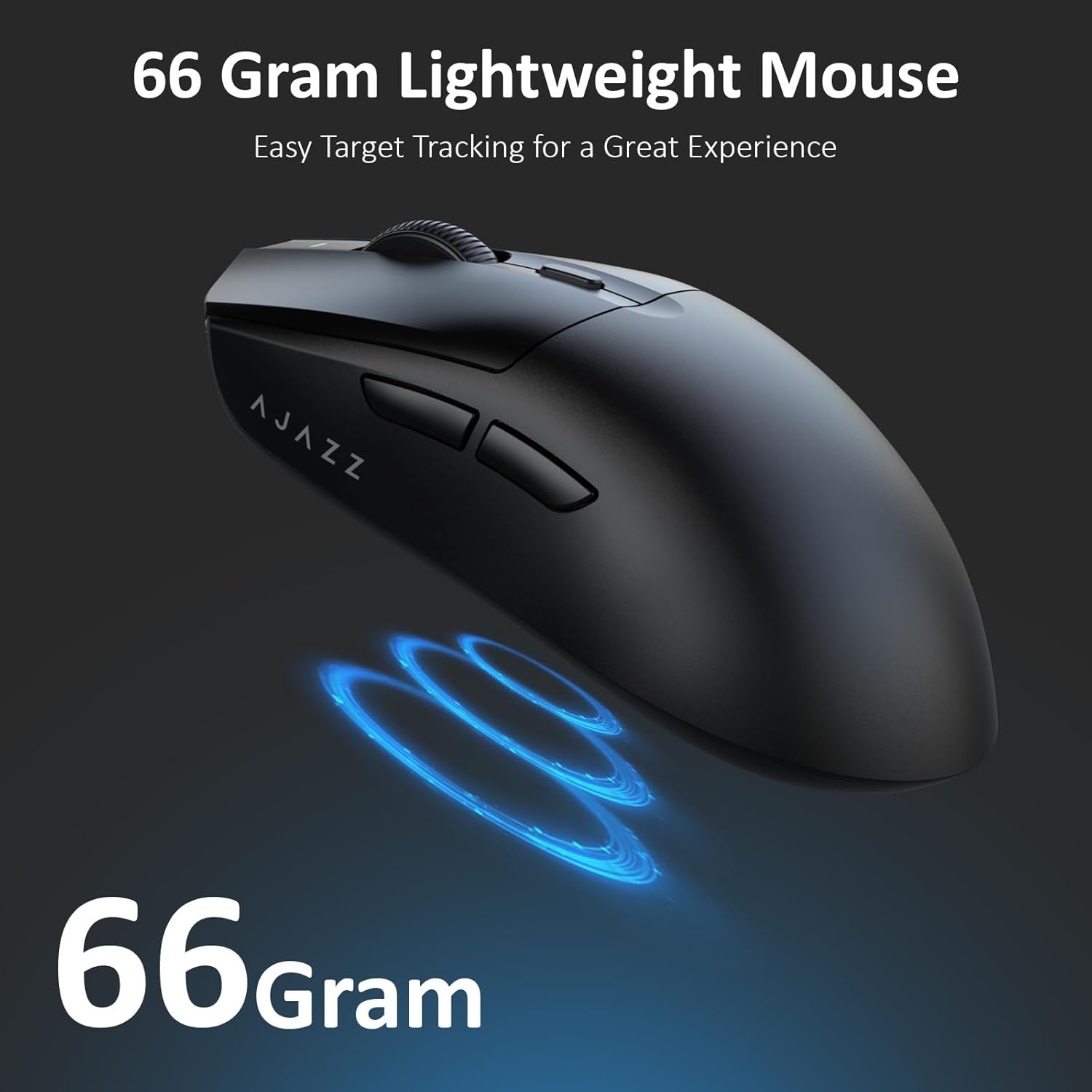
Figure 3.2: The lightweight design of the AJAZZ AJ139 V2 MC mouse.
4. Seti Taiala
4.1. Fa'afeso'ota'i le isumu
The AJAZZ AJ139 V2 MC offers three connection modes:
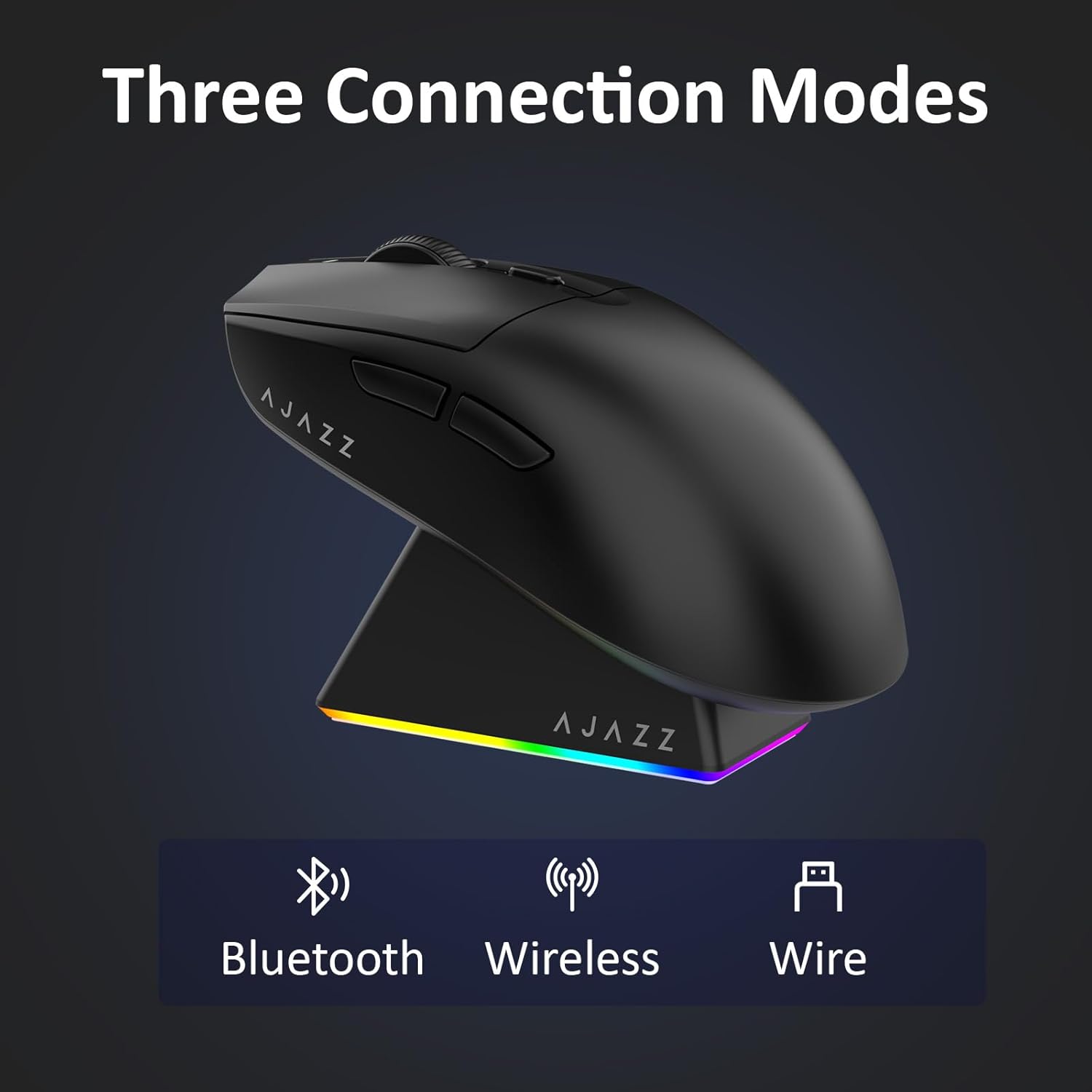
Figure 4.1: Visual representation of the three connection modes.
- 2.4G Auala uaealesi:
- Locate the 2.4G USB receiver stored in the compartment on the underside of the mouse.
- Fa'apipi'i le USB receiver i se uafu USB avanoa i lau komepiuta.
- Slide the switch on the bottom of the mouse to the '2.4G' position. The mouse will automatically connect.
- Faiga Bluetooth:
- Slide the switch on the bottom of the mouse to the 'BT' position.
- On your device, open Bluetooth settings and search for new devices.
- Select 'AJAZZ AJ139 V2 MC' from the list to pair.
- Faʻaogaina uaea:
- Connect the USB-C charging cable to the mouse and the other end to your computer's USB port.
- O le isumu o le a galue e pei o se masini uaea ma o le a faʻatumuina i le taimi e tasi.
4.2. Totogiina o le isumu
The mouse can be charged using the included charging dock or directly via the USB-C cable.
- Using the Charging Dock:
- Connect the USB-C charging cable to the charging dock and then to a power source (e.g., computer USB port, USB wall adapter).
- Place the mouse onto the charging dock, aligning the magnetic contacts. The RGB lighting on the dock and mouse will indicate charging status.
- Tu'u sa'o USB-C:
- Connect the USB-C charging cable directly to the mouse and a power source.
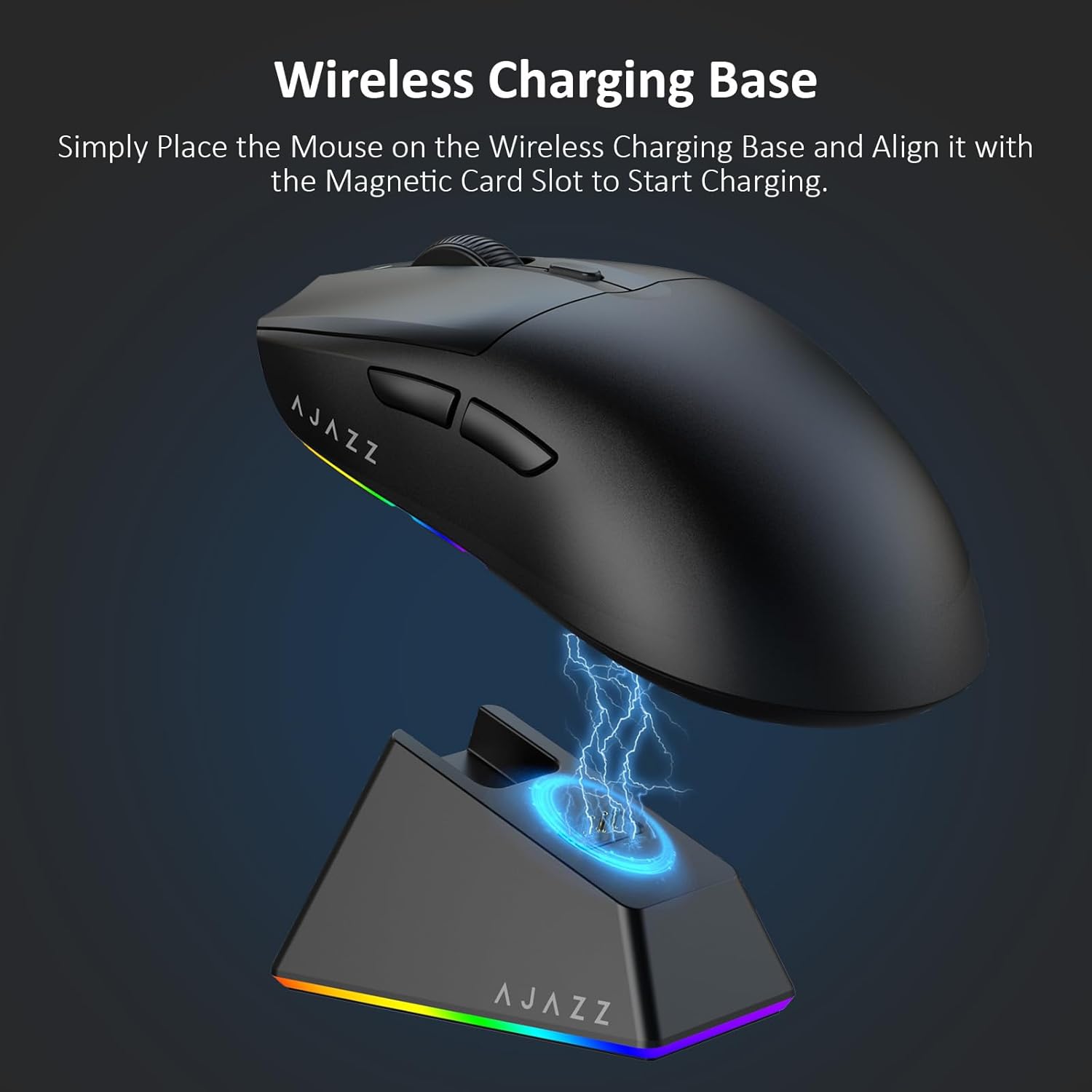
Figure 4.2: The mouse being charged on its wireless charging base.
5. Fa'atonuga o Galuega
5.1. Fetuunaiga DPI
The mouse features a dedicated DPI adjustment button on its underside, allowing you to cycle through different sensitivity levels. Press the button to change the DPI setting to suit your preference.
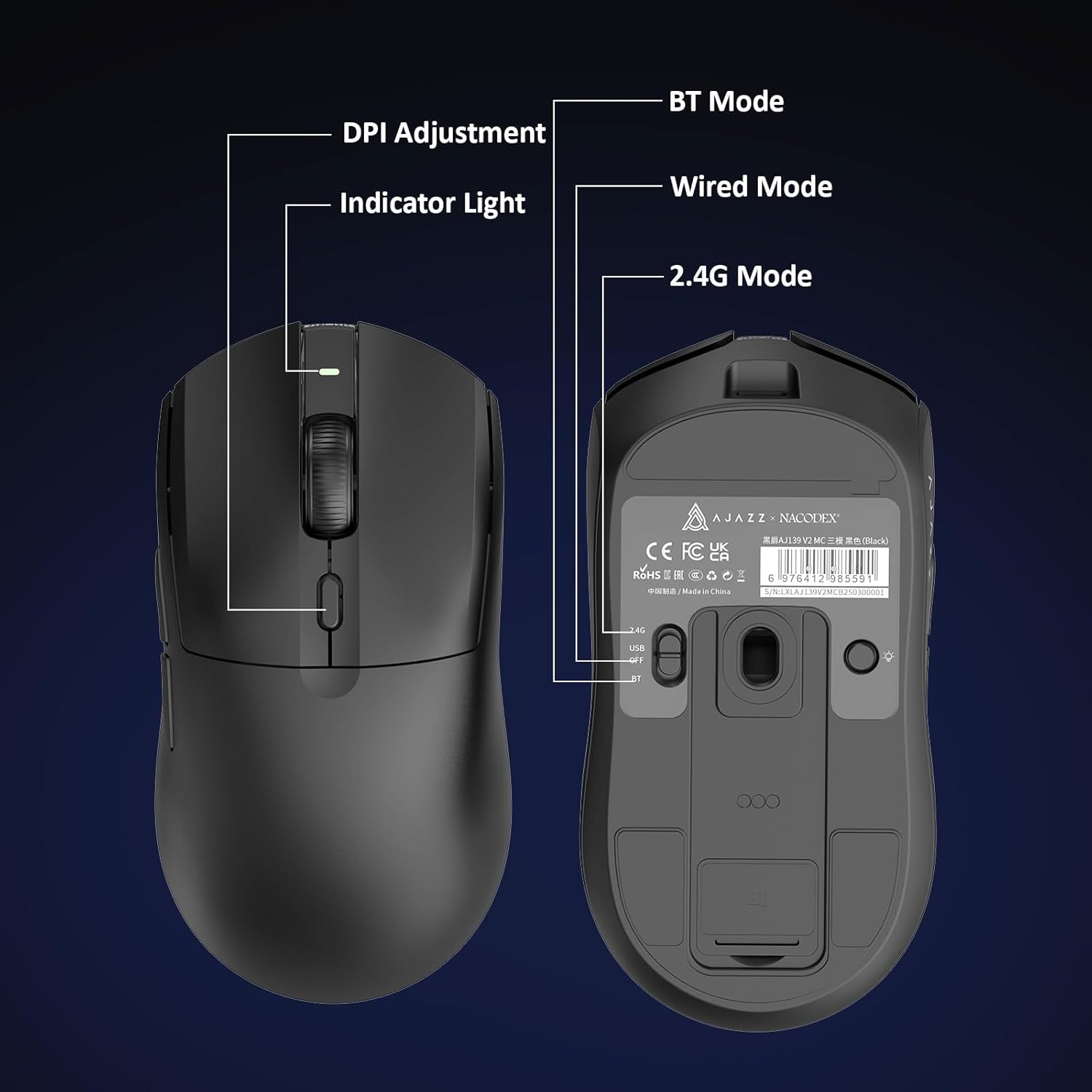
Figure 5.1: Location of the DPI adjustment button and connection mode switch on the mouse underside.
5.2. Galuega Fa'amau
The mouse is equipped with 6 programmable buttons:
- Kiliki Fa'amau
- Kiliki Fa'amau
- Uili Fa'ase'e (E mafai ona kiliki)
- DPI Adjustment Button (on underside)
- Two Side Buttons (typically for forward/backward navigation)
For advanced customization of button functions and macros, please refer to the official AJAZZ software (downloadable from the manufacturer's web'upega tafaʻilagi).
5.3. Puleaina o Moli RGB
The mouse and charging dock feature customizable RGB lighting. Specific controls for lighting modes and colors are typically managed through the official AJAZZ software. A dedicated light button on the underside of the mouse allows for basic cycling or turning off the lighting.
6. Tausiga
- Fa'amamaina: Faaaoga se ie vaivai ma mago e faamama ai le pito i luga o le isumu. Mo palapala faigata, faaaoga sina mea itiiti e faamama ai.amp E mafai ona fa'aaoga se ie, ia mautinoa e leai se susu e sosolo i totonu.
- Tausiga o le Sensor: Ia tausia le masini fa'alogo opitika i le pito i lalo o le isumu ia mama ma sa'oloto mai le efuefu po'o otaota ina ia fa'atumauina le sa'o o le su'esu'ega.
- Umi ole ma'a: Ina ia faaumiumi le ola o le maa, aloese mai le lafoaia atoatoa o le isumu i taimi uma. Totogi pe a vaivai le faailo o le maa.
7. Faʻafitauli
| Fa'afitauli | Fofo e ono mafai |
|---|---|
| Mouse not responding in 2.4G Wireless mode. | Ensure the 2.4G USB receiver is securely plugged into a USB port and the mouse switch is set to '2.4G'. Try a different USB port. |
| Mouse not pairing via Bluetooth. | Ensure the mouse switch is set to 'BT' and your device's Bluetooth is enabled and discoverable. Try unpairing and re-pairing the device. |
| E lē mafai ona fa'atumuina le isumu. | Verify the USB-C cable is properly connected to both the dock/mouse and the power source. Ensure the mouse is correctly seated on the charging dock's magnetic contacts. |
| Inconsistent tracking or cursor movement. | Clean the optical sensor on the underside of the mouse. Ensure you are using the mouse on a suitable surface (e.g., a mouse pad). |
| E le aoga le moli RGB. | Check the mouse's software settings for lighting control. Ensure the mouse has sufficient battery charge. |
8. Fa'amatalaga Fa'apitoa
| Fa'aaliga | Fa'amatalaga |
|---|---|
| Fa'ailoga | AJAZZ |
| Igoa Fa'ata'ita'iga | Aj139 V2 MC |
| Lanu | V2 MC Black |
| Tekinolosi Feso'ota'i | Bluetooth, USB, 2.4G Wireless |
| Fa'atekonolosi Su'esu'ega | Optical (PAW3311 Sensor) |
| Mouse Maximum Sensitivity | 12000 Dots per Inch (DPI) |
| Toe Fa'afo'i Fua Faatatau | 1000Hz |
| Malosiaga ma'a | 500mAh |
| Aofa'i o le Fa'amau | 6 |
| Fa'asinomaga Lima | Tauagavale |
| Masini Fegalegaleai | Komepiuta Desktop |
| Faiga Fa'atonu | Pupuni |
| Avanoa | 10 mita |
| Mea mamafa | 4 Aunese (pe tusa 113 kalama) |
| Ituaiga Mea L x W | 5"L x 2.5"W (approx. 12.7cm x 6.35cm) |
| Faiga Fa'alelei | RGB moli |
| Mea Fa'amau | palasitika |
| Faauma | Mata |
9. Fa'amaonia ma Lagolago
This product comes with a standard manufacturer's warranty. For detailed warranty information, please refer to the official AJAZZ webnofoaga pe fa'afeso'ota'i lau fa'atau.
For technical support, troubleshooting assistance, or any product-related inquiries, please visit the AJAZZ official support page or contact their customer service team.
Punaoa i luga ole laiga:
AJAZZ Official Store