
1. Oloa Ua Ovaview
The JESSTTI Keyless Entry Door Lock with Keypad offers a secure and convenient way to manage access to your property. This smart lock provides multiple entry methods, including passcodes, IC cards, and traditional backup keys. Designed for durability and ease of use, it features an anti-peep password function, an interchangeable handle, and a backlit keypad for visibility in low light conditions.
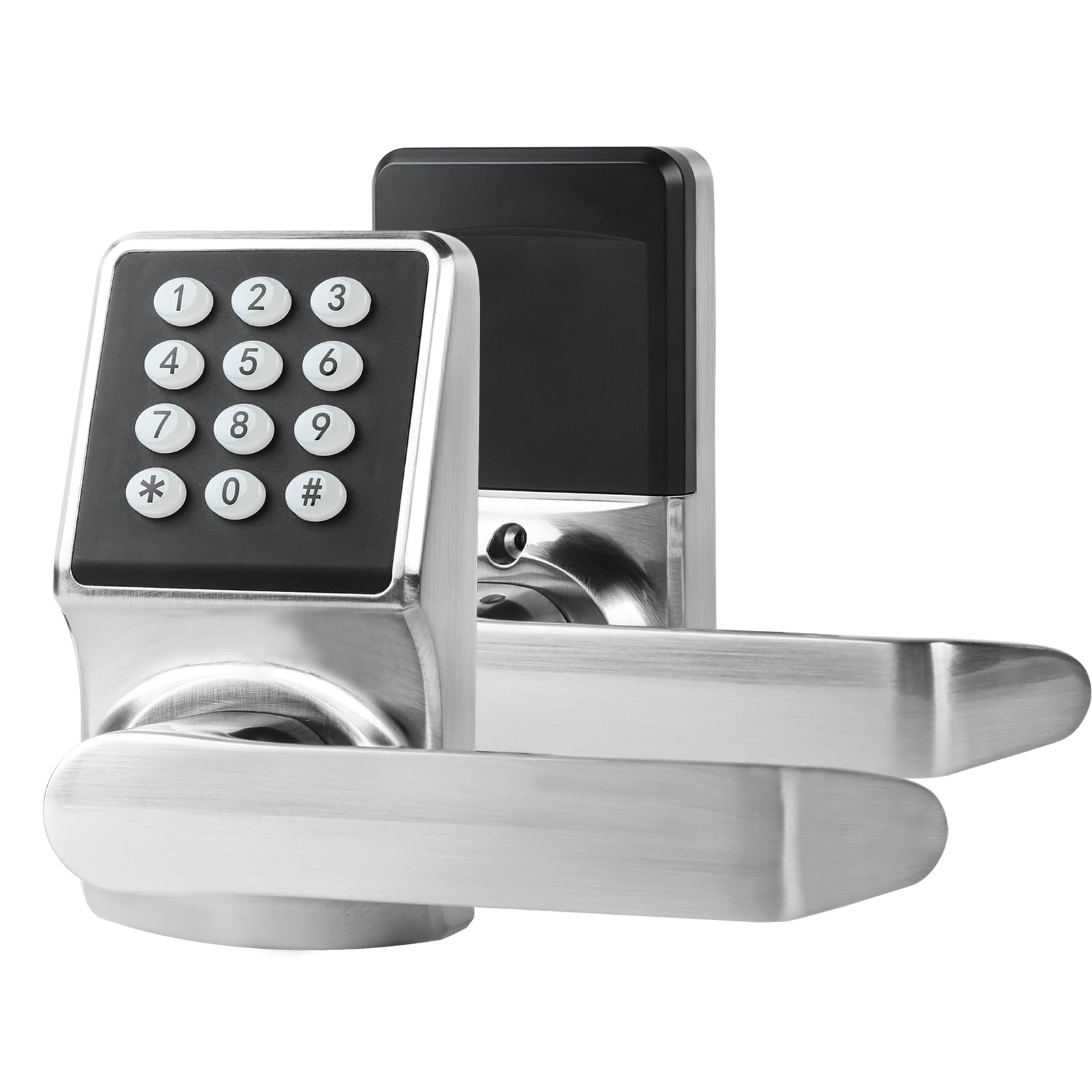
Figure 1.1: User interacting with the keypad of the JESSTTI Keyless Entry Door Lock.
Vaega Autu:
- Tele Avanoa Metotia: Passcode, IC Cards, Backup Keys, FOB Unlock, NFC Unlock.
- Anti-Peep Passcode: Enter random digits before or after your actual code to prevent unauthorized viewing.
- Interchangeable Handle: Compatible with both left and right-handed doors.
- Fausiaga Tumau: Made from high-quality zinc alloy for reliability and resistance to wear.
- Loka otometi: Features a 6-second auto-lock function for enhanced security.
- Malosiaga o tagata e faaaogāina: Supports up to 100 user codes (20 one-time, 80 fixed).
Vitio 1.1: Ua umaview of the Keypad Door Lock with Handle features and operation.
2. Seti ma Fa'apipi'i
This section provides instructions for installing your JESSTTI Keyless Entry Door Lock. Ensure you have all components listed in the package contents before beginning.
I totonu o le afifi:
- 1 x Keyless Entry Door Lock
- 2 x Door Handles
- 1 x Fa'amau
- 1 x Fa'atonuga Tusi Taiala (lenei pepa)
- 1 x Paiga Totigilima
- 2 x Ki Fa'aleoleo
- 3 x Door Cards (IC Cards)
- 1 x Fa'avili
- 1 x Door Stopper

Figure 2.1: All included components for the JESSTTI Keyless Entry Door Lock.
Faitotoa Fegalegaleai:
- Mafiafia Faitotoa: 1-3/8 inches to 2-1/8 inches (35 to 55mm)
- Adjustable Latch: 2-3/8 inches to 2-3/4 inches (60 to 70 mm)
Laasaga fa'apipi'i:
- Prepare the door by ensuring it meets the thickness and latch specifications.
- Fa'amau le fa'amau i le pito o le faitoto'a.
- Attach the exterior and interior handle assemblies, ensuring proper alignment.
- Secure the lock with the provided screws using the screwdriver.
- Insert the required batteries (not specified in JSON, typically AA or AAA).
- Test the mechanical operation of the handles and latch.
- Proceed to initial programming as per the detailed instructions in the included manual.
3. Fa'atonuga o Galuega
This section details how to use the various access methods and features of your JESSTTI Keyless Entry Door Lock.
Unlocking with Passcode:
- Press any key to activate the keypad.
- Enter your programmed passcode.
- Press the '#' key to confirm.
- The lock will unlock, and you can turn the handle to open the door.
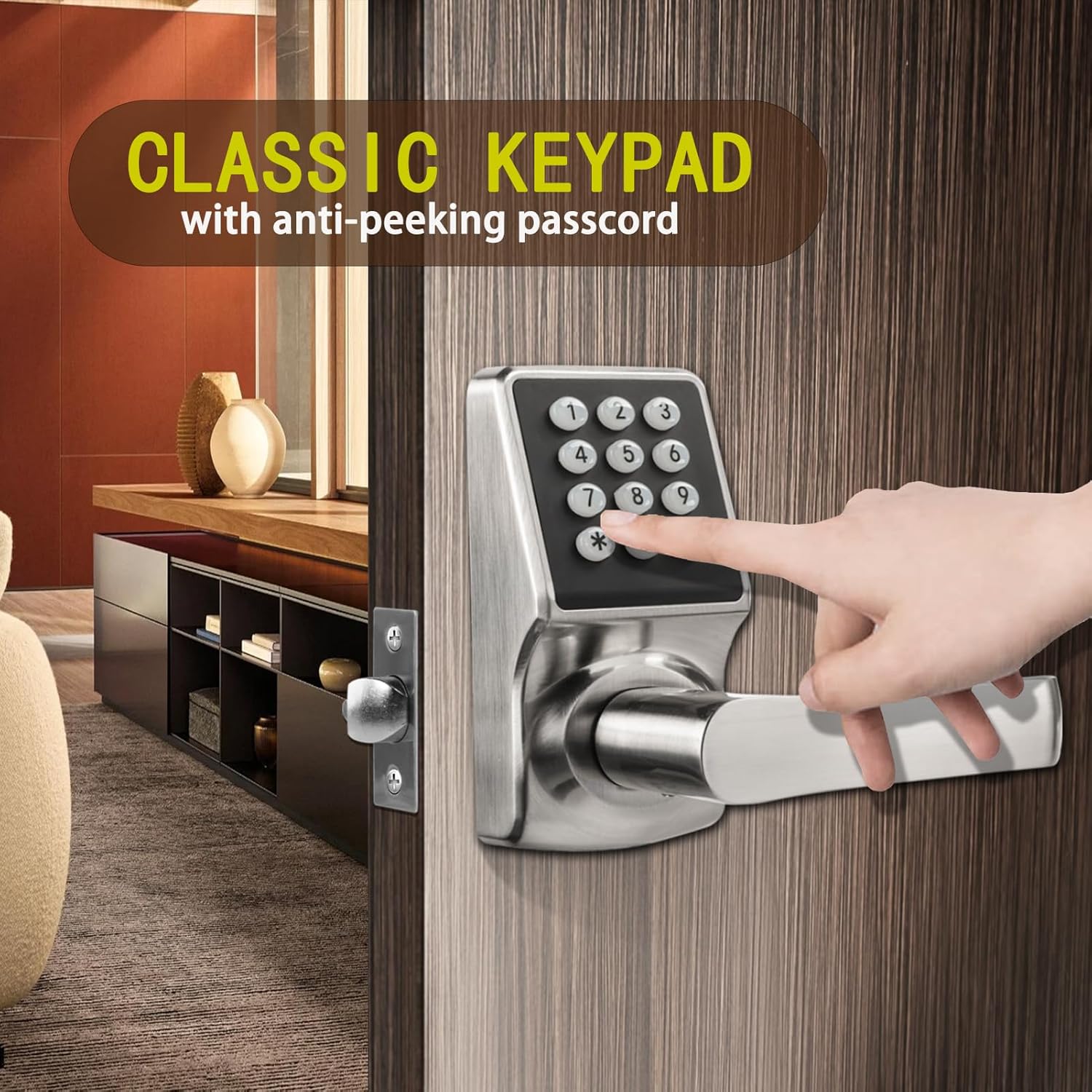
Figure 3.1: Keypad with anti-peeping passcode functionality.
Anti-Peep Passcode Feature:
To enhance security, you can enter random digits before and/or after your actual passcode. For example, if your code is 123456, you can enter 987123456012#.
Unlocking with IC Card (FOB/NFC):
- Present a programmed IC card (or compatible NFC device/FOB) to the card reader area on the lock.
- The lock will emit a confirmation sound/light.
- Liliu le au e tatala ai le faitotoa.
Unlocking with Backup Key:
In case of battery depletion or electronic malfunction, use the physical backup key. The keyhole is discreetly located. Refer to the included manual for specific keyhole access instructions.

Figure 3.2: Location of the hidden keyhole for emergency access.
Automatic Locking (Auto-Lock):
The lock is configured to automatically re-lock approximately 6 seconds after being unlocked. This feature ensures your door is always secured after entry or exit.

Figure 3.3: Illustration of the auto-lock mechanism engaging.
Fa'alogo lemu:
The lock features a mute mode to silence operational sounds, which can be useful in quiet environments or during specific hours. Refer to the full instruction manual for steps to activate/deactivate mute mode.

Figure 3.4: Mute mode icon indicating silent operation.
4. Tausiga
Proper maintenance ensures the longevity and optimal performance of your keyless entry door lock.
Suiga maa:
The lock is equipped with a low battery indicator. When the indicator activates, replace all batteries promptly to avoid loss of function. Use high-quality alkaline batteries for best performance.

Figure 4.1: Visual representation of the low battery indicator.
Sapalai Malosiaga Fa'afuase'i:
If batteries deplete completely before replacement, the lock features a backup power connector (e.g., USB-C port) to temporarily power the unit for emergency access. Connect a standard power bank to this port to provide temporary power.

Figure 4.2: Location of the backup power connector for emergency use.
Fa'amamaina:
Fa'amama le pito i fafo o le loka i se malu, oamp ie. Aloese mai mea fa'amama fa'amama po'o so'o e ono fa'aleagaina ai le fa'auma po'o mea fa'aeletoroni.
5. Faʻafitauli
This section addresses common issues you might encounter with your JESSTTI Keyless Entry Door Lock.
| Fa'afitauli | Mafuaaga e ono tupu | Fofo |
|---|---|---|
| Lock does not respond to keypad input. | Ma'a mate. | Replace batteries. Use the backup power connector if necessary. |
| Passcode error warnings. | Incorrect passcode entered. | Re-enter the correct passcode. Ensure no random digits are accidentally included unless using the anti-peep feature. |
| Loka e le fa'aogaina/tete'e malie. | Misalignment during installation or obstruction. | Check door alignment and ensure no foreign objects are obstructing the latch or bolt. Re-check installation steps. |
| IC card not recognized. | Card not programmed or damaged. | Ensure the IC card is correctly programmed. Try another programmed card. If issues persist, reprogram the card. |
| Lock consumes batteries quickly. | Low-quality batteries, frequent usage, or internal issue. | Use high-quality alkaline batteries. If the issue persists despite new batteries and moderate use, contact customer support. |
6. Fa'amatalaga
| Fa'aaliga | Fa'amatalaga |
|---|---|
| Fa'ailoga | JESSTTI |
| Numera Fa'ata'ita'i | ab11404b-e473-4c0c-bb53-95673075d19a |
| Ituaiga Loka | Keypad |
| Mea | Uamea (U'amea Fa'a'ofu'ofu) |
| Lanu | Satin Nickell |
| Ituaiga Mea (L x W x H) | 10.2 x 8.3 x 3.6 inisi |
| Faitotoa Mafiafia Fegalegaleai | 1-3/8'' to 2-1/8'' (35 to 55mm) |
| Fa'amau Fa'atonu | 2-3/8 inches to 2-3/4 inches (60 to 70 mm) |
| Fa'aoga Fautuaina | Front doors, Bedroom doors, Office doors, Garage doors, Residential and Commercial purposes |
| Fa'apitoa Fa'apitoa | Adjustable, Backlight, Anti-peep Password, Mute Mode, Auto-Lock |
| Fa'aaofia Vaega | Lock, 2 Handles, Latch, Manual, Gloves, 2 Keys, 3 Door Cards, Screwdriver, Door Stopper |
7. Fa'amaonia ma Lagolago
Fa'amatalaga Fa'amaonia:
Specific warranty details for the JESSTTI Keyless Entry Door Lock are typically provided with the product packaging or can be found on the manufacturer's official webnofoaga. Fa'amolemole taofi lau fa'amaoniga o le fa'atau mo tagi fa'amaonia.
Lagolago tagata fa'atau:
For technical assistance, troubleshooting beyond this manual, or warranty inquiries, please refer to the contact information provided in your product packaging or visit the official JESSTTI website. When contacting support, please have your product model number (ab11404b-e473-4c0c-bb53-95673075d19a) and purchase details ready.