
1. Folasaga
This manual provides essential information for the setup, operation, and maintenance of your Wobble 43-inch UD Series 4K Ultra HD Smart LED Google TV. Please read this manual thoroughly before using the television and retain it for future reference.
Your Wobble TV features a 4K Ultra HD display, Google TV operating system, powerful audio, and various connectivity options for an enhanced viewle poto masani.
2. Fa'amatalaga Saogalemu
Always observe the following safety precautions to prevent damage and ensure safe operation:
- Aua le tu'u le TV ile timu po'o le susu.
- Ia mautinoa lelei le ea savili faataamilo i le TV.
- Aua le poloka avanoa e alu ai le ea i mea e pei o nusipepa, ie laulau, po'o ie pupuni.
- Puipui le uaea eletise mai le savali i luga pe pipii.
- Aveese le TV i taimi o afa uila po'o le le fa'aaogaina mo se taimi umi.
- Fa'asino atu auaunaga uma i tagata faigaluega agavaa.
3. Mea i totonu o le afifi
Fa'amaonia o mea uma o lo'o lisiina i lalo o lo'o aofia i lau afifi:
- 1N TV LED
- 1N Pule mamao
- 2N Stands
- 2N AAA batteries
- 1N Wall mount kit
- 4N Screws
- 1N Warranty card
- 1N Tusi Taiala
- 1N Mini AV cable
- 1N Power cord
4. Ova Faaletinoview

Ata 4.1: Luma view of the Wobble 43-inch UD Series TV, highlighting its Zero-Frame Design, 24W HD Speakers, Dolby Audio, Motion Frame Stabilization, and Dual Band Wi-Fi capabilities.

Ata 4.2: Detailed dimensions of the Wobble 43-inch TV, showing length (95.69 cm / 37.67 in), height with stand (63.2 cm / 24.8 in), height without stand (56.43 cm / 22.21 in), and width with stand (24.9 cm / 9.8 in).

Ata 4.3: Ua umaview of the multi-port panel on the Wobble TV, including AV IN, Antenna, 2x USB 2.0 ports, 3x HDMI 2.0 ports (with HDMI-1 ARC support), Optical audio output, and a LAN port for wired internet connection.
5. Seti
5.1 Fa'apipi'i Tu'u
- Tuu ma le faaeteete le lau TV-i lalo i luga o se mea malu, mafolafola e puipuia ai le faaleagaina.
- Align the TV stands with the corresponding screw holes on the bottom of the TV.
- Fa'amautu tulaga e fa'aaoga ai sikulima ua saunia.
5.2 Fa'apipi'i i luga o le puipui (filifiliga)
If you prefer wall mounting, use the included wall mount kit. It is recommended to have this installed by a qualified technician.
5.3 Uluai Malosiaga ma Feso'ota'iga
- Fa'afeso'ota'i le uaea eletise i le TV ma le so'o.
- Oomi le ki o le mana i luga o le mamao mamao po o le TV.
- Mulimuli i fa'atonuga i luga o le lau e fa'auma ai le seti muamua, e aofia ai le filifilia o le gagana, sone taimi, ma feso'ota'iga feso'ota'iga.
- For network connection, select your Wi-Fi network and enter the password, or connect an Ethernet cable to the LAN port.
6. Fa'atonuga o Galuega
6.1 Google TV Interface

Ata 6.1: The Google TV home screen displaying content recommendations, watchlist, and various streaming applications like YouTube, Netflix, and Prime Video. The TV supports over 10,000 apps from the Google Play Store.
Your Wobble TV runs on Google TV, providing a personalized experience with content recommendations, a watchlist, and personal profiles. Navigate using the remote control to access apps, movies, shows, and your library.
6.2 Pulea mamao mamao

Ata 6.2: The Wobble Smart Remote Control, featuring easy navigation buttons and dedicated hotkeys for quick access to popular streaming services like Netflix, Prime Video, and YouTube.
The included Smart Remote features dedicated hotkeys for quick access to popular streaming services like Netflix, Prime Video, and YouTube. It also supports voice commands via Google Assistant.
6.3 Pulea leo ma Google Fesoasoani

Ata 6.3: The TV screen showing a football match, with the 'Hey Google' prompt indicating active voice control. Use your voice to search for content, control playback, and manage smart home devices.
Press the Google Assistant button on your remote and say "Hey Google" to control your TV, search for content, get answers, and manage smart home devices using your voice.
6.4 Chromecast Fausia i totonu

Ata 6.4: A smartphone casting content to the Wobble TV, demonstrating the Chromecast built-in feature. This allows you to stream content directly from your mobile devices to the TV.
With Chromecast built-in, you can cast movies, shows, photos, and more from your phone, tablet, or laptop directly to your TV.
6.5 Google Feiloai
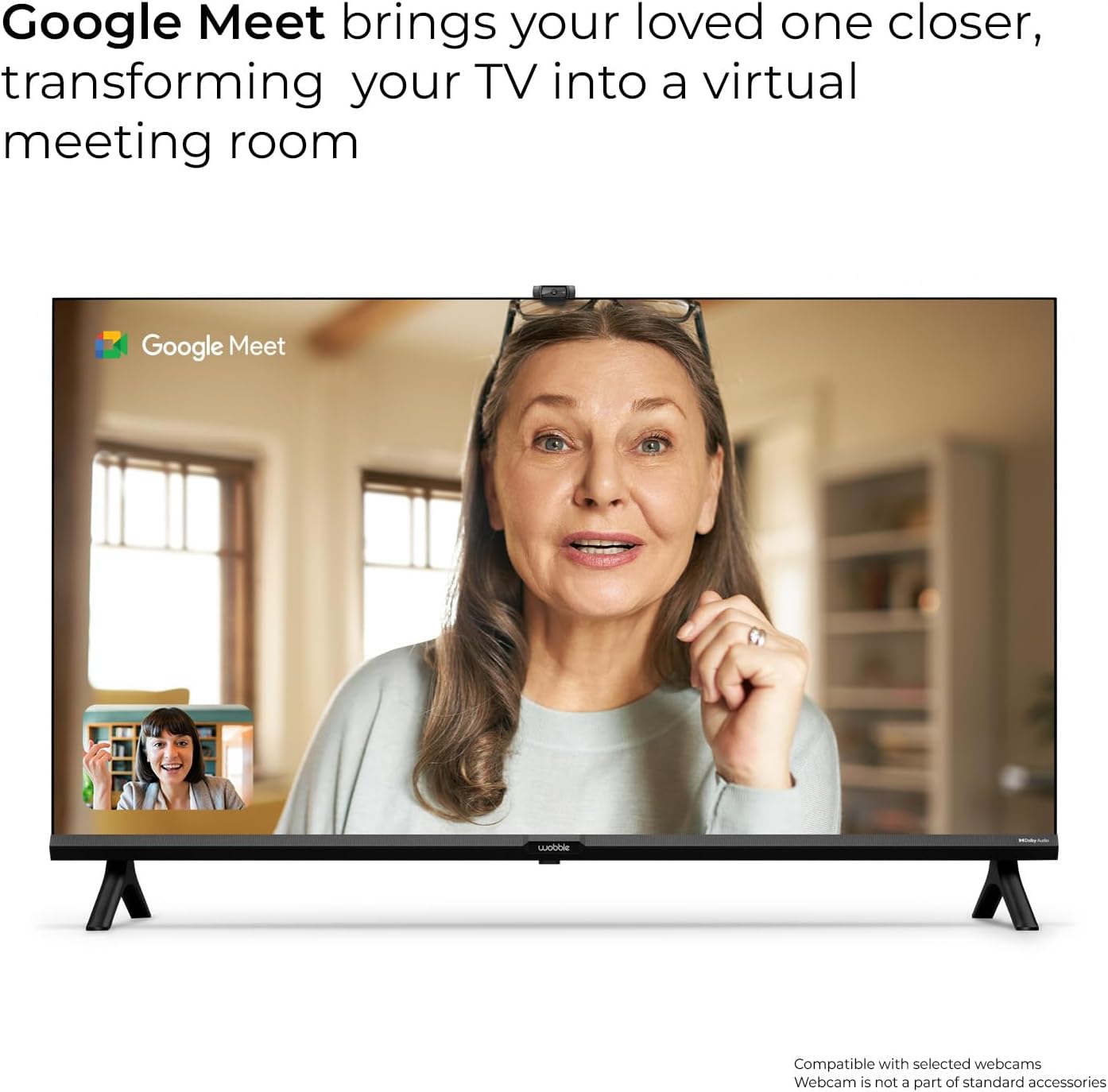
Ata 6.5: The Wobble TV displaying a Google Meet video call, transforming your TV into a virtual meeting room. Compatible with selected webcams (webcam not included).
The TV supports Google Meet, allowing you to conduct video calls and meetings directly from your television. A compatible webcam (sold separately) is required.
7. Feso'ota'i
Your Wobble TV offers various connectivity options:
- Wi-Fi: Dual-band Wi-Fi (2.4GHz / 5GHz) for fast and stable wireless internet connection.
- Bluetooth v5.0: Fa'afeso'ota'i mea fa'alogo uaealesi, fa'alogo, po'o isi masini Bluetooth.
- HDMI 2.0 x 3: Connect external devices such as set-top boxes, gaming consoles, laptops, and Blu-ray players. HDMI-1 supports ARC (Audio Return Channel).
- USB 2.0 x 2: Fa'afeso'ota'i masini e teu ai USB e ta'alo ai fa'asalalauga files or for software updates.
- Ethernet (LAN): Mo se feso'ota'iga initaneti uaea mautu.
- AV I: Mo le fa'afeso'ota'iina o masini tuai ma vitio tu'ufa'atasi ma leo fa'aleo.
- Antenna: Mo le fa'afeso'ota'iina o se fa'ateretila po'o le uaea antenna.
- mata'imata: Digital audio output for connecting to compatible sound systems.

Ata 7.1: Illustration of dual-band Wi-Fi connectivity, ensuring fast and efficient internet access for streaming and online activities.
8. Fa'aaliga ma Fa'alogo
8.1 4K Ultra HD Resolution
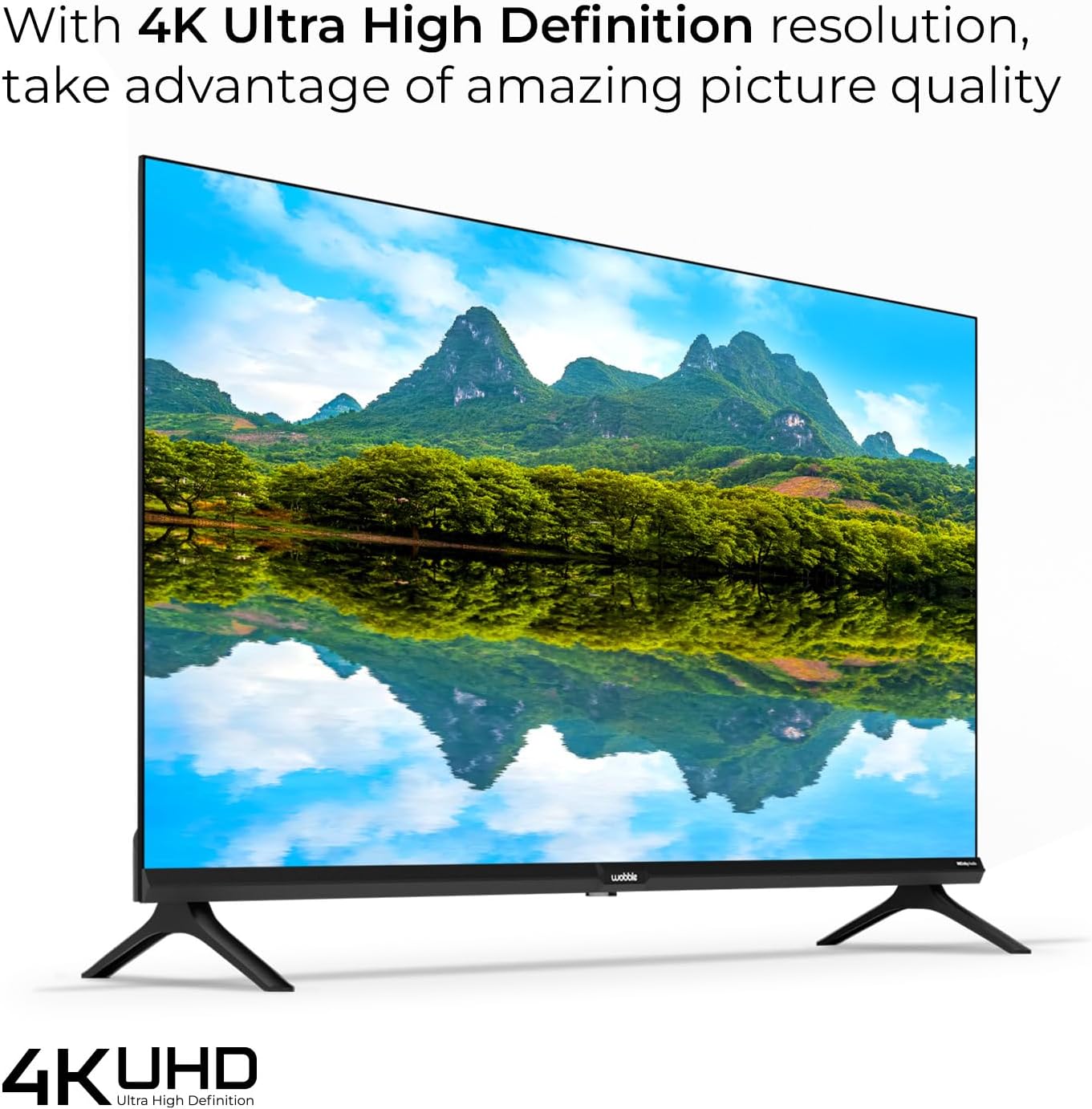
Ata 8.1: The Wobble TV displaying a vibrant 4K Ultra High Definition image of a landscape, showcasing the exceptional picture quality and detail.
Experience stunning visuals with 4K Ultra HD (3840 x 2160) resolution, offering four times the detail of Full HD. The 178-degree wide viewing angle ensures clear images from various positions.
8.2 HDR10 with HLG

Ata 8.2: The Wobble TV displaying a scene with hot air balloons, illustrating the brilliant contrast and lifelike colors achieved with HDR10 and HLG compatibility.
HDR10 with HLG (Hybrid Log-Gamma) compatibility delivers brilliant contrast and lifelike colors, enhancing the dynamic range of your content.
8.3 Motion Frame Stabilising Engine (MFSE)

Ata 8.3: A racing car image demonstrating the Motion Frame Stabilising Engine (MFSE), which ensures fluid motion and seamless transitions in fast-paced scenes.
The Motion Frame Stabilising Engine (MFSE) ensures fluid motion and seamless transitions, reducing blur in fast-paced action scenes.
8.4 Dolby Audio

Ata 8.4: The Wobble TV displaying a musician playing guitar, with sound waves emanating from the TV, symbolizing the powerful and immersive audio experience provided by Dolby Audio.
The 20 Watt powerful speakers combined with Dolby Audio deliver an immersive and rich sound experience.
9. Faʻafitauli
If you encounter issues with your Wobble TV, refer to the following common solutions:
- Leai se Malosi: Ensure the power cord is securely connected and the power outlet is functional. Try a different outlet.
- Leai se Ata/Leo: Check all cable connections (HDMI, AV, Antenna). Ensure the correct input source is selected on the TV.
- Mamao le galue: Suia maa AAA i le masini mamao. Ia mautinoa e leai ni fa'alavelave i le va o le mamao ma le IR sensor a le TV.
- Leaga le So'oga Wi-Fi: Ensure the TV is within range of your Wi-Fi router. Restart your router and the TV. Consider using a wired Ethernet connection for stability.
- Apps Not Loading: Check your internet connection. Clear the cache for the problematic app in the TV settings, or reinstall the app.
- Mataupu Tulaga Tulaga Ata: Adjust picture settings (brightness, contrast, color) in the TV menu. Ensure the content source is high quality (e.g., 4K content for 4K display).
Mo fa'afitauli faifai pea, fa'amolemole fa'afeso'ota'i le lagolago a tagata fa'atau.
10. Fa'amatalaga
| Fa'aaliga | Fa'amatalaga |
|---|---|
| Numera Fa'ata'ita'i | WB43GTAW9602UDFL |
| Tele lau | 43 Inisi (109 cm) |
| I'ugafono | 4K Ultra HD (3840 x 2160) |
| Fua Fa'afouina | 60 Hz |
| Viewi le Angle | 178 Tikeri Lautele |
| Fa'aaliga Tekonolosi | LED |
| Processor | 64bit Quad Core Processor (XRT Processor) |
| RAM | 2GB |
| Teuga | 16GB |
| Faiga Fa'atonu | Google TV |
| Fa'alogo leo | 20 Watt |
| Tekinolosi leo | Dolby Audio |
| Wi-Fi | Lua Fa'aili |
| Bluetooth | v5.0 |
| HDMI Taulaga | 3 (HDMI 2.0, 1 with ARC) |
| Taulaga USB | 2 (USB 2.0) |
| Isi Feso'ota'iga | Ethernet, AV In, Antenna, Optical |
| Fa'apitoa Fa'apitoa | Google TV, Smart Remote, HDR10, HLG, Chromecast built-in, Google Assistant, Google Meet, MFSE |
| Fua o Mea (D x W x H) | 24.9 x 95.69 x 63.2 cm |
| Mea mamafa | 6.13 kilokalama |

Ata 10.1: Visual representation of the TV's internal components, highlighting the XRT Processor, 2GB RAM, and 16GB Storage for robust performance.
11. Fa'amaonia ma Lagolago

Ata 11.1: Wobble's comprehensive warranty and support details, including 1-year warranty, doorstep service, certified engineers, and contact information.
Your Wobble TV comes with a 1-tausaga fa'amaonia atoatoa from the date of purchase. This warranty covers manufacturing defects and ensures a worry-free experience.
Lagolago tagata fa'atau:
- Doorstep Service: Available in over 19000+ Pin Codes.
- Certified Engineers: Professional assistance for any service needs.
- Avanoa Auaunaga: Monday - Sunday.
- Fesoasoani ile imeli: lagolago@wobble.in
- Lagolago Telefoni: +91 7065020269
- Webnofoaga: www.wobble.in