
1. Folasaga
Thank you for choosing the DINOSTRIKE Dual Dock PS5 Controller Charger Station. This device is designed to efficiently charge two PlayStation 5 DualSense controllers simultaneously, providing a convenient and organized charging solution. Please read this manual carefully before use to ensure proper operation and to maximize the lifespan of your product.
2. Fa'amatalaga Saogalemu
- Keep the charging station away from water, moisture, and high temperatures.
- Aua le taumafai e fa'a'ese'ese, lipea, pe sui le masini.
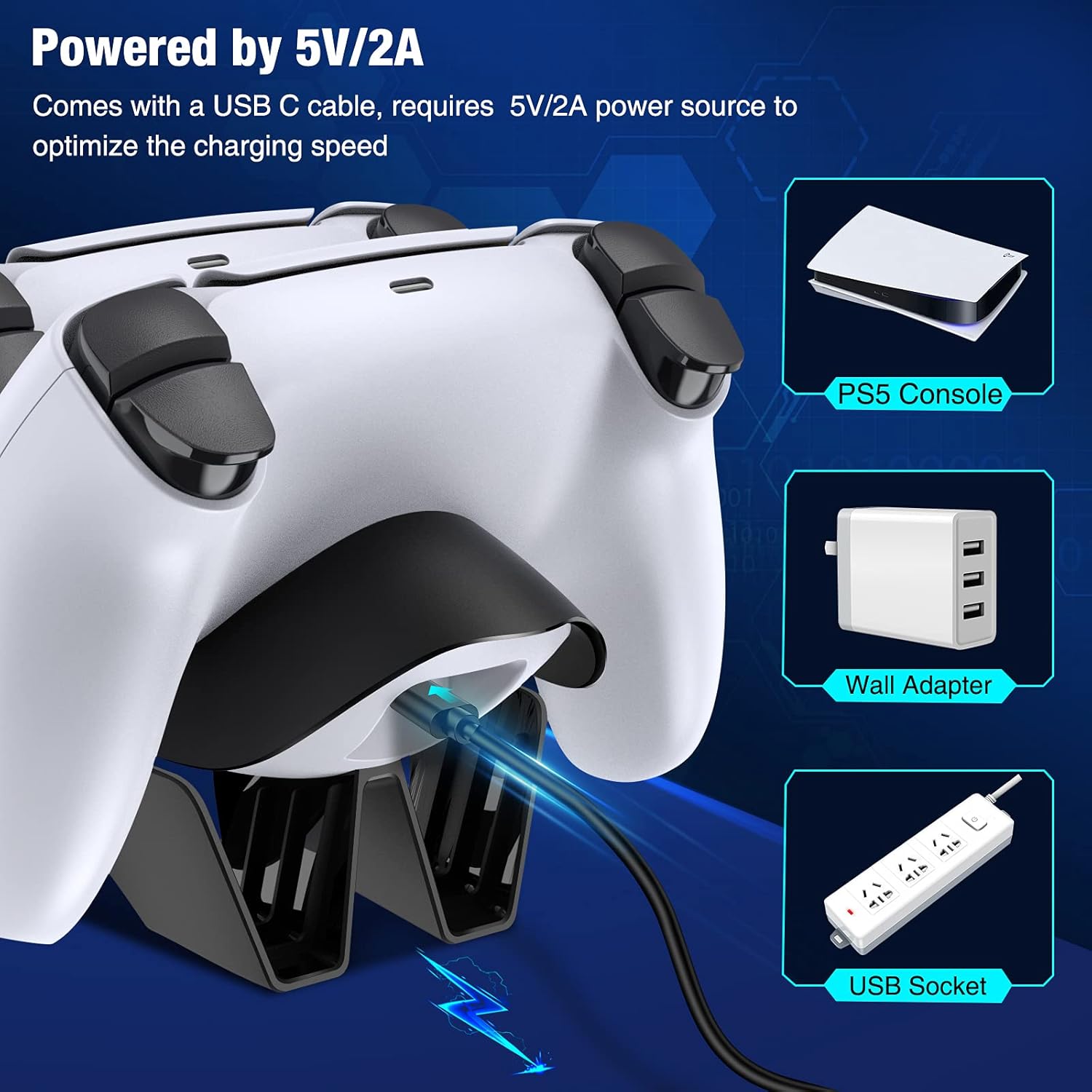
- Use only the provided USB-C cable and a compatible 5V/2A power adapter.
- Aloese mai le pa'u pe tu'u le masini i ni aafiaga malolosi.
- Taofi ese mai tamaiti.
- Tape le charger pe a le faʻaaogaina mo taimi uumi.
3. Mea i totonu o le afifi
Fa'amautinoa o lo'o iai mea uma i lau afifi:
- 1 x DINOSTRIKE Dual Dock PS5 Controller Charging Station
- 1 x USB-C Taula uaea
4. Vaega o Oloa
- Totogi vave: Charges two PS5 DualSense controllers simultaneously, achieving a full charge in approximately 2.5-3 hours with a 5V/2A power supply.
- Fa'ailoga LED: Clear visual indication of charging status for each controller.
- Puipuiga o le Totogi Atamai: Built-in chip provides protection against overcharging, over-voltage, over-current, short-circuit, and overheating.
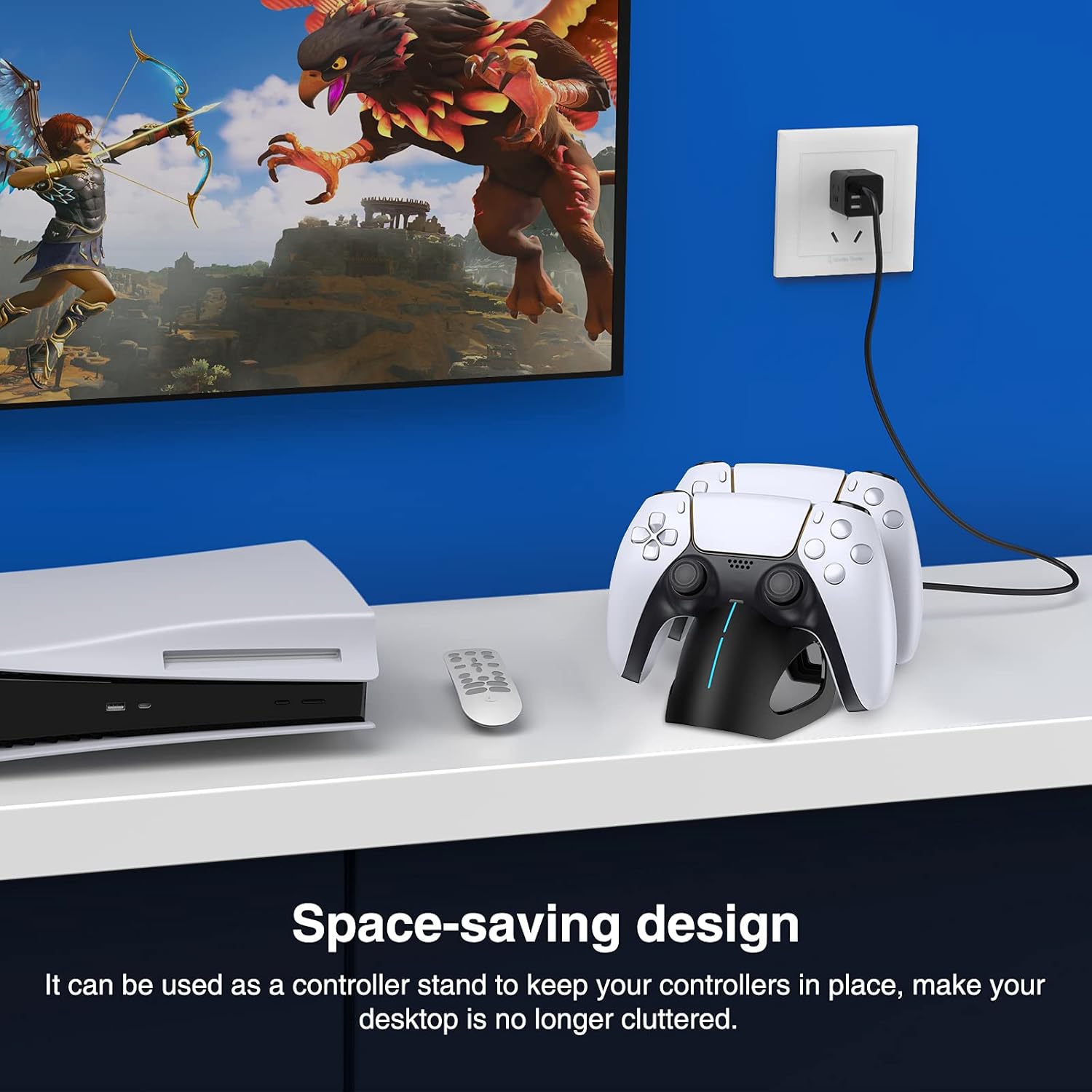
- Fuafuaga Faasao Avanoa: Functions as a controller stand, keeping your gaming area organized.
5. Seti
- Fesoʻotaʻi le Mana: Insert the USB-C end of the provided charging cable into the charging station.
- Punavai Malosi: Connect the USB-A end of the cable to a 5V/2A power source. This can be a PS5 console USB port, a wall adapter, or a USB socket. For optimal charging speed, a 5V/2A power source is recommended.
6. Fa'atonuga o Galuega
6.1 Charging Controllers
- Ia mautinoa o loʻo fesoʻotaʻi le nofoaga e faʻagoina ai mea i se puna eletise.
- Align the charging port of your PS5 DualSense controller with the connector on the charging dock.
- Gently place the controller onto the dock until it securely connects. The LED indicator on the charging station will illuminate to show the charging status.
- You can charge one or two controllers simultaneously.

6.2 Tulaga Fa'ailoga LED
The LED indicator on the front of the charging station provides clear feedback on the charging process:
- Molī Mumu: Fa'ailoa mai o lo'o fa'atonu le pule i le taimi nei.
- Molī lanumoana: Indicates that the controller is fully charged.

6.3 Intelligent Protection
The built-in intelligent chip automatically stops charging once controllers are fully charged, preventing overcharging and protecting your controllers from potential damage. This ensures the longevity of your controllers and the charging station.
7. Tausiga
- Fa'amamaina: Use a soft, dry cloth to wipe the surface of the charging station. Do not use liquid cleaners or abrasive materials.
- Teuina: When not in use, store the charging station in a cool, dry place away from direct sunlight.
- Taulimaina: Always handle the device gently to avoid damage to the charging ports or internal components.

8. Faʻafitauli
- Controller not charging:
- Ensure the charging station is properly connected to a 5V/2A power source.
- Verify that the controller is correctly seated on the dock and making proper contact with the charging pins.
- Taumafai e fa'aoga se isi uafu USB po'o se fa'aoga eletise.
- Test with a different PS5 controller if available.
- Totogi lemu:
- Ensure your power source provides at least 5V/2A output. Lower power output will result in slower charging.
- Avoid charging in extremely hot environments.
- LED indicator not working:
- Check the power connection to the charging station.
- Ensure the controller is properly docked.
9. Fa'amatalaga
| Fa'ailoga | TINOSTRIKE |
| Numera Fa'ata'ita'i | B09YY3YP2M |
| Masini Fegalegaleai | PS5 DualSense Controllers |
| Sao Voltage | 5V |
| Ulufale i le taimi nei | 2A (Fautuaina) |
| Uatage | 10 watts |
| Taimi Totogi | Approx. 2.5-3 hours (for two controllers) |
| Ituaiga Feso'ota'i | USB-C (ulufale) |
| Mea | palasitika |
| Fa'apitoa Fa'apitoa | Charging Indicator, Fast Charging, Overcharge Protection |
10. Fa'amaonia ma Lagolago
This product comes with a standard manufacturer's warranty. For specific warranty details, please refer to the documentation included with your purchase or contact the retailer. If you encounter any issues or require technical assistance, please contact DINOSTRIKE customer support through your purchase platform or the official brand webnofoaga.