
Folasaga
This manual provides detailed instructions for the operation and maintenance of your TOZO G1 Wireless Gaming Earbuds. Please read thoroughly before use to ensure optimal performance and longevity of your device.
O a mea i totonu o le Pusa
- TOZO G1 Uaea taliga taliga
- Pusa Uea Uisa
- Eartips (multiple sizes for comfortable fit)
- USB A i le USB C Uaea Totogi
- Tusi Lesona a le Tagata (lenei pepa)
Seti
1. Totogiina le Earbuds ma Case
Before first use, fully charge the earbuds and charging case to ensure maximum battery life.
Image: The TOZO G1 charging case connected via a USB-C cable, indicating charging status with an illuminated logo.
- Connect the USB A to USB C charging cable to the charging port on the case.
- Connect the other end to a compatible USB power source.
- The LED indicator on the case will show the charging status. A full charge provides up to 6 hours of playback for the earbuds and an additional 30 hours with the charging case.
2. Fa'atasi ma Lau Masini
Follow these steps to pair your earbuds with a Bluetooth-enabled device.
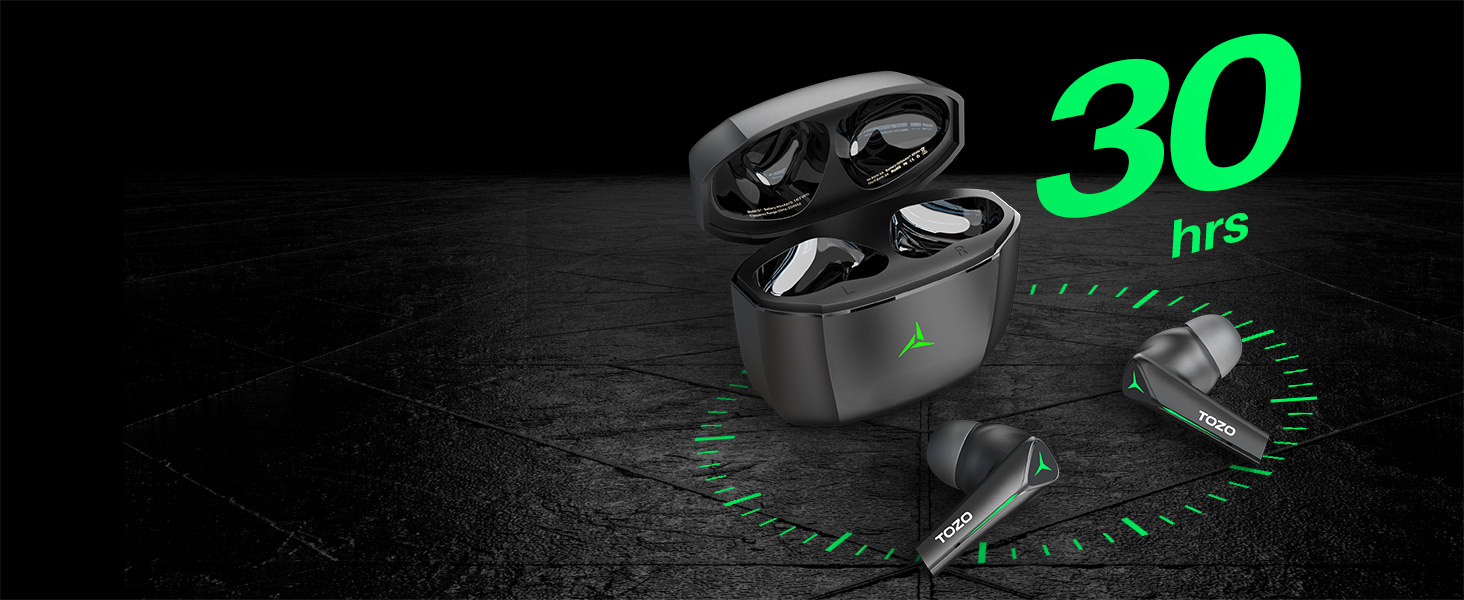
Image: TOZO G1 earbuds shown next to a smartphone displaying Bluetooth pairing options, with the earbuds emitting a green light.
- Open the charging case. The earbuds will automatically enter pairing mode (indicated by flashing LED lights).
- On your device (smartphone, tablet, laptop, gaming console), enable Bluetooth.
- Saili mo "TOZO G1" in the list of available devices and select it to connect.
- Once connected, the earbud LED lights will turn off or show a steady light.
Fa'atonuga o Galuega
1. Game & Music Dual Mode
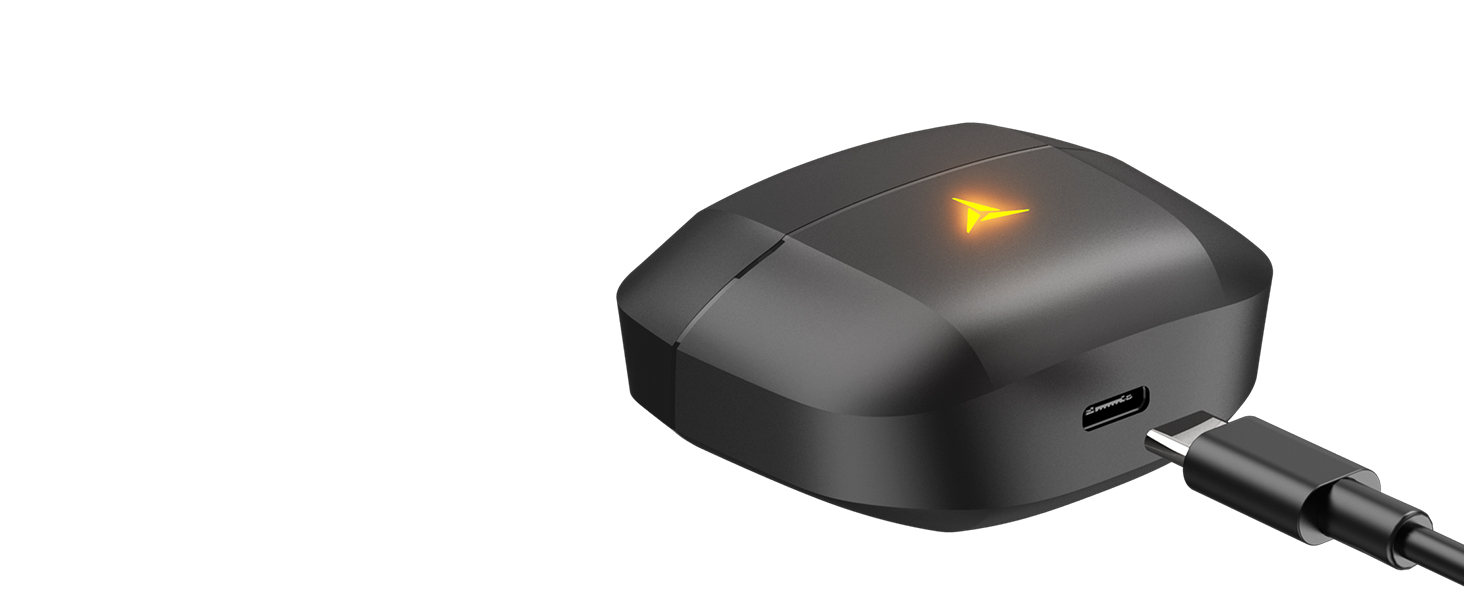
Image: A split image showing the TOZO G1 earbuds in "Game Mode" with a gaming scene and "Music Mode" with a person playing guitar, highlighting the dual functionality.
The TOZO G1 earbuds feature a dual mode for optimized audio performance:
- Faiga ta'aloga: Provides 45ms ultra-low latency for synchronized audio and video, enhancing gaming with accurate sound detection (footsteps, gunfire).
- Faiga Musika: Delivers high-fidelity sound with powerful bass (16Hz-20kHz), mellow midrange, and clear treble for an immersive listening experience.
2. Smart Touch Control

Image: A diagram illustrating the touch control functions for the left and right TOZO G1 earbuds, including play/pause, track skipping, volume control, call management, and voice assistant/game mode activation.
Control your earbuds with simple touch gestures:
| Gaioiga | Earbud agavale | Taliga taumatau taliga |
|---|---|---|
| Ta'alo/Taofi | Tasi le Tasi le Tasi (X1) | Tasi le Tasi le Tasi (X1) |
| Pese talu ai / sosoo ai | Double Tap (X2) - Previous | Double Tap (X2) - Next |
| Tali/Ta'u le Valaau | Tasi le Tasi le Tasi (X1) | Tasi le Tasi le Tasi (X1) |
| Teena Valaau | Taofi mo le 2 sekone | Taofi mo le 2 sekone |
| Volume Down/Up | Hold for 2 seconds - Volume Down | Hold for 2 seconds - Volume Up |
| Voice Assistant/Game Mode | Triple Tap (X3) - Voice Assistant | Triple Tap (X3) - Game Mode |
Tausiga
- Fa'amamā soo taliga ma le pusa e fa'atumu ai le telefoni i se ie vaivai ma mago.
- Avoid exposing the earbuds to extreme temperatures or liquids. While waterproof, prolonged submersion is not recommended.
- Store in the charging case when not in use to protect and keep them charged.
Fa'afitauli
- E le fetaui taliga taliga:
- Ensure both earbuds are in the charging case and the case is open. Check your device's Bluetooth settings and try reconnecting. If issues persist, reset the earbuds (refer to the full user manual for specific reset instructions).
- Leai se leo pe maualalo le leo:
- Check the volume levels on both your device and the earbuds. Ensure earbuds are properly seated in your ears. Verify the earbuds are connected to the correct device.
- Totogi fa'afitauli:
- Ensure the charging cable is securely connected to both the case and the power source. Try a different USB-C cable or power adapter. Clean the charging contacts on the earbuds and inside the case.
Fa'amatalaga
| Fa'aaliga | Fa'amatalaga |
|---|---|
| Igoa Fa'ata'ita'iga | G1 |
| Tekinolosi Feso'ota'i | Uaealesi (Bluetooth 5.3) |
| Latency Leo | 45 Milliseconds (Game Mode) |
| Malosi o le maa (Earbuds) | E oʻo i le 6 Itula |
| Aofa'i Taimi Ta'aloga (fa'atasi ai ma le Totogi Fua) | E oʻo i le 30 Itula |
| Suavai Tetee Level | Le vai (IPX5) |
| Metotia Pulea | Pa'i |
| Fa'aaofia Vaega | TOZO G1 Wireless Earbuds, Wireless Charging Case, Eartips, USB A to USB C Charging Cable, User Manual |
Vitio Oloa Aloaia
Vitio: O se fa'aaliga fa'aalia o oloa vitiōcasing the TOZO G1 Wireless Gaming Earbuds and their features.
Fa'amaonia & Lagolago
TOZO products come with a standard manufacturer's warranty. For detailed warranty information, product support, or to contact customer service, please visit the official TOZO webnofoaga po'o le va'ai i le pepa fa'amaonia o lo'o i totonu o lau afifiina o oloa.
Aloaia Webnofoaga: www.tozostore.com